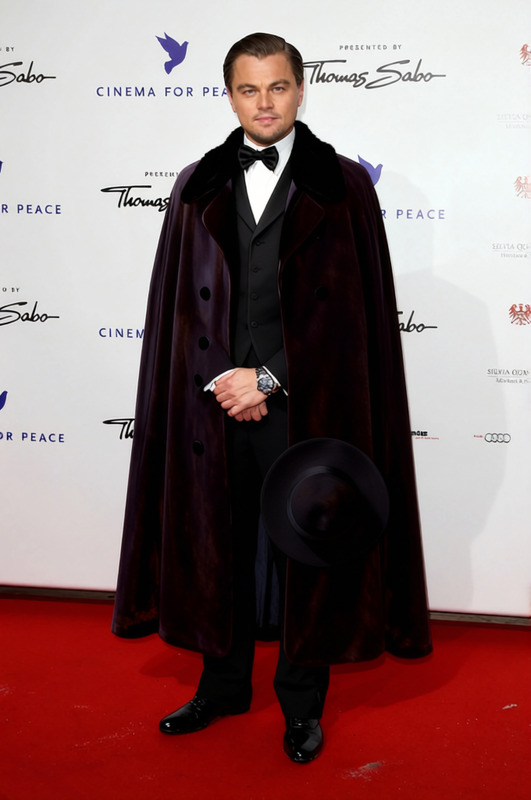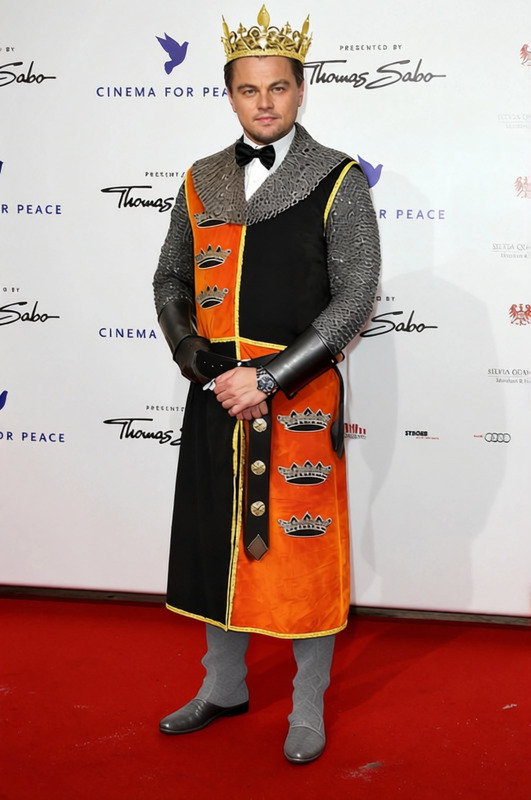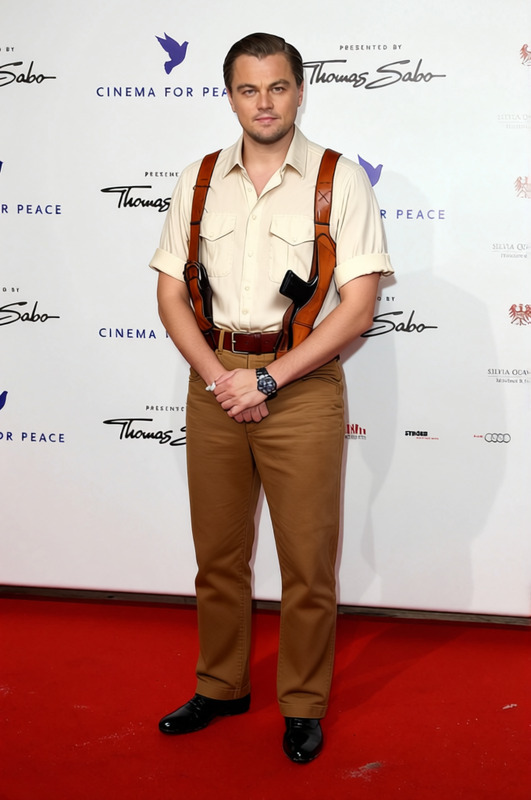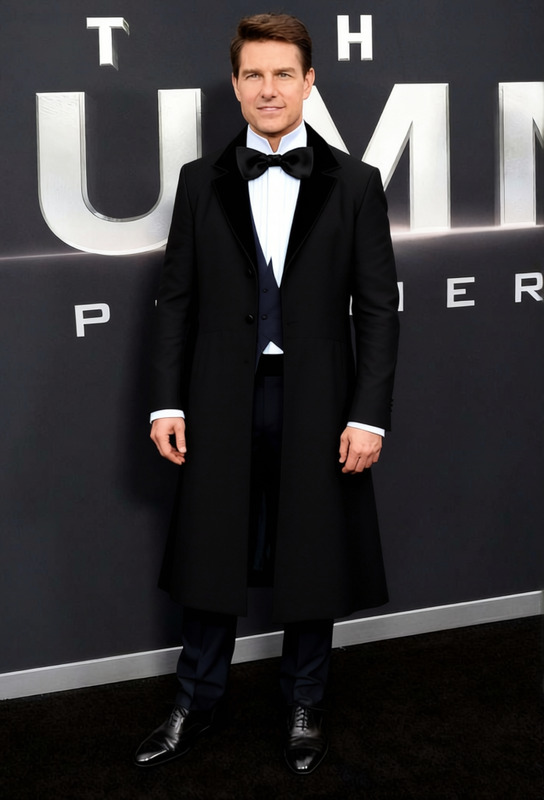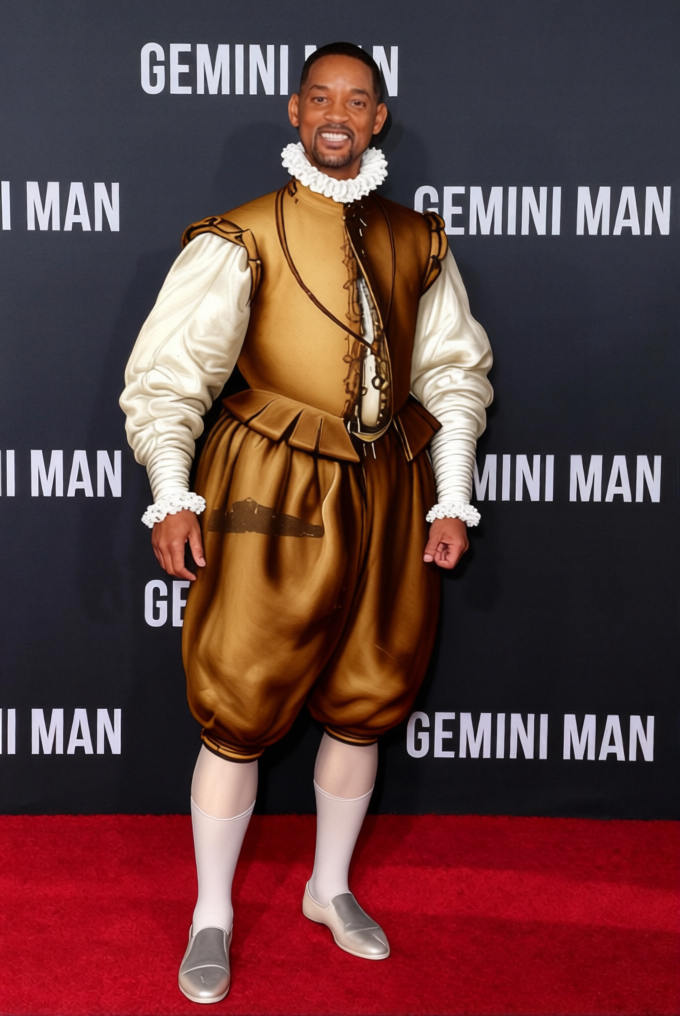
William Shakespeare Elizabethan Doublet With Ruff Collar
- Image
- 680 × 1016 px
Any aspect ratio
Overview
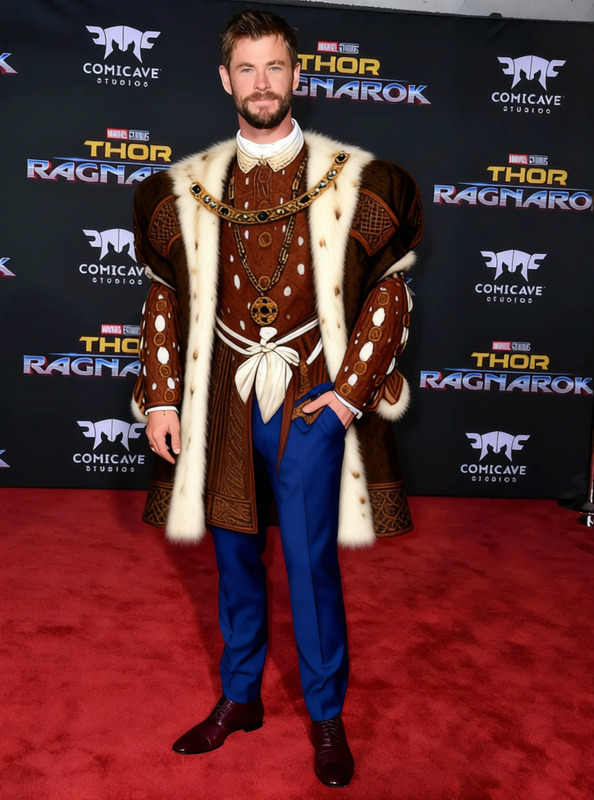
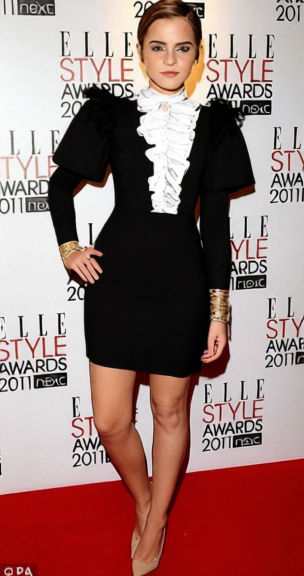
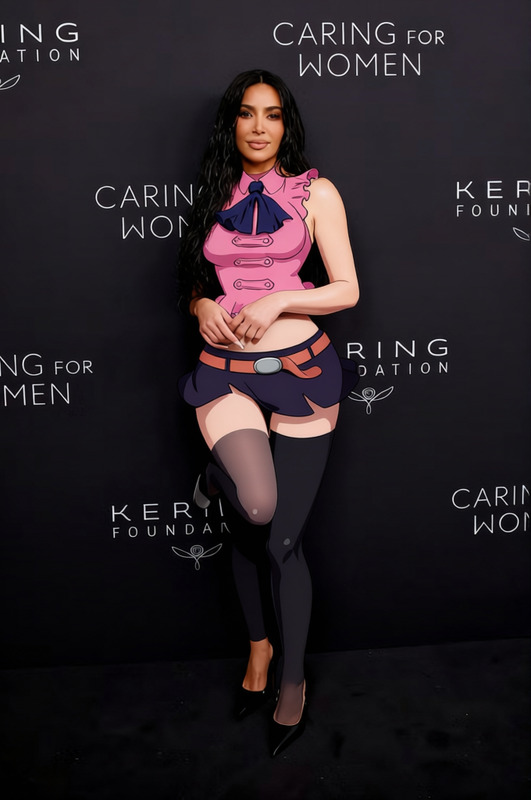
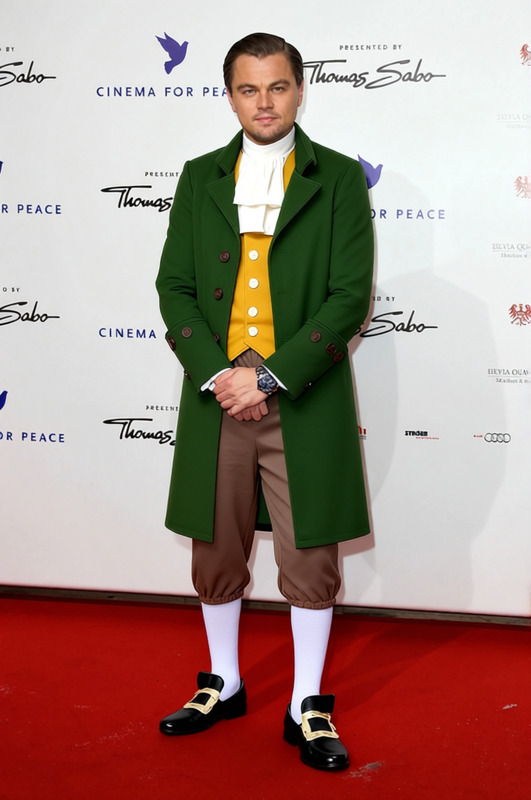
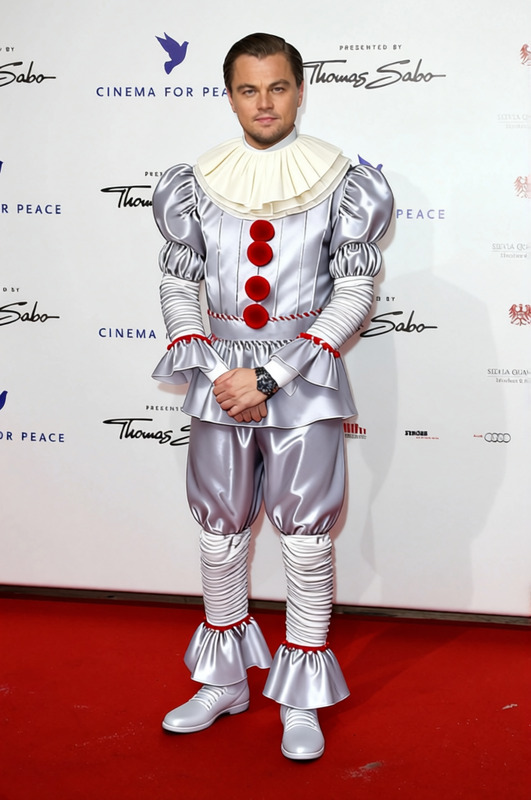
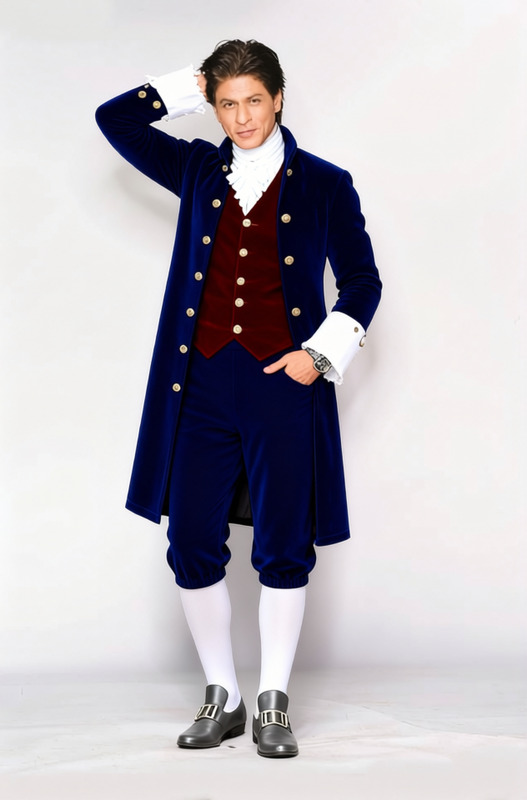
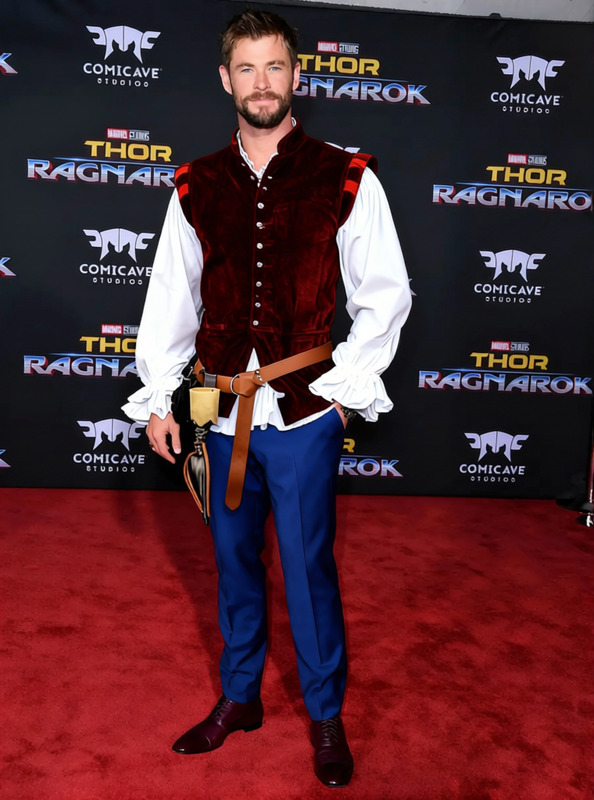
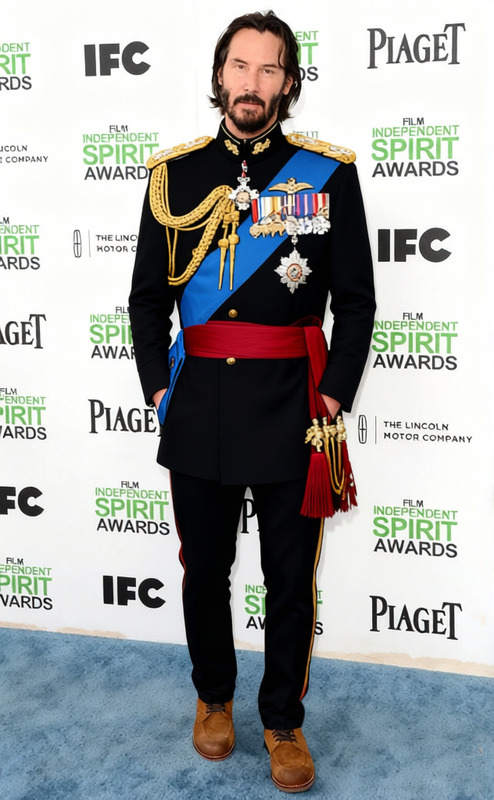
The William Shakespeare Elizabethan Doublet With Ruff Collar template lets you transform any image with an authentic Elizabethan look. This AI Clothes Changer template provides the tools to style portraits using the classic attire of the Elizabethan era, perfect for theatrical promotions or historical projects.
What It Does
This template creates a realistic depiction of Elizabethan doublets, complete with a ruff collar, using advanced AI techniques. The transformation process does not alter the subjects' faces, making it ideal for maintaining personal identity while achieving the desired historical look. Seamlessly integrate with our AI Image Editor to enhance your project further.
Who It's For
This template is ideal for anyone in the creative industries, such as filmmakers, event planners, or educators, who want to create engaging visuals with a historical twist. It's also perfect for digital marketers looking to diversify content for their campaigns. Use alongside our AI Talking Photo for a comprehensive multimedia approach.
Summary
The William Shakespeare Elizabethan Doublet With Ruff Collar template offers a unique way to dress up any subject in classic Elizabethan attire. This tool is designed for anyone looking to add some historical flair to their images without expert design skills, integrating smoothly with other AI tools for a versatile creative experience.
How To
Choose Your Template

Customize Your Image

Generate Your Image

Use Cases
Film and Theater
- Use in movie posters or promotional material.
- Easily adapt visuals for different characters.
Educational Materials
- Create visual aids for classroom settings.
- Develop engaging online history content.
Social Media Content
- Promote cultural events with themed posts.
- Engage audiences with unique content.
Best Practices
Choose High-Quality Images
For the best results, use images with high resolution and clear details to ensure the doublet and collar fit naturally.Combine with Other Tools
Enhance your outcome by using the AI Image Editor to adjust lighting and color tones.Consider Context and Audience
Tailor the historical elements to fit the context of your project and resonate with your target audience.
Frequently asked questions
More Like This