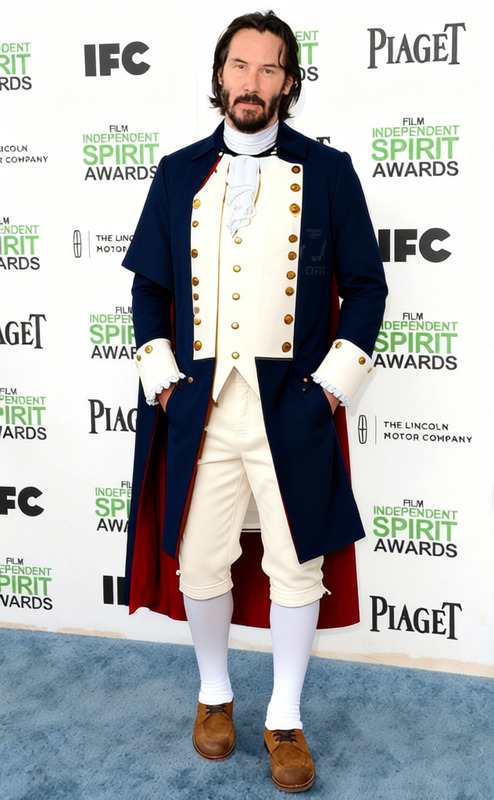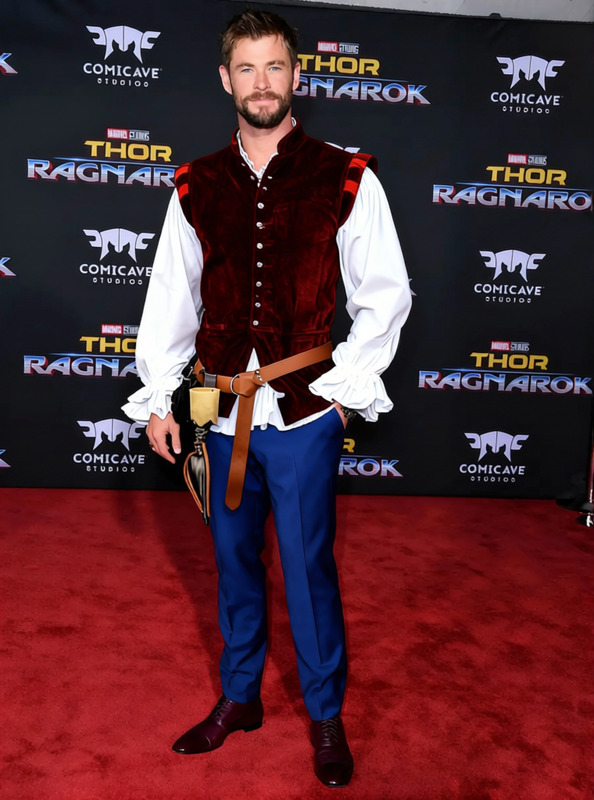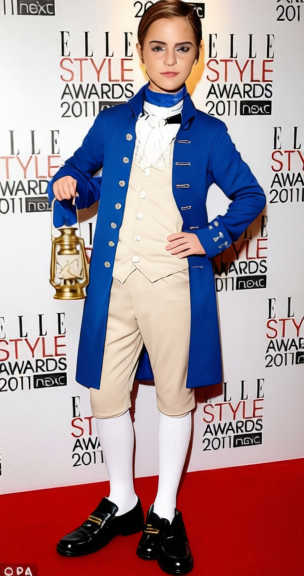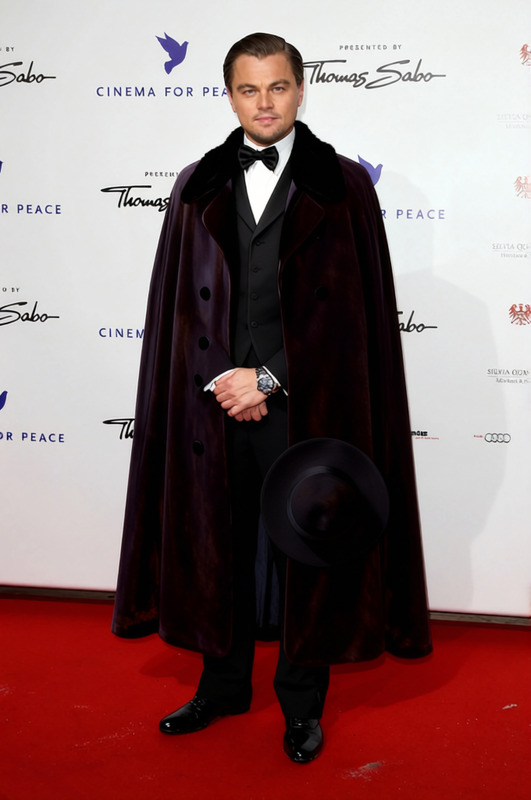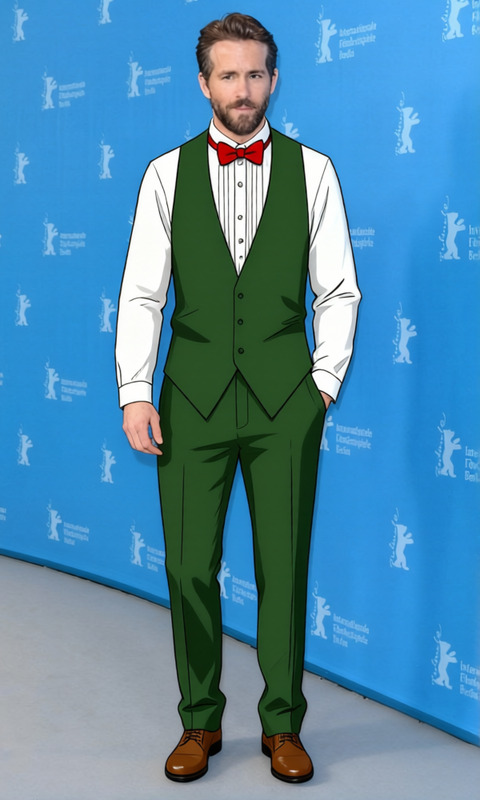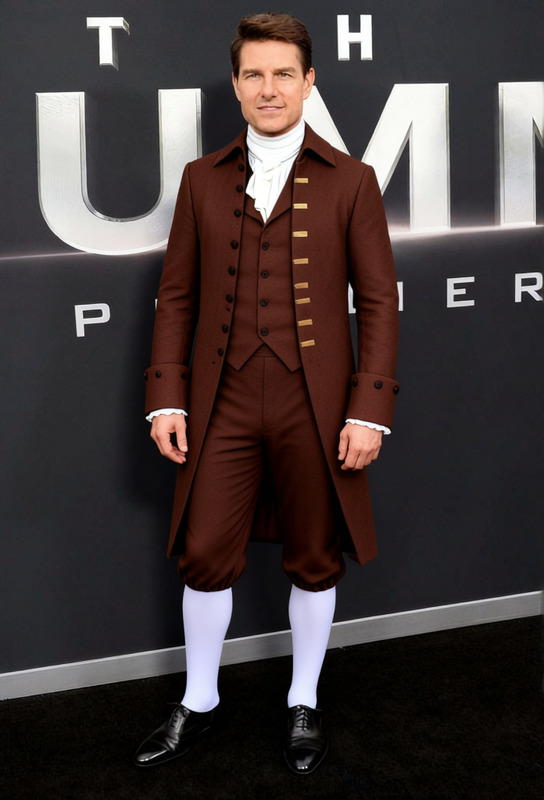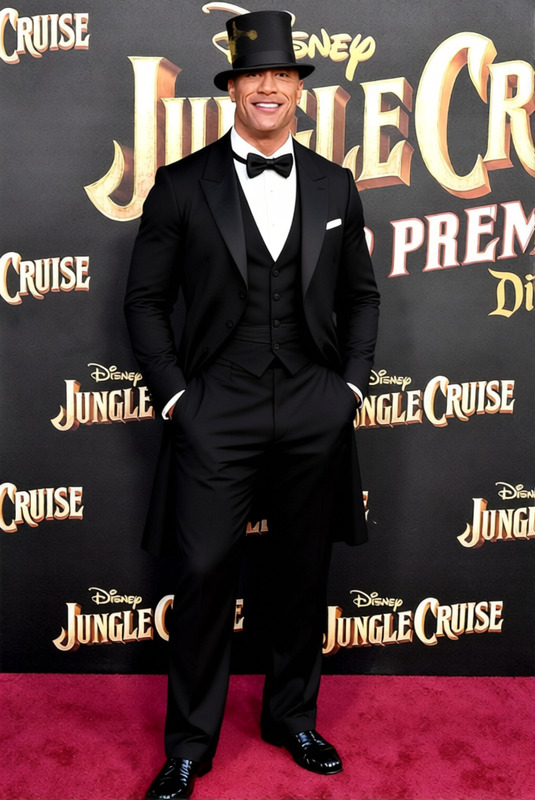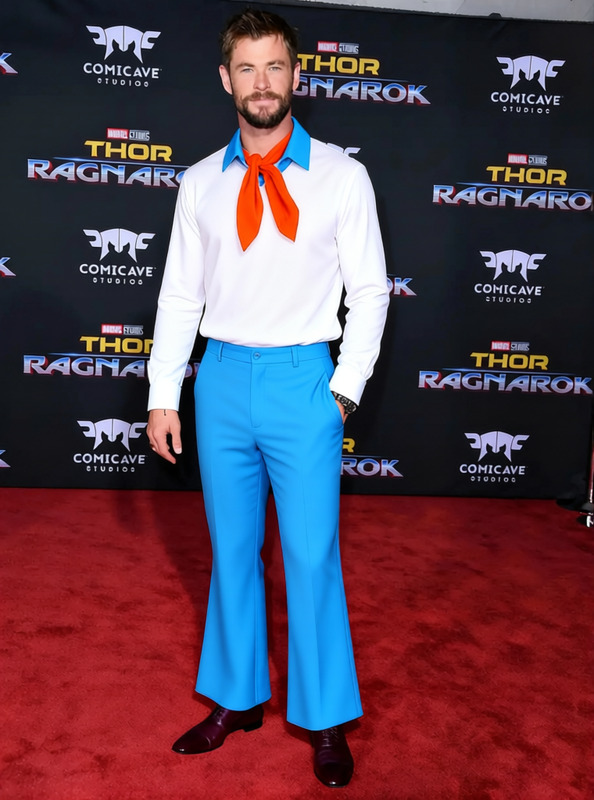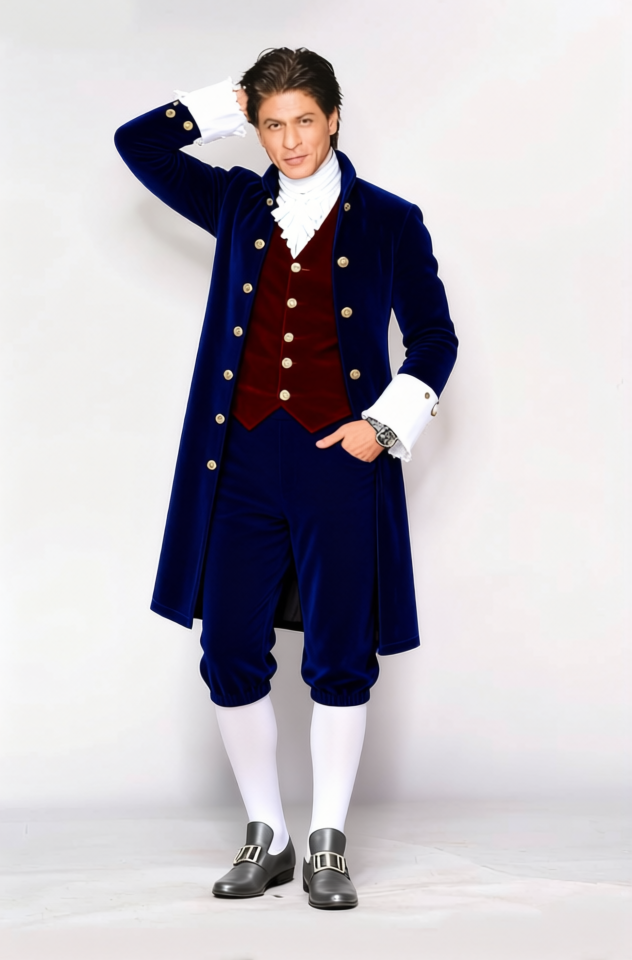
Thomas Jefferson Colonial Waistcoat With Cravat
- Image
- 632 × 960 px
Any aspect ratio
Overview
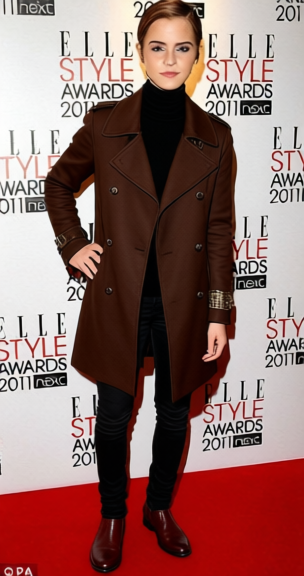
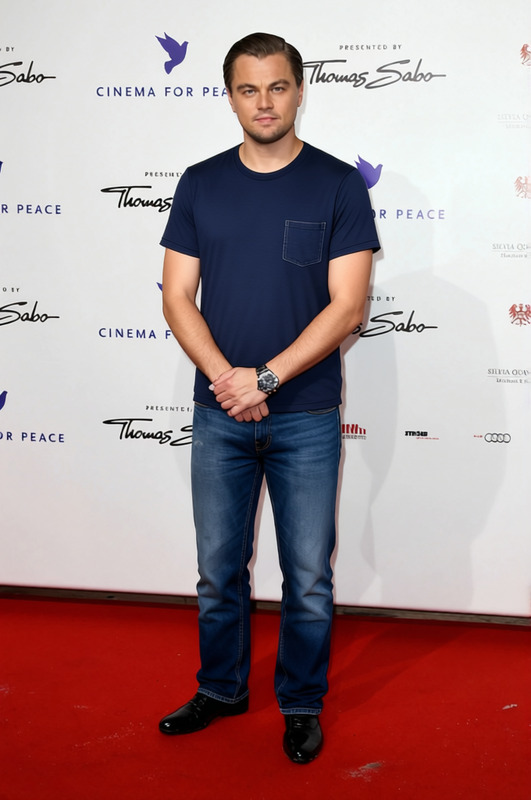
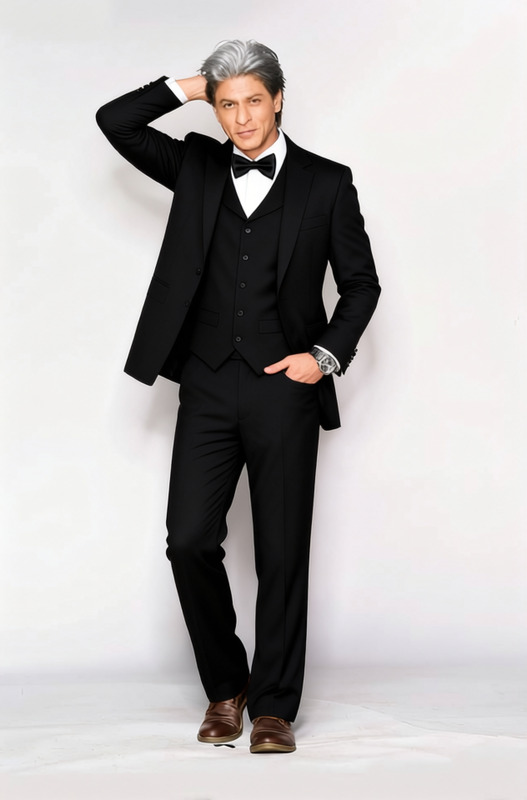
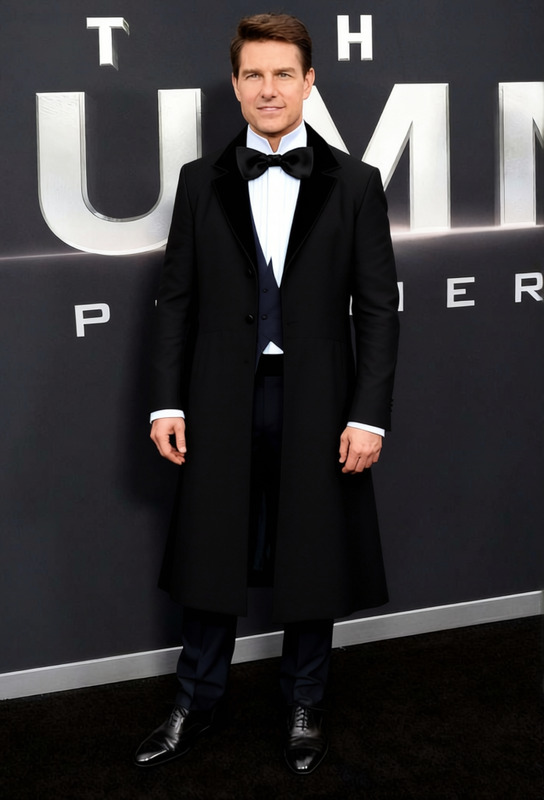
Transform modern attire into historical elegance with the Thomas Jefferson Colonial Waistcoat With Cravat template. This Clothes Changer template allows you to swap contemporary clothing for a classic 18th-century look, complete with a waistcoat and cravat. Ideal for historical reenactments or educational content, this template brings a touch of history to your digital wardrobe.
What It Does
This template overlays a detailed colonial waistcoat and cravat onto your existing images, giving them an authentic period style. The ornate pattern and textures are generated with AI precision, ensuring a realistic integration with the subject's original clothing. By leveraging this template, users can convert any photo into a piece of history, perfect for creative projects.
Who It's For
Designed for history enthusiasts, educators, and digital content creators, this template caters to anyone looking to add a historical flair to photos. Whether you're creating material for a history class or engaging with an audience interested in colonial fashion, this tool offers a unique transformation capability. It's also suitable for social media ads and marketing campaigns wanting a distinct visual style.
Summary
The Thomas Jefferson Colonial Waistcoat With Cravat template makes it easy to infuse your photos with 18th-century charm. Enhance your imagery with this template and explore our Photo Colorizer to adjust image hues, ensuring historical accuracy. Perfect for content that demands an authentic, period-correct look.
How To
Choose Your Template

Adjust Your Inputs

Generate Your Image

Use Cases
Historical Education
- Supplement history textbooks
- Create interactive lesson plans
Creative Projects
- Craft narratives set in the colonial era
- Design promotional materials for heritage events
Social Media Content
- Celebrate historical anniversaries
- Create themed posts for national holidays
Best Practices
Ensure Accurate Fit
For a realistic look, align the waistcoat and cravat correctly with the subject's body shape.Combine with Color Adjustment
Use the AI Image Editor to tweak colors, aligning the image's tones with historical palettes.Optimize Resolution
For the best results in detail, ensure your original image is of high resolution before applying the transformation.
Frequently asked questions
More Like This