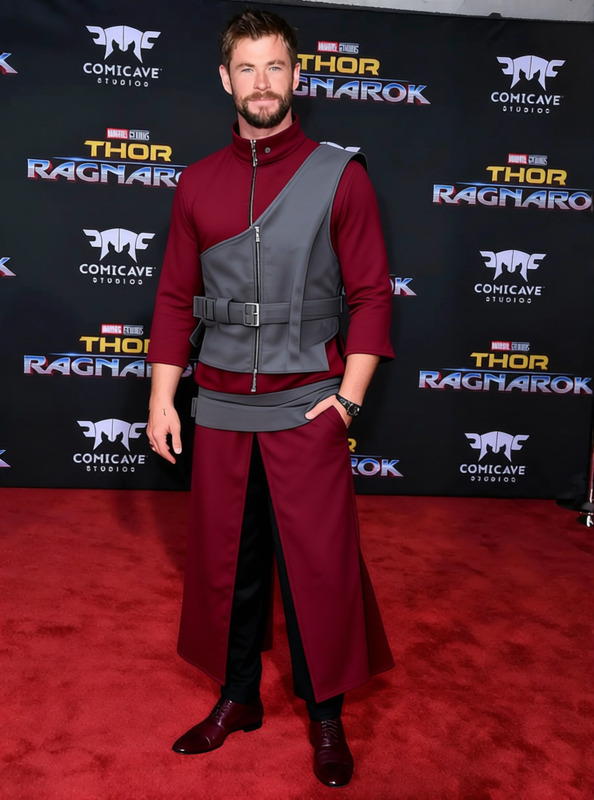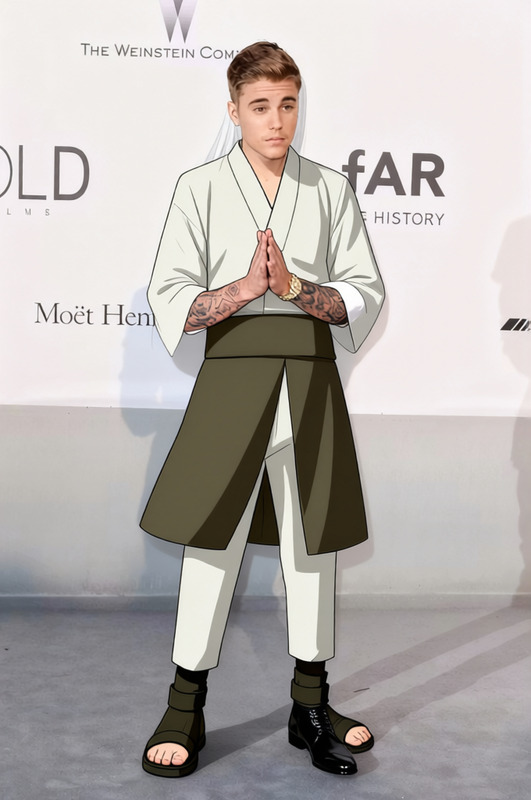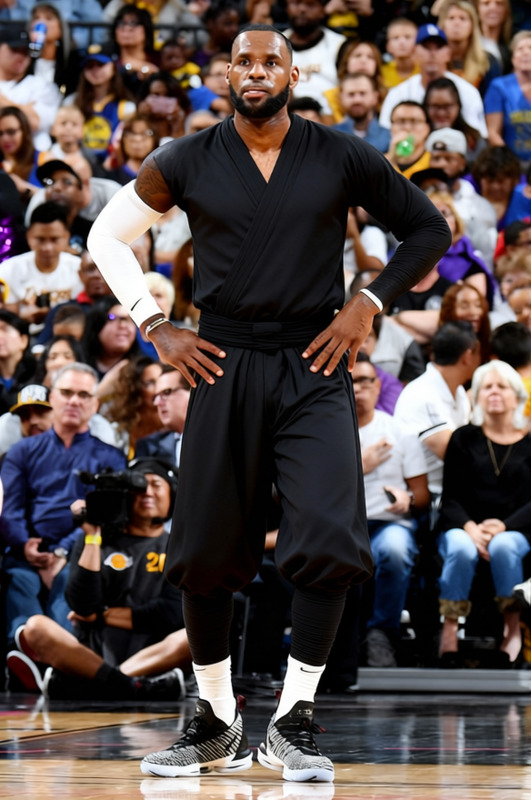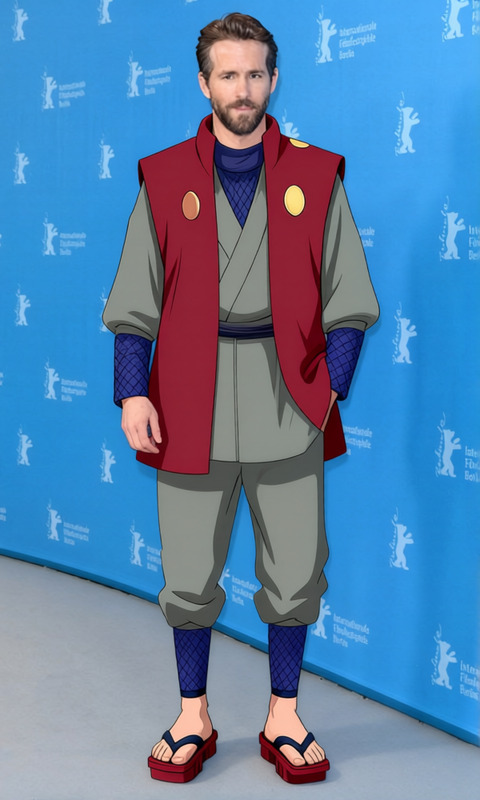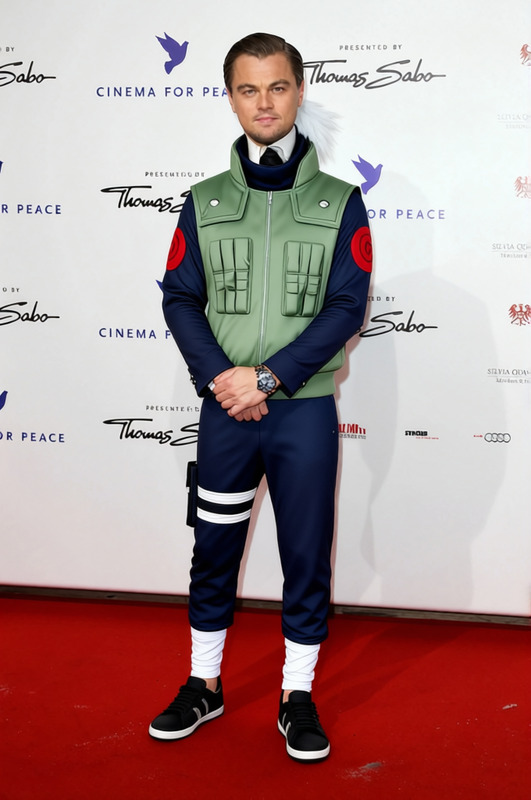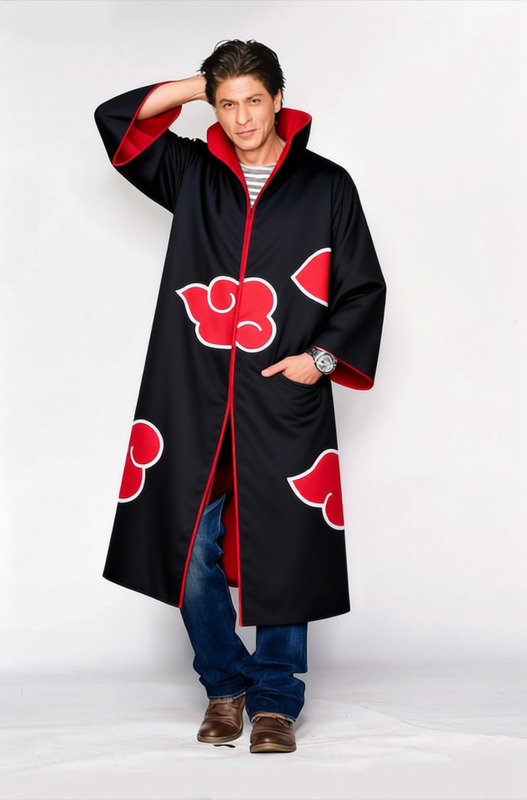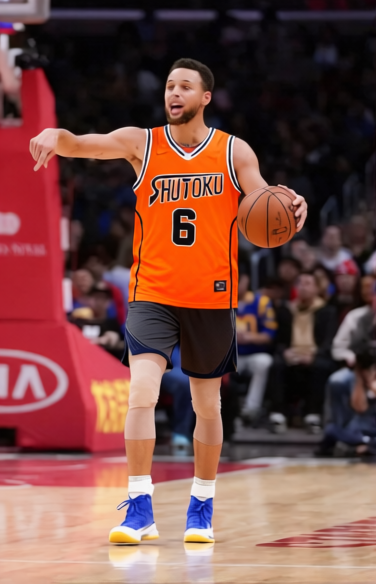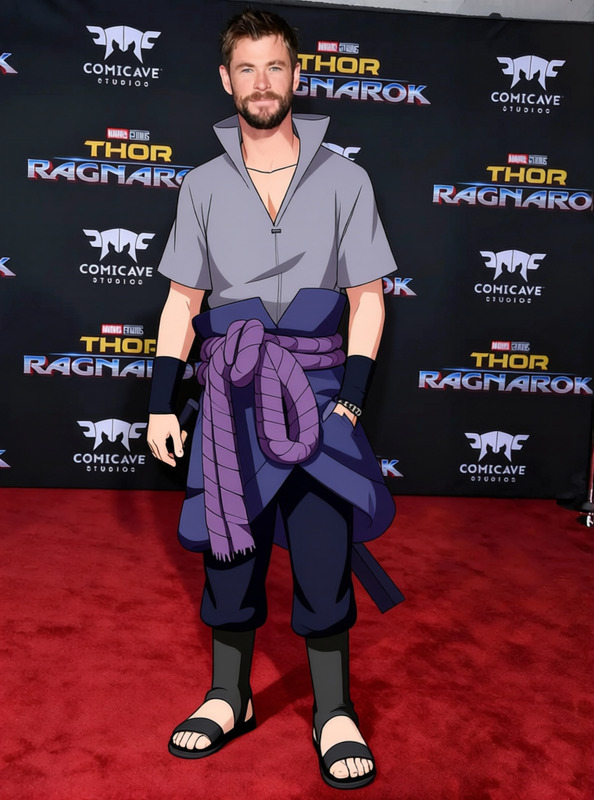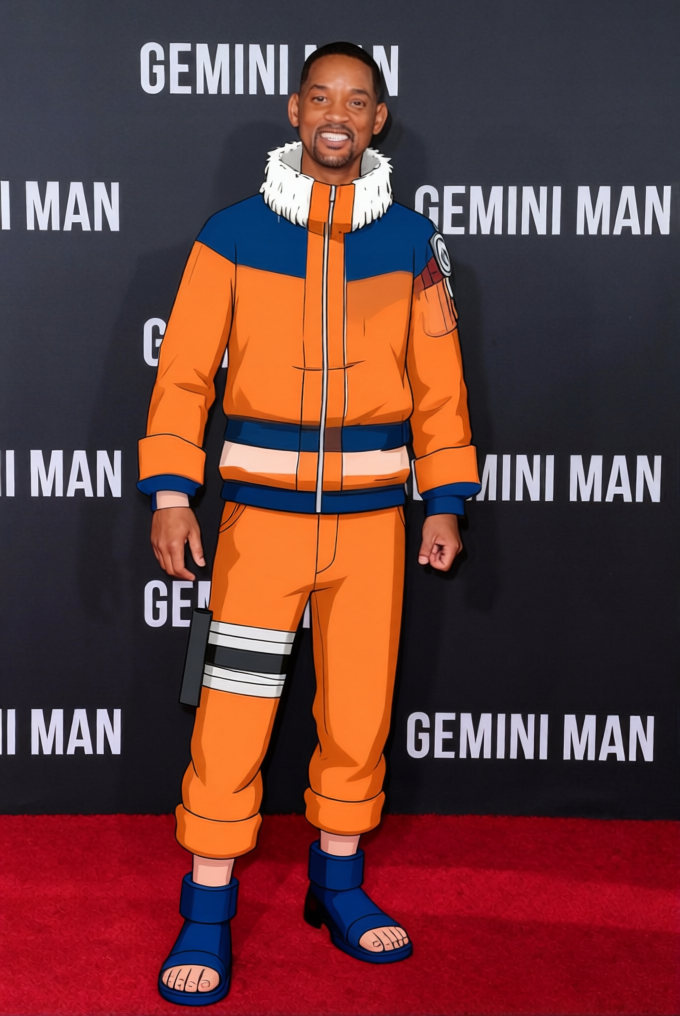
Naruto Uzumaki Orange And Blue Kid Tracksuit 2
- Image
- 680 × 1016 px
Any aspect ratio
Overview
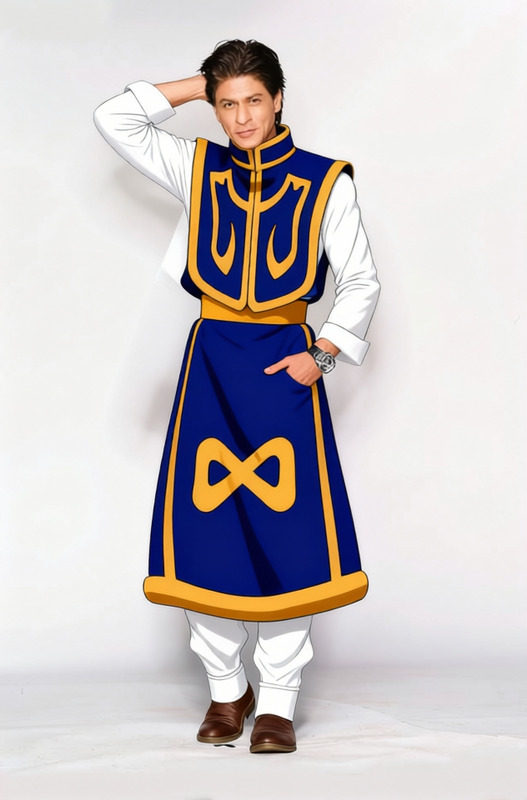
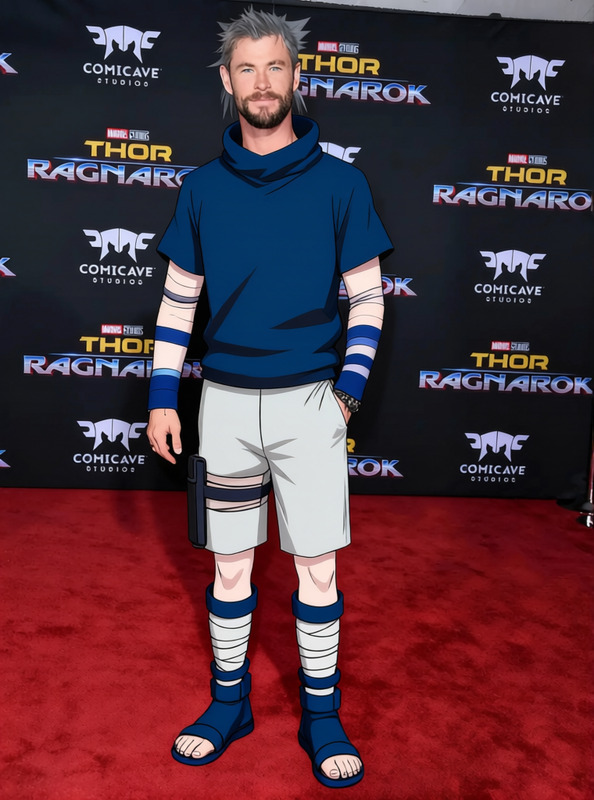
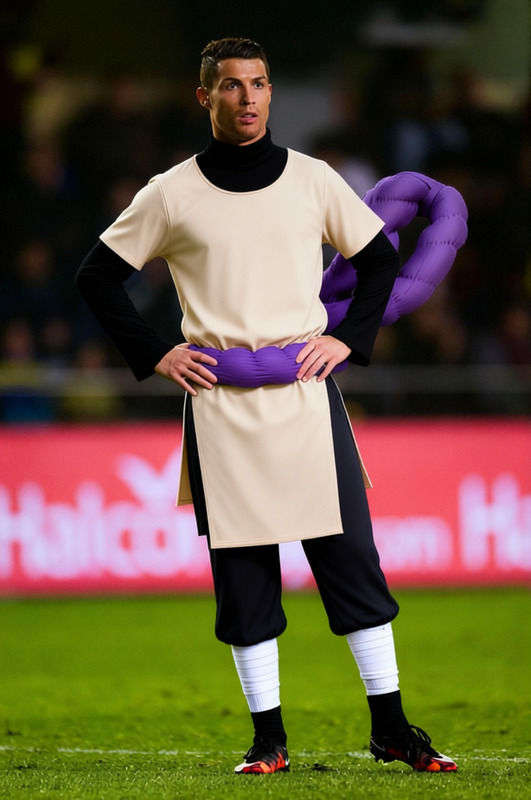
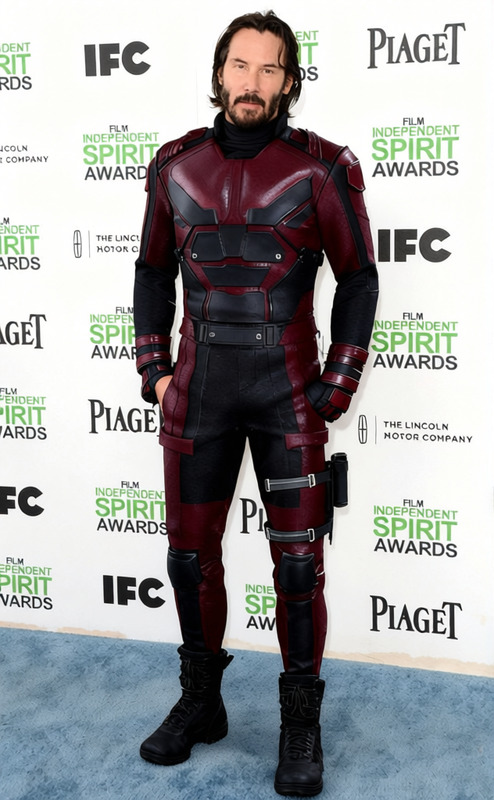
The Naruto Uzumaki Orange and Blue Kid Tracksuit template provides an exciting way to change the appearance of a subject in videos by digitally altering their attire. Inspired by the iconic anime character's look, this tracksuit is ideal for anyone wanting to add a dash of anime flair to their projects.
Transform digital characters with the simplicity of an AI Clothes Changer. The template accepts various video and image formats, making it versatile for multiple editing needs.
What It Does
This template allows users to superimpose a Naruto Uzumaki-style tracksuit onto individuals in their videos, mimicking the bright orange and blue ensemble. It supports various media types and integrates with models like the Nano Banana 2 for efficient processing and realistic output.
Ideal for content creators working on themed projects, anime fans can now bring an authentic touch to their footage with ease.
Who It's For
This clothes-changing template is perfect for content creators, anime enthusiasts, and digital artists who wish to infuse some Naruto essence into their work. It's particularly useful for producing themed content for social media platforms like TikTok and Instagram.
Agencies focusing on creative projects can also leverage this tool to create captivating material that resonates with anime fans.
Summary
Bring anime to life in your visuals with the Naruto Uzumaki Orange and Blue Kid Tracksuit template. Designed to fit comfortably into the AI Product Photography workflow, it provides a distinctive look that stands out in any creative content.
This template is not just for fan content; it's a valuable asset for anyone in the Text to Video space looking to add a unique twist to their projects.
How to Use
Choose Template

Customize

Generate

Use Cases
Anime-Themed Videos
- Enhance cosplay videos
- Anime-inspired music videos
Social Media Content
- Instagram reels
- TikTok trends
Marketing and Promotions
- Brand engagement projects
- Event promotions
Best Practices
Select High-Resolution Media
For the best results, ensure your input media is of high resolution. This enhances the final appearance and clarity of the tracksuit.Maintain Proportions
Adjust the tracksuit dimensions carefully to maintain natural proportions on the subjects and ensure the overlay looks realistic.Experiment with Angles
Try different camera angles and perspectives to achieve the most dynamic and engaging visual effects.
Frequently asked questions
More Like This