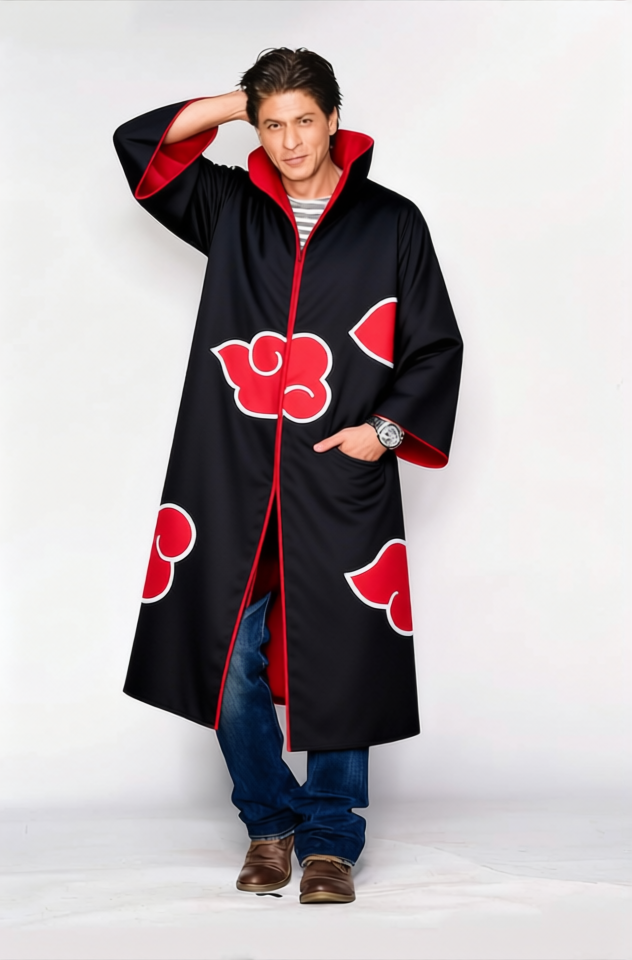
Itachi Uchiha Black Akatsuki Cloak With Red Clouds 2
- Image
- 632 × 960 px
Any aspect ratio
Overview
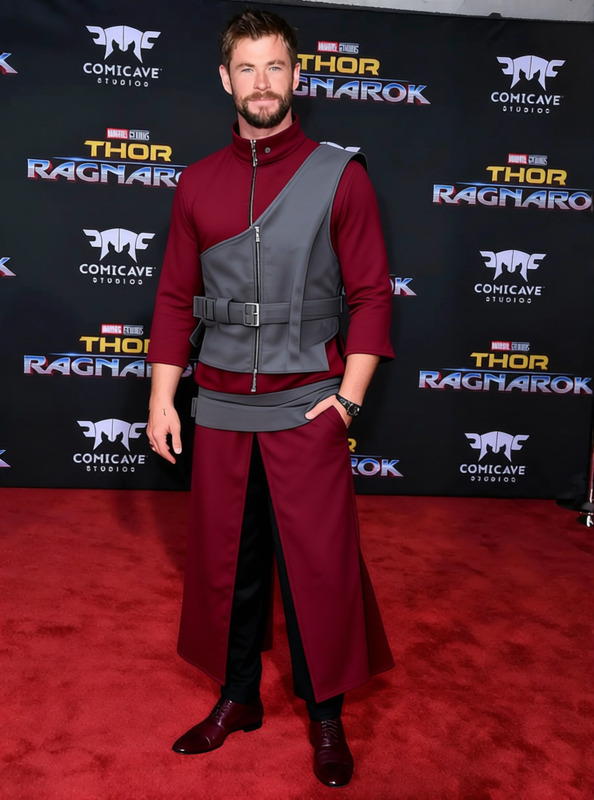
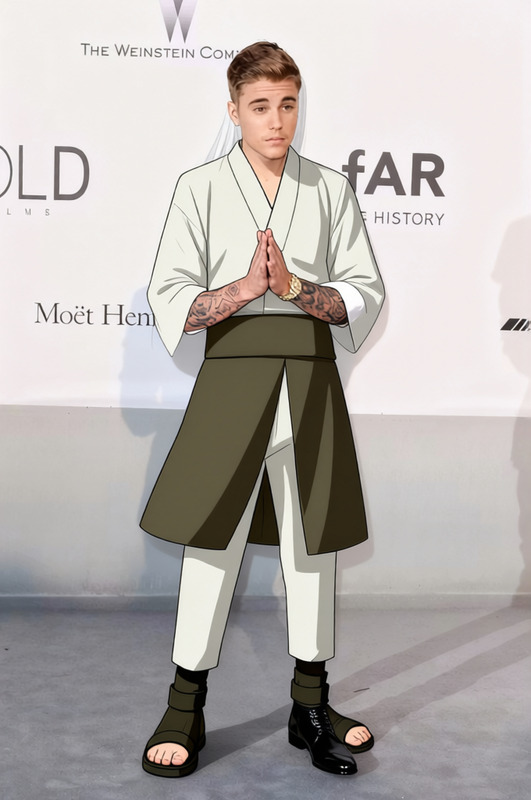
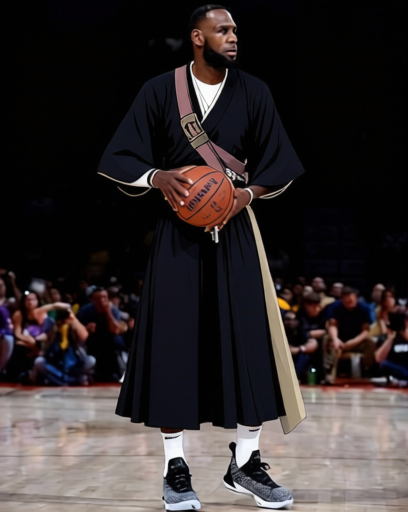
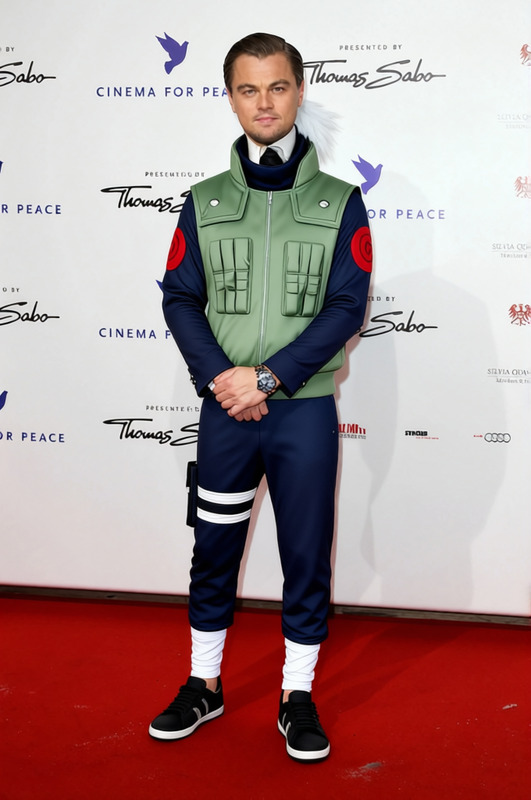
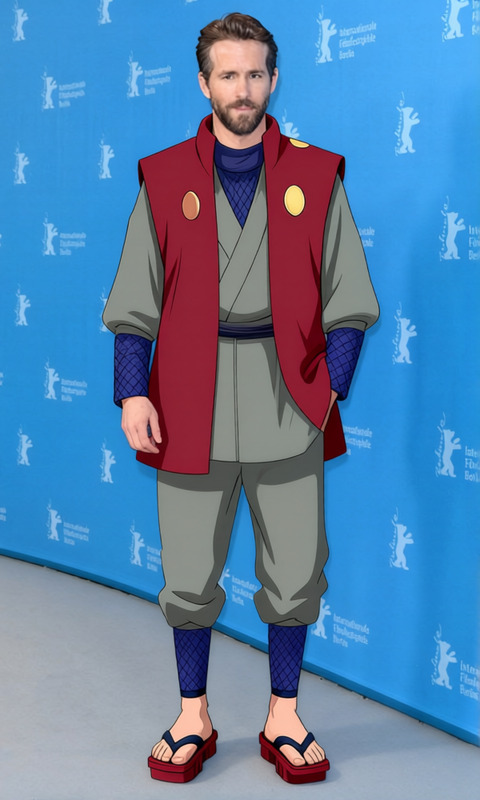
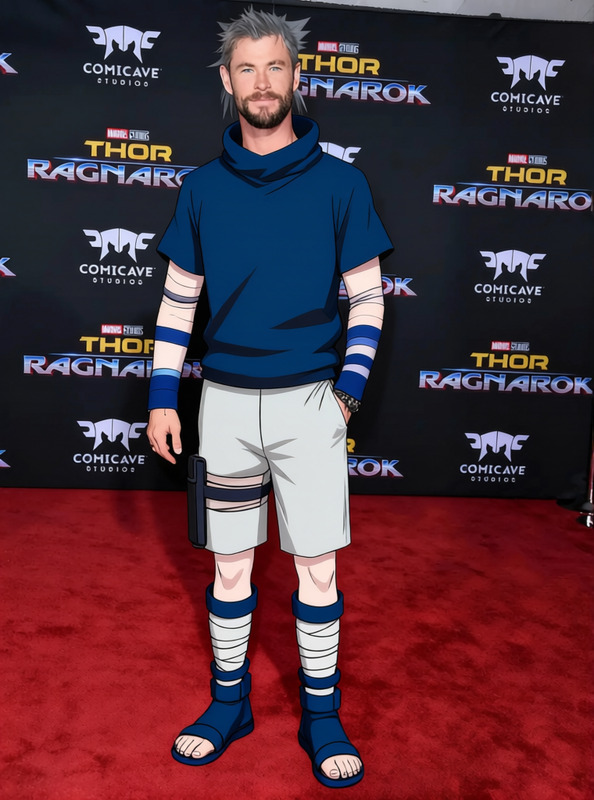
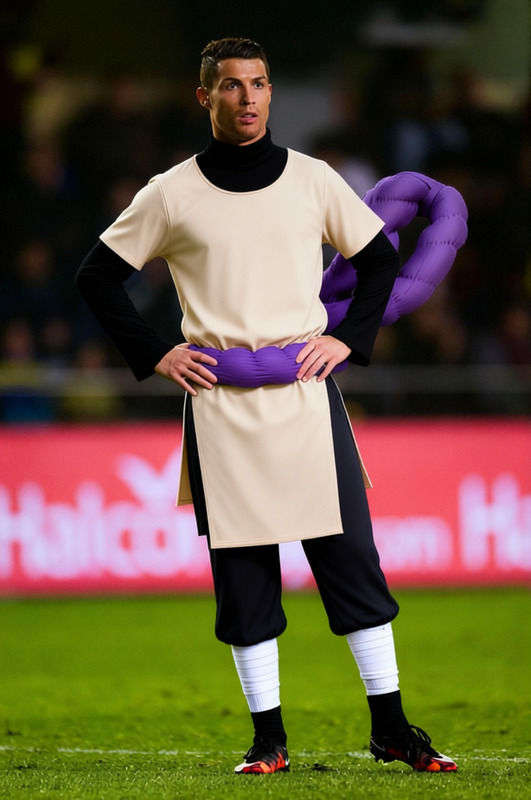
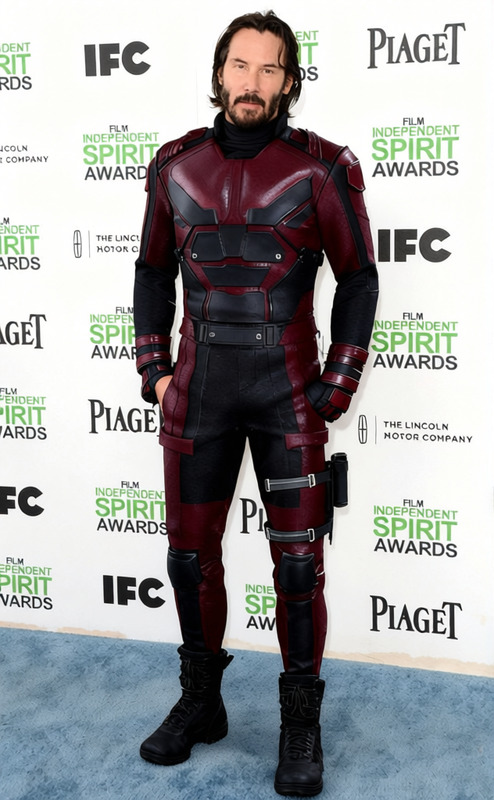
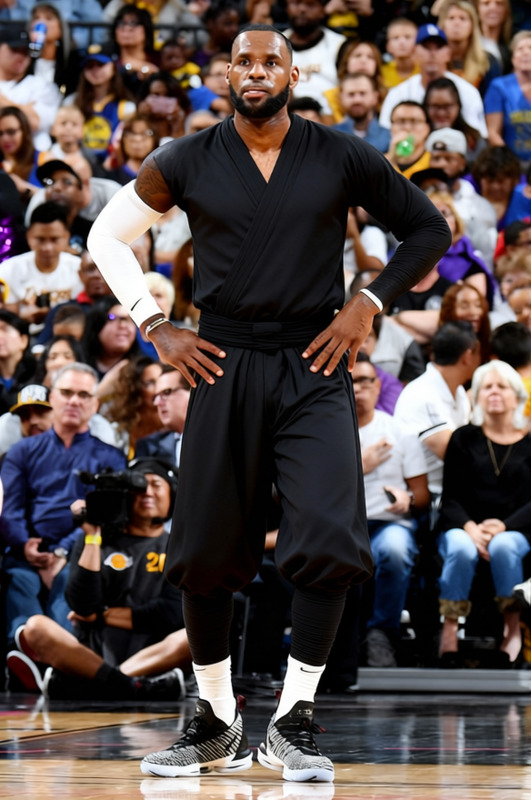
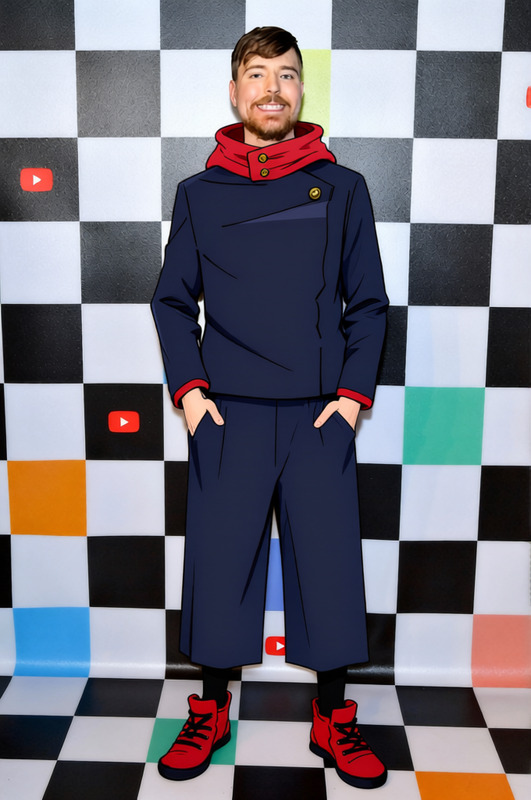
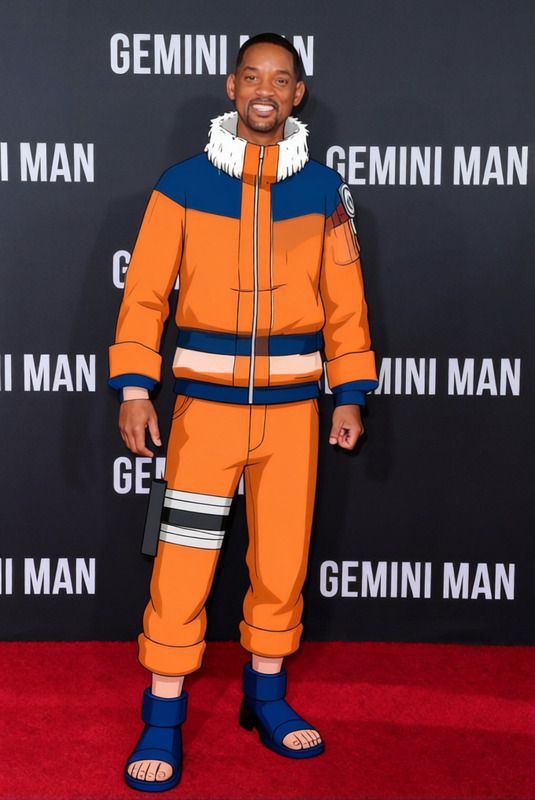
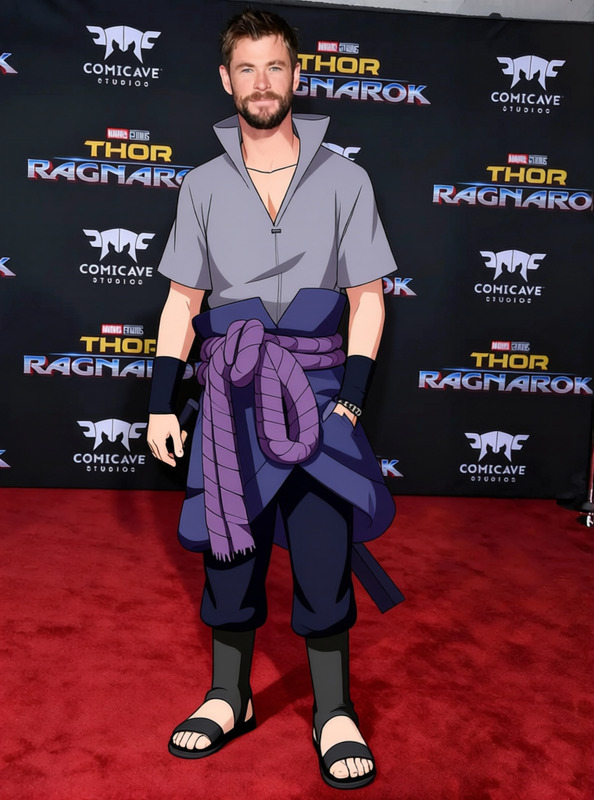
The Itachi Uchiha Black Akatsuki Cloak With Red Clouds 2 template allows you to effortlessly slip into the iconic style of Itachi Uchiha. This AI Clothes Changer template transforms your attire by overlaying Itachi's signature cloak, complete with red cloud details, onto your photos or videos. Available for use in both personal and creative projects, it directly integrates with our robust AI tools to ensure that the results maintain a high level of realism and artistry.
What It Does
This template is designed to digitally replace clothing in your images or videos with the recognizable Akatsuki cloak worn by Itachi Uchiha. It leverages advanced AI Image Editor technology to ensure the cloak fits seamlessly over your existing outfit, maintaining natural movement and proportion. The cloak's distinctive black and red design can be customized to other scenes or settings, enhancing creativity while staying true to the Naruto universe aesthetic.
Who It's For
This template caters primarily to fans of the Naruto series, cosplay enthusiasts, and content creators looking to produce themed content without the need for actual costumes. It is particularly useful for social media ads or Instagram Reels, offering a unique way to engage audiences with familiar and dramatic outfits.
Summary
The Itachi Uchiha Black Akatsuki Cloak template merges powerful AI technology with creative fashion transformation, allowing users to adopt an iconic anime look. Ideal for both individual users looking for unique profile pictures and businesses aiming to spice up their creative content, this template offers a rich, immersive experience with AI Profile Picture Generator capabilities and more.
How-To
Choose Your Template

Customize Your Look

Generate and Download

Use Cases
Cosplay Content Creation
- Easier character portrayal
- Creative flexibility
Themed Social Media Posts
- Unique visual content
- Attractive for followers
Anime Themed Marketing
- Target niche audiences
- Enhance ad creativity
Best Practices
High-Resolution Inputs
Use high-resolution images for the best quality overlay, ensuring the cloak details are retained.Lighting and Angles
Match the lighting and angles of the original photo for more seamless integration.Engage Engineered Styles
Experiment with different AI Talking Photo features to animate your cloak-wrapped images, adding a dynamic element.
Frequently asked questions
More Like This