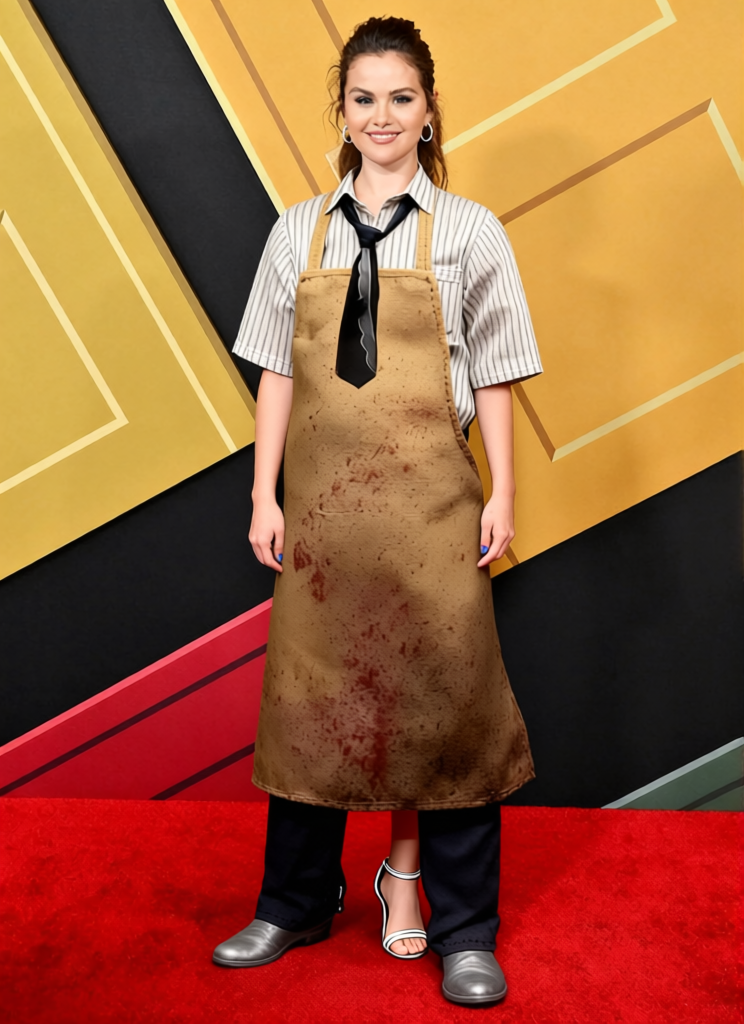
Leatherface Yellow Butcher Apron With Human Skin Mask 2
- Image
- 744 × 1024 px
Any aspect ratio
Overview
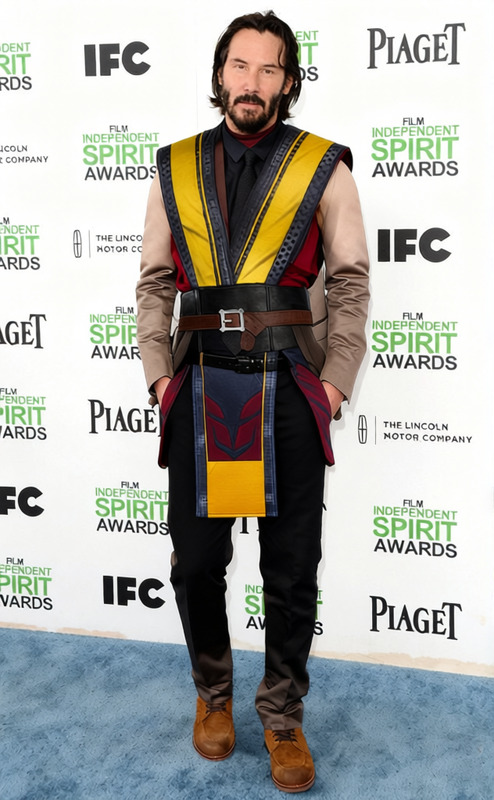
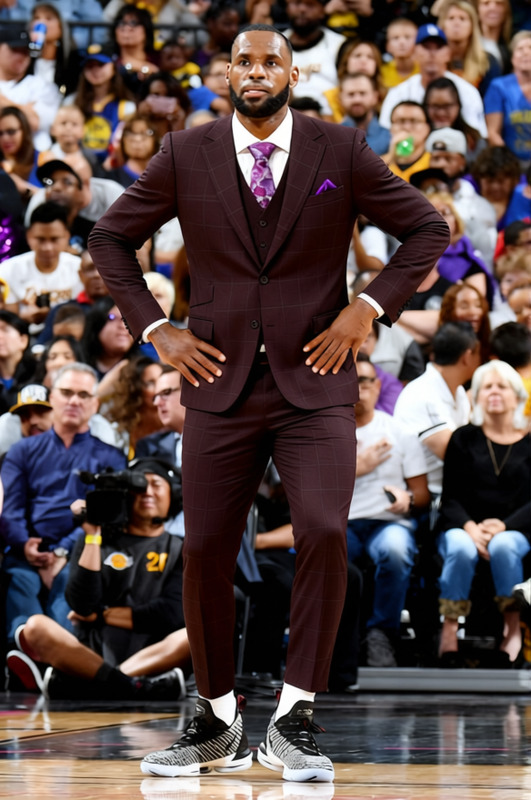
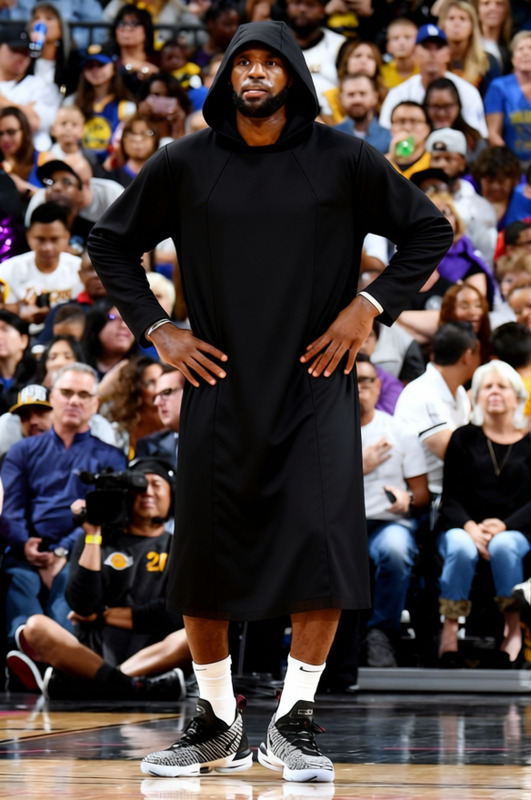
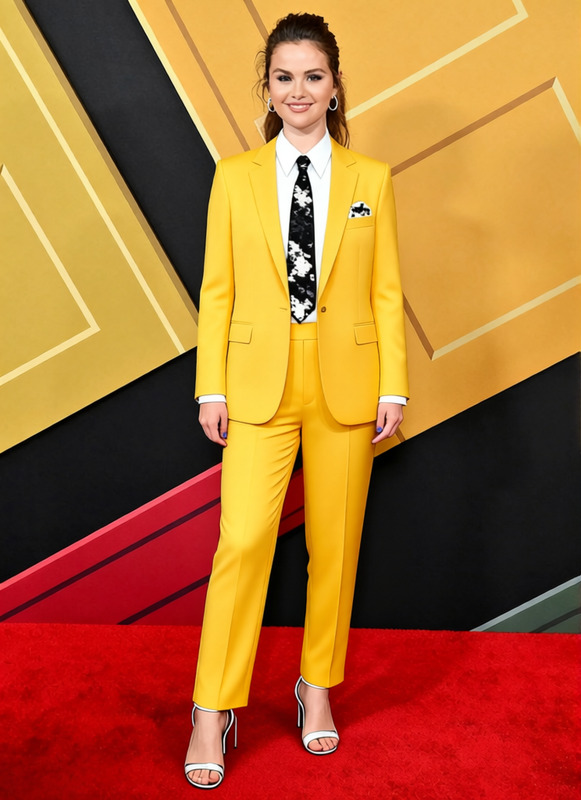
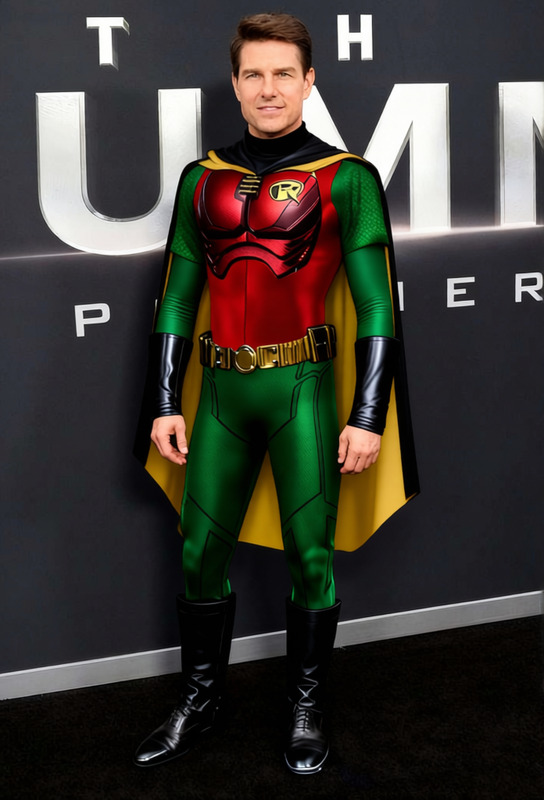
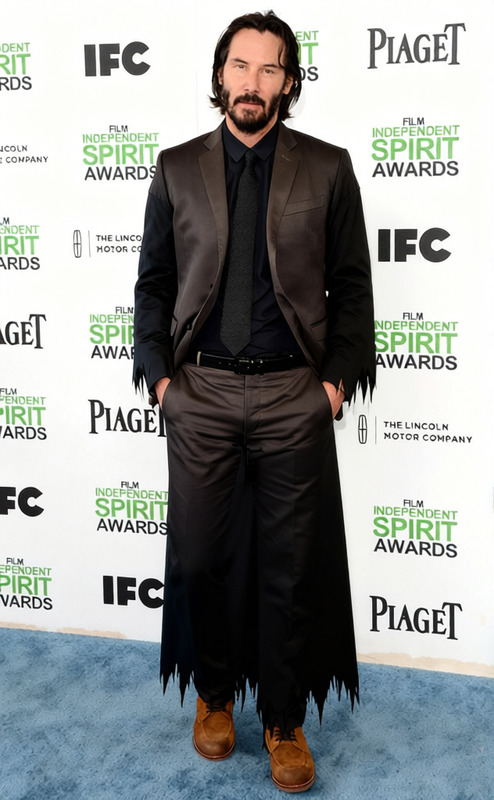
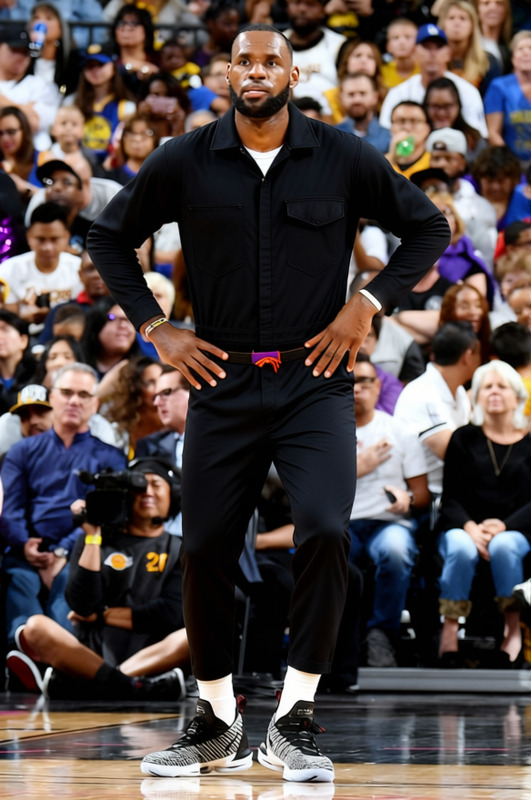
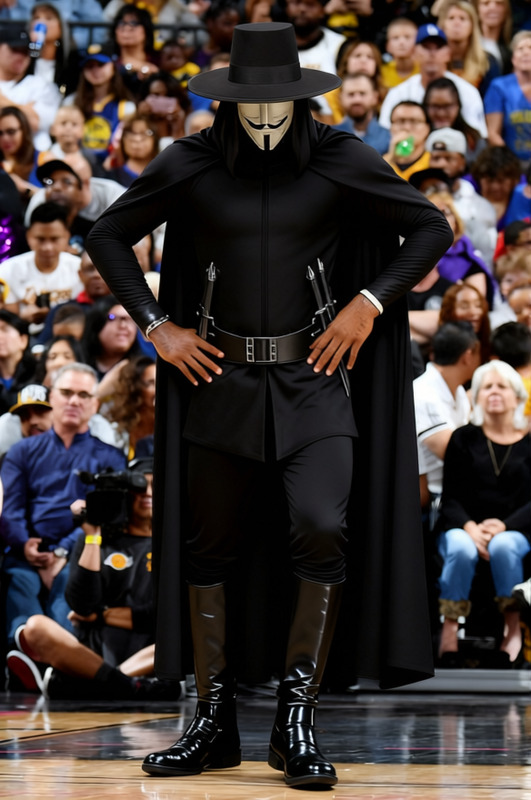
The Leatherface Yellow Butcher Apron With Human Skin Mask 2 template is part of our AI Clothes Changer. It allows you to transform any image by applying a digitally rendered Leatherface-style apron with a distinctive mask, capturing the iconic horror aesthetic. This can be applied to photos for creative projects, costume ideas, or themed visualizations.
What It Does
This template lets you overlay a horror-themed Leatherface apron and mask onto a subject in a photo, using advanced AI to ensure realistic integration. Perfect for filmmakers, designers, or fans looking to enhance images with a spooky touch, this tool works seamlessly with other tools like the AI Face Editor and AI Profile Picture Generator for comprehensive image transformations.
Who It's For
This template is ideal for creative professionals, horror enthusiasts, and anyone in the entertainment industry who requires themed photo edits. Whether you are crafting a horror movie poster, designing graphic art, or simply want to experiment with unique image styles, this template provides an easy solution.
Summary
By applying the Leatherface Yellow Butcher Apron With Human Skin Mask 2 template, users can quickly transform ordinary photos into chilling images reflective of the horror genre. Combined with tools like the Image to Video processor, this template becomes even more powerful for dynamic media production. It's a must-have tool for those wanting to push their image editing boundaries into the realm of the macabre.
How-To
Choose the Template

Customize Your Image

Generate and Download

Use Cases
Horror Movie Promotions
- Engage horror film audiences
- Create eye-catching visuals
Social Media Content
- Boost social media presence
- Drive interaction with unique visuals
Creative Illustration
- Save time on drawing complex costumes
- Focus on creativity
Best Practices
Select High-Quality Images
Always start with high-resolution photos to ensure the best results when applying the template.Adjust Lighting
Match the lighting of the overlay with the original image to achieve a cohesive look.Use Complementary Tools
Consider integrating the AI Talking Photo for added engagement in videos with photo edits.
Frequently asked questions
More Like This