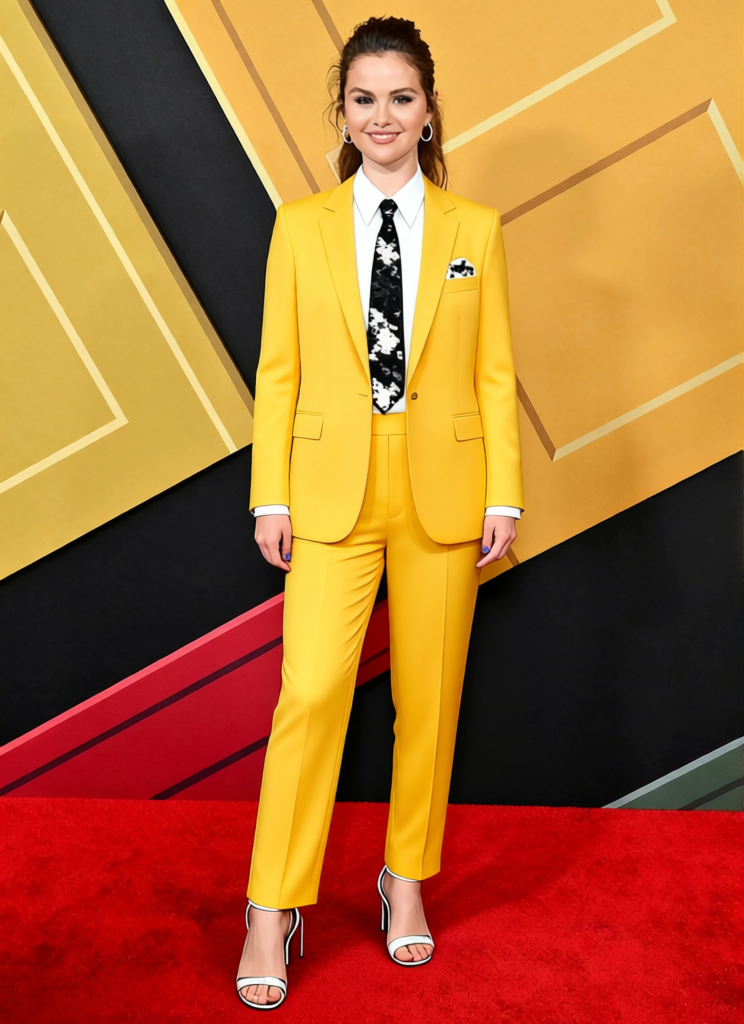
The Mask Green Face With Yellow Zoot Suit 2
- Image
- 744 × 1024 px
Any aspect ratio
Overview
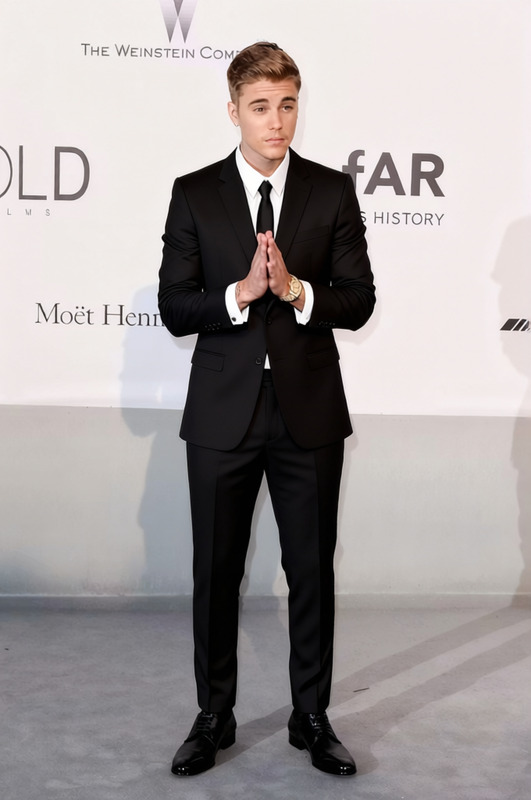
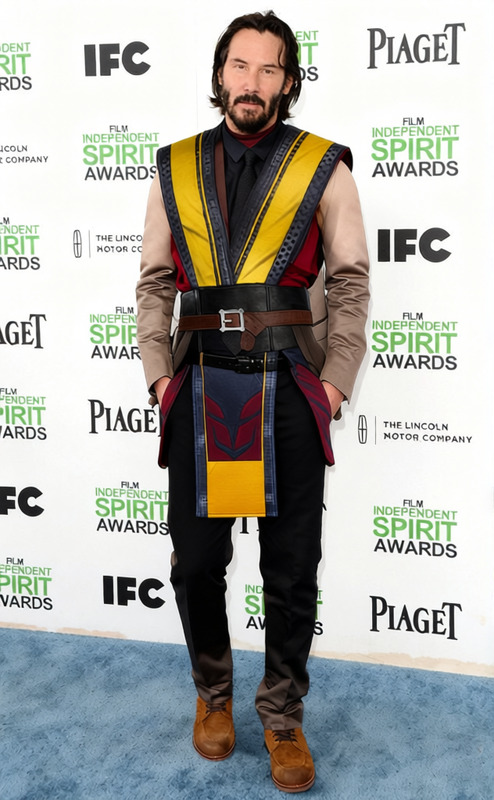
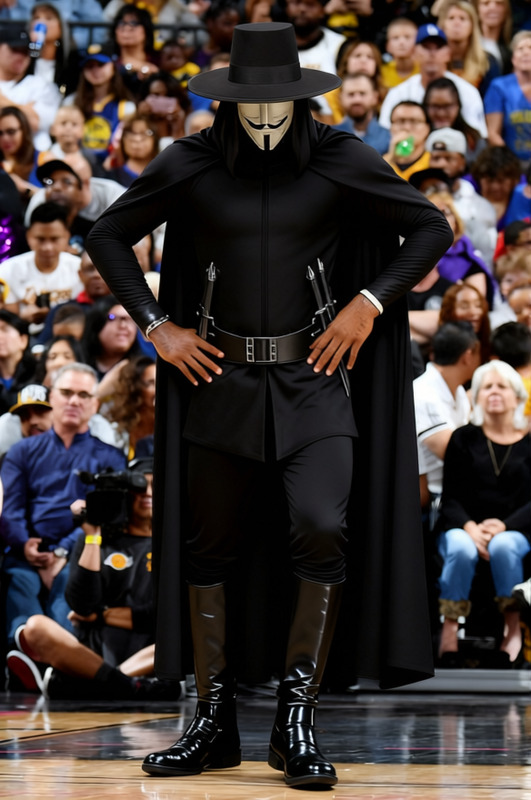
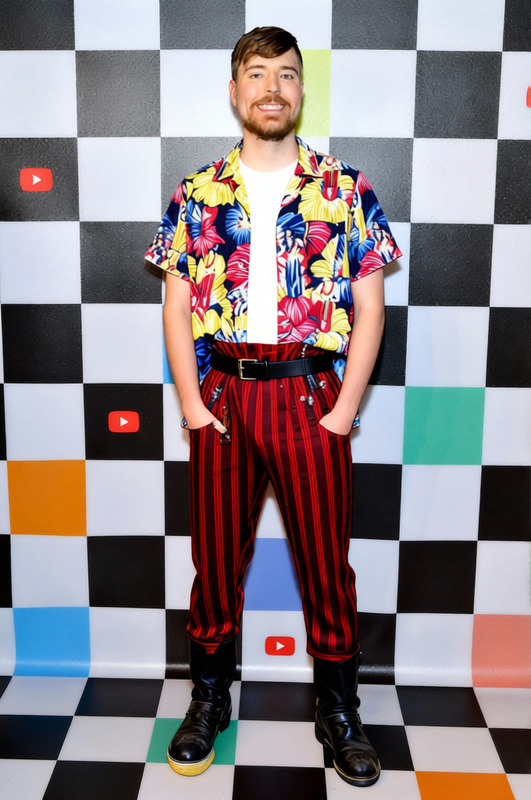
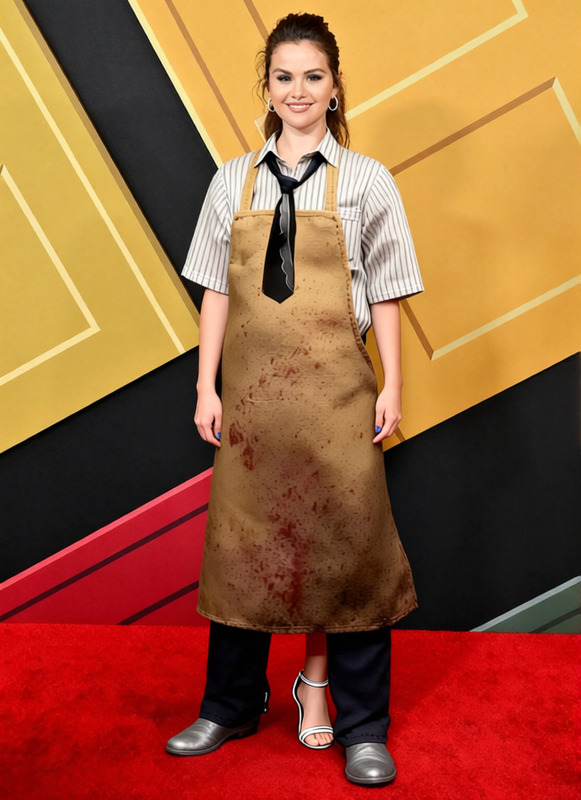
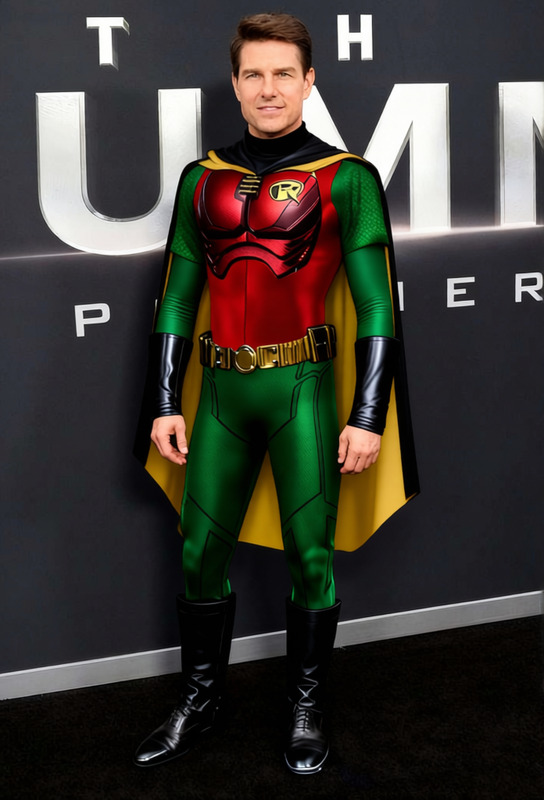
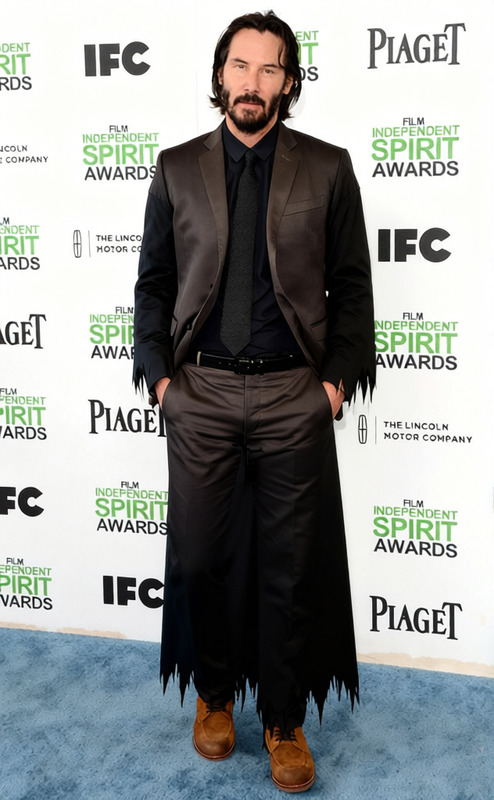
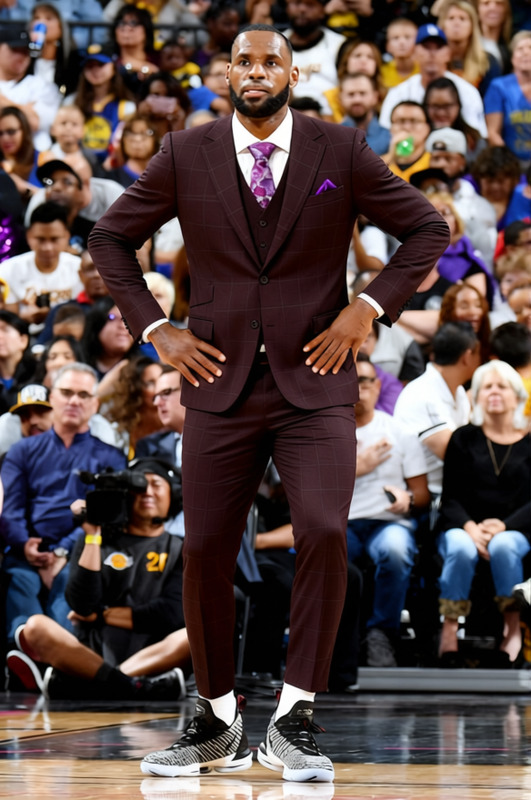
The Mask Green Face With Yellow Zoot Suit 2 template on Magic Hour offers a dynamic look overhaul. Tailor your ordinary photos by dressing any facial image in the iconic green face and zoot suit ensemble. Perfect for themed projects where unique character styling is key.
Explore our AI Clothes Changer to find the template. The transformation process supports various image formats, ensuring compatibility with most standard files.
What It Does
This template uses advanced AI algorithms to swap the clothing on individuals in your photos with the iconic green mask and yellow zoot suit. It ensures the new outfit aligns naturally with the body's contours and positioning, creating a seamless visual effect.
For image enhancement beyond outfit changes, check out AI Image Editor to refine colors and details with precision.
Who It's For
Whether you're a creative designer, event planner, or social media influencer, this template is for anyone looking to add a playful twist to their visuals. It's ideal for event promotions, social media posts, or even creating unique character art for personal or professional projects.
If you're interested in generating new facial expressions or head turns, consider our AI Talking Photo tool for enhanced storytelling.
Summary
The Mask Green Face With Yellow Zoot Suit 2 template is a specialized tool for transforming faces with a renowned film character's style. It's easy to apply and compatible with a range of image files, providing a fun and creative way to revamp your photos.
How To
Choose Your Template

Customize Your Inputs

Generate Your Image

Use Cases
Social Media Content
- Instagram and TikTok videos
- Novel profile or cover images
Event Promotions
- Party invites
- Customized event flyers
Creative Design Projects
- Branding efforts
- Educational materials
Best Practices
High-Quality Images
Start with high-resolution images for the best transformation results. The clarity and detail of the initial photo play a significant role in the final product.Proper Framing
Ensure the face in the image is well-centered and occupies a significant portion of the frame, enhancing the effect of the outfit transformation.Consider Context
Before applying the template, think about how it fits within the broader context of your project or the story you're telling.
FAQs
More Like This