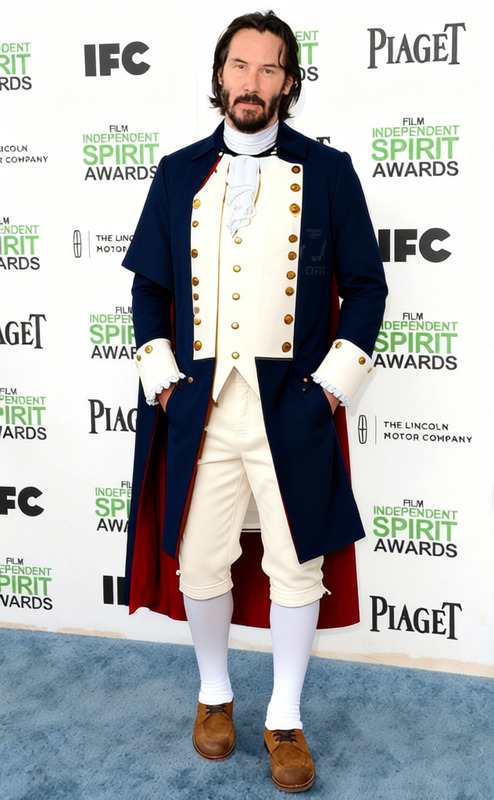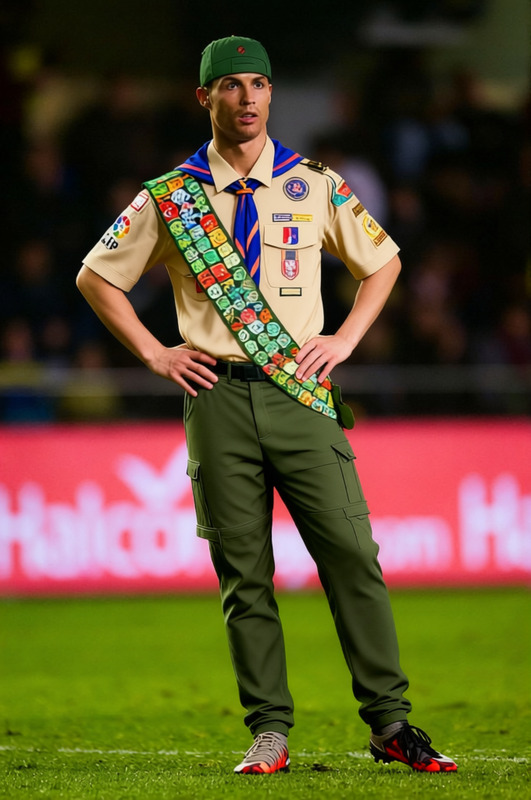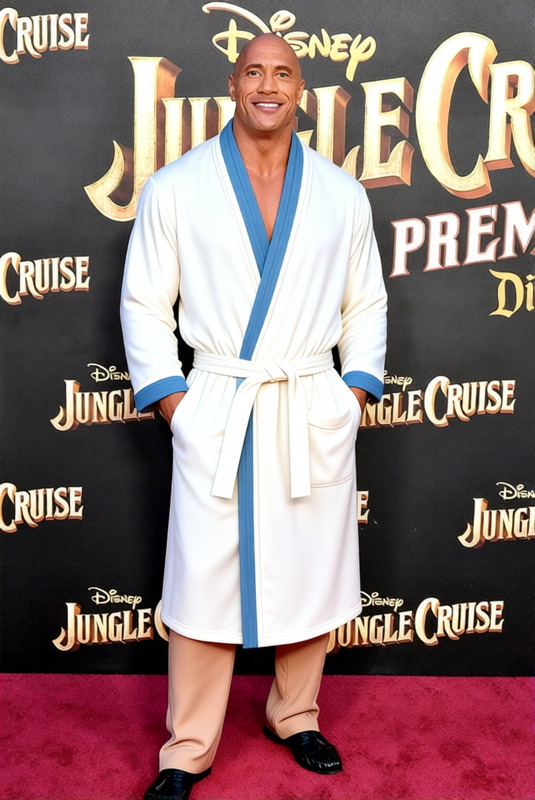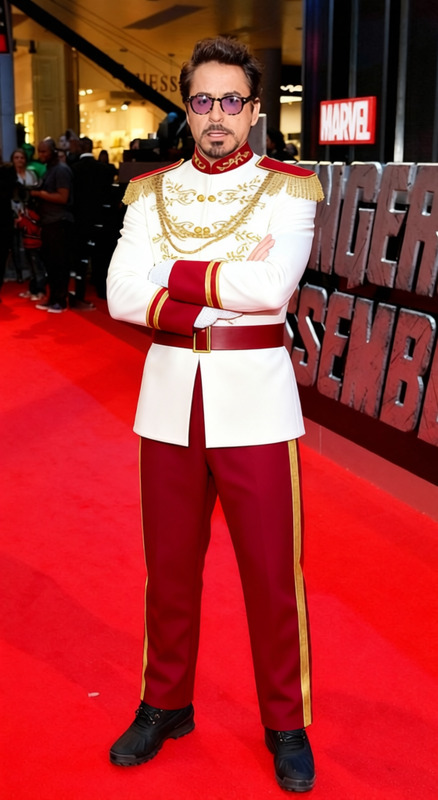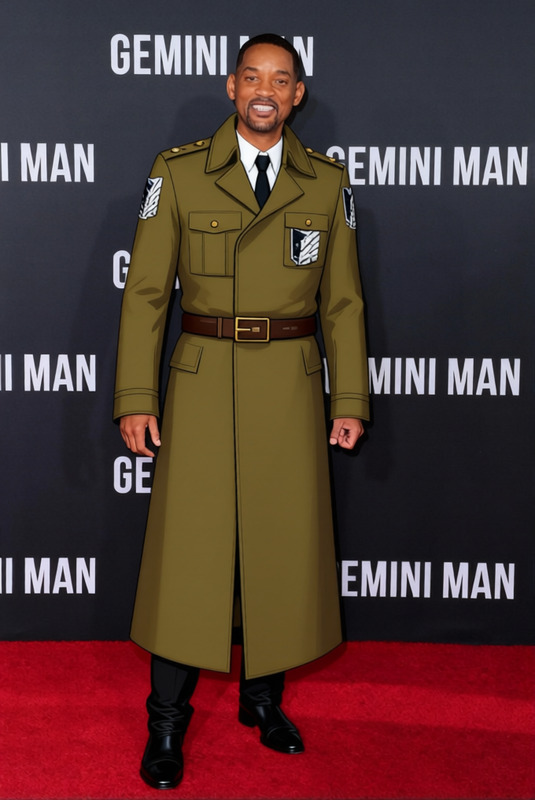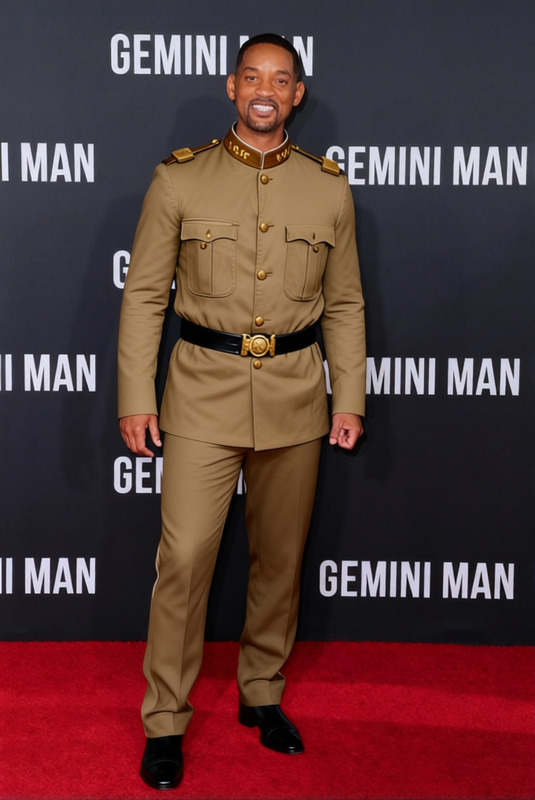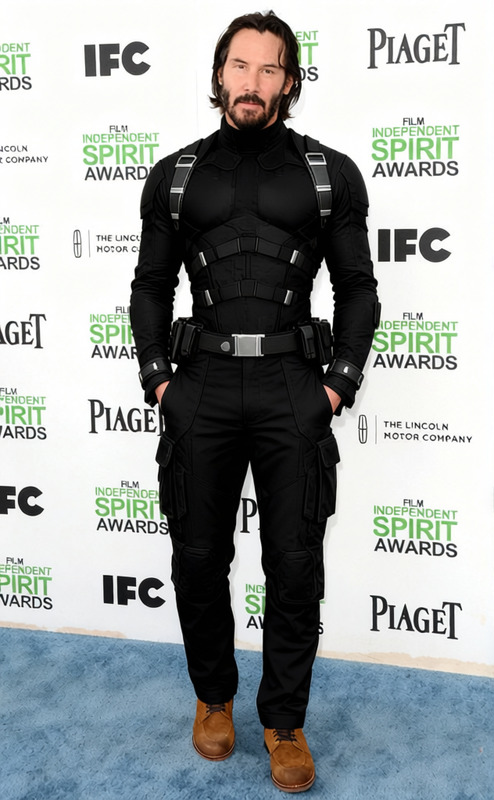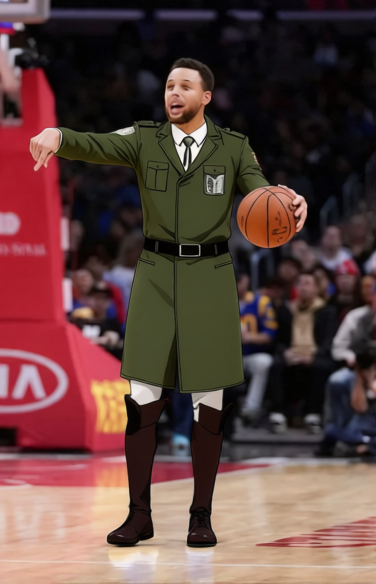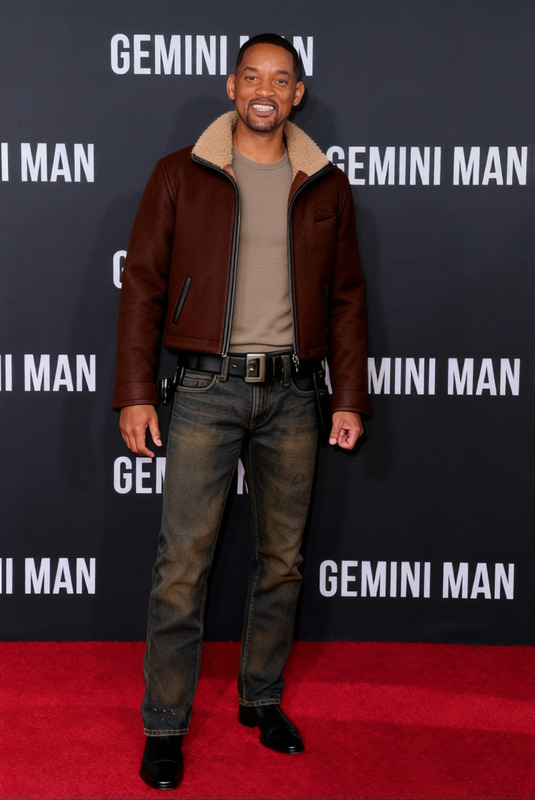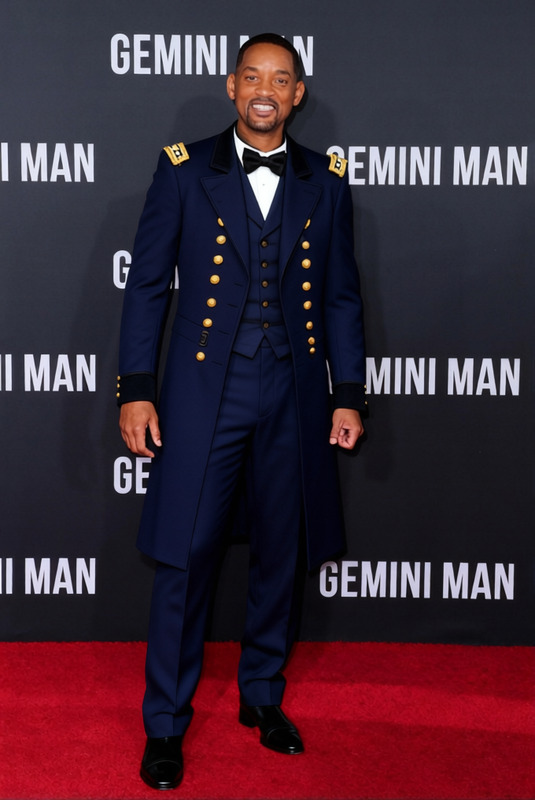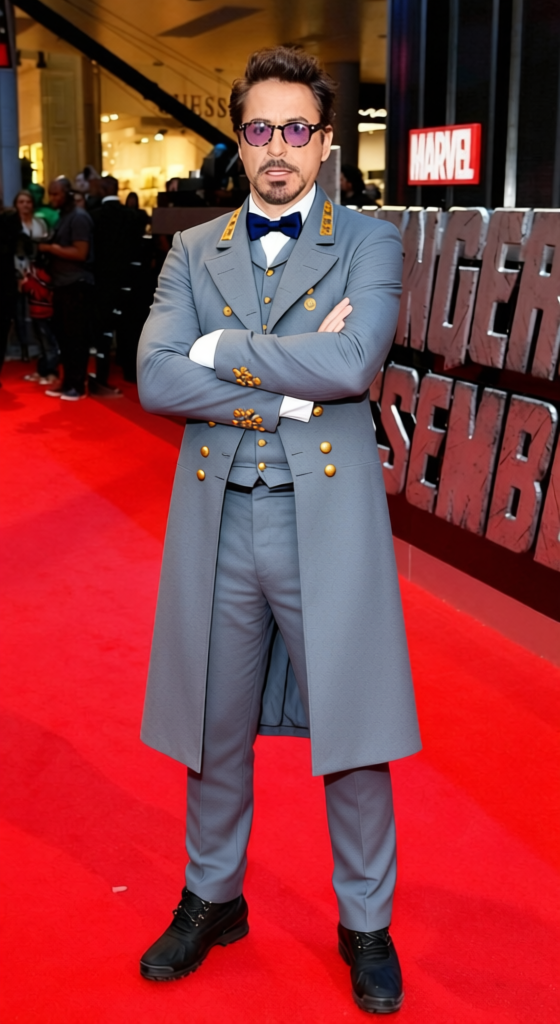
Robert E Lee Confederate Grey Uniform
- Image
- 560 × 1024 px
Any aspect ratio
Overview
Transform your images with the Robert E Lee Confederate Grey Uniform template. Designed for historical reenactments, educational content, or creative projects, this clothes changer template offers a precise and detailed model of the Confederate uniform.
The template integrates seamlessly with our AI Clothes Changer, providing an easy-to-use platform for modifying attire in images. Whether you're working in AI Product Photography or developing historical narratives, this tool is invaluable.
What It Does
This template allows users to replace existing outfits in photos with an authentic representation of a Confederate Grey Uniform. It employs advanced image manipulation technology to ensure the attire looks realistic and is well-integrated into the scene, echoing historical accuracy.
Combine it with the Image to Video feature to bring still images to life, showcasing the uniform in various contexts.
Who It's For
This template is designed for educators, content creators, historians, and anyone working on projects that require historically accurate clothing representation. It's ideal for creating educational content, participating in reenactments, or enhancing storytelling with period-specific attire.
Pair it with AI Profile Picture Generator for creating unique and historically themed profile images.
Summary
The Robert E Lee Confederate Grey Uniform template provides a specialized tool for changing clothes in images, focused on historical authenticity. It's perfect for a variety of applications from education to digital storytelling, ensuring realistic and precise clothing transformations.
How To
Select the Template

Customize Your Input

Generate Your Image

Use Cases
Historical Content Creation
- Educational videos
- Reenactment promotions
- Museum displays
Thematic Photography
- Creative photoshoots
- Artistic projects
- Portfolio enhancement
Digital Storytelling
- Web series
- Illustrated books
- Online exhibitions
Best Practices
Ensure High-Quality Input Images
For the best results, use high-resolution images. This helps the AI apply the uniform more seamlessly and realistically.Consider Lighting and Angles
Match the lighting and angle of the uniform within the image for a more cohesive look. This ensures that the uniform appears as a natural part of the scene.Utilize Additional AI Tools
Leverage complementary tools like the AI Image Upscaler to enhance final image quality.
Frequently asked questions
More Like This