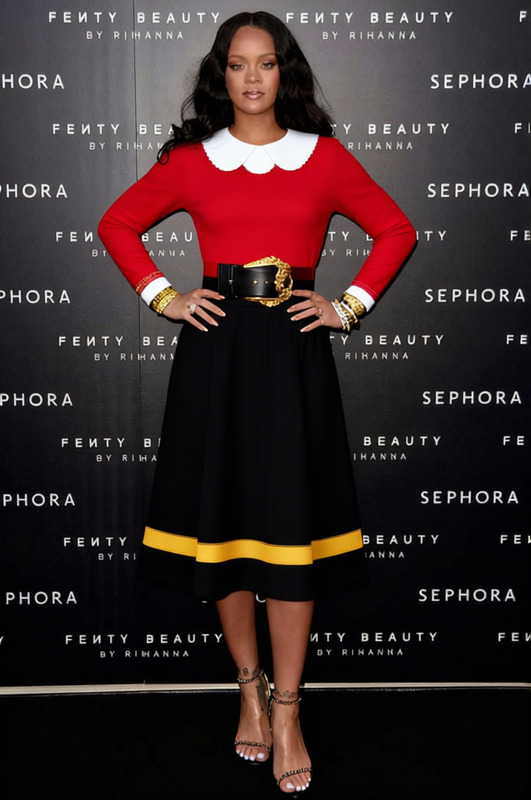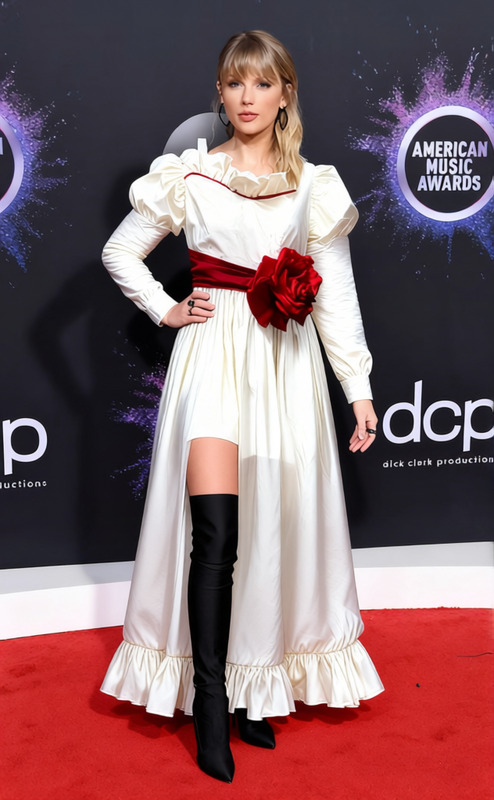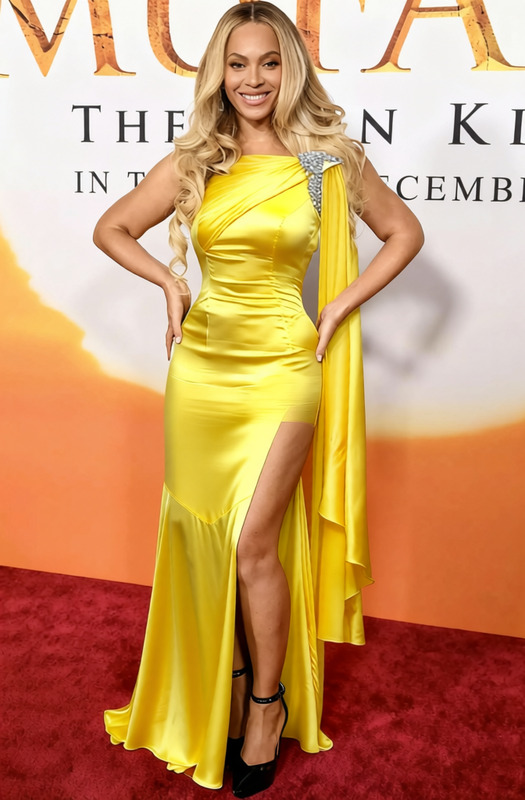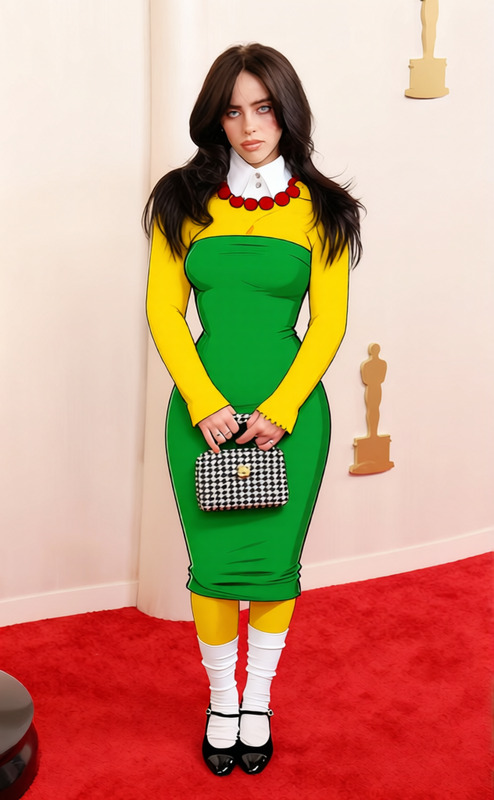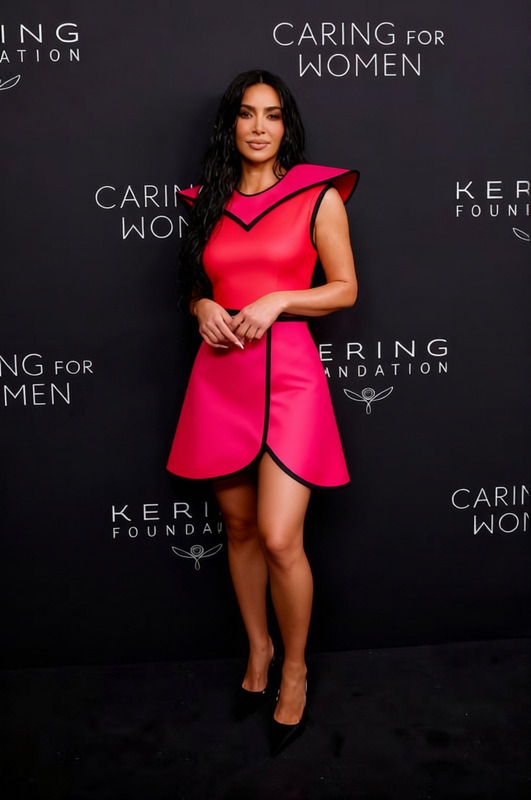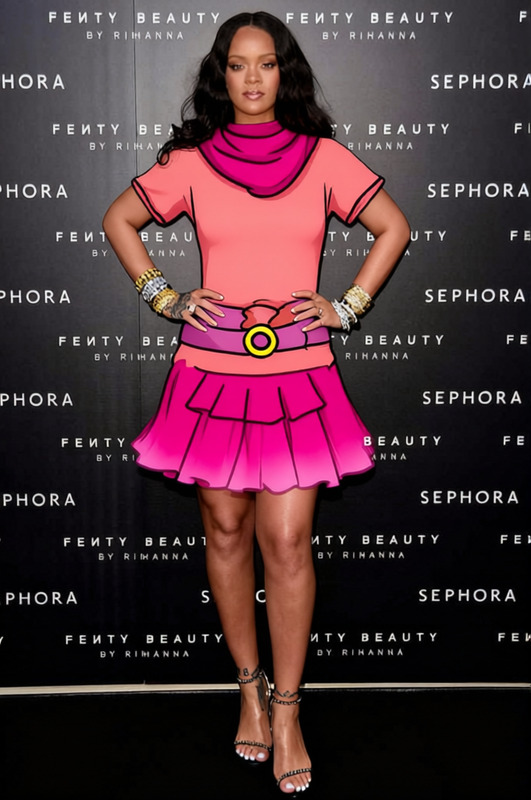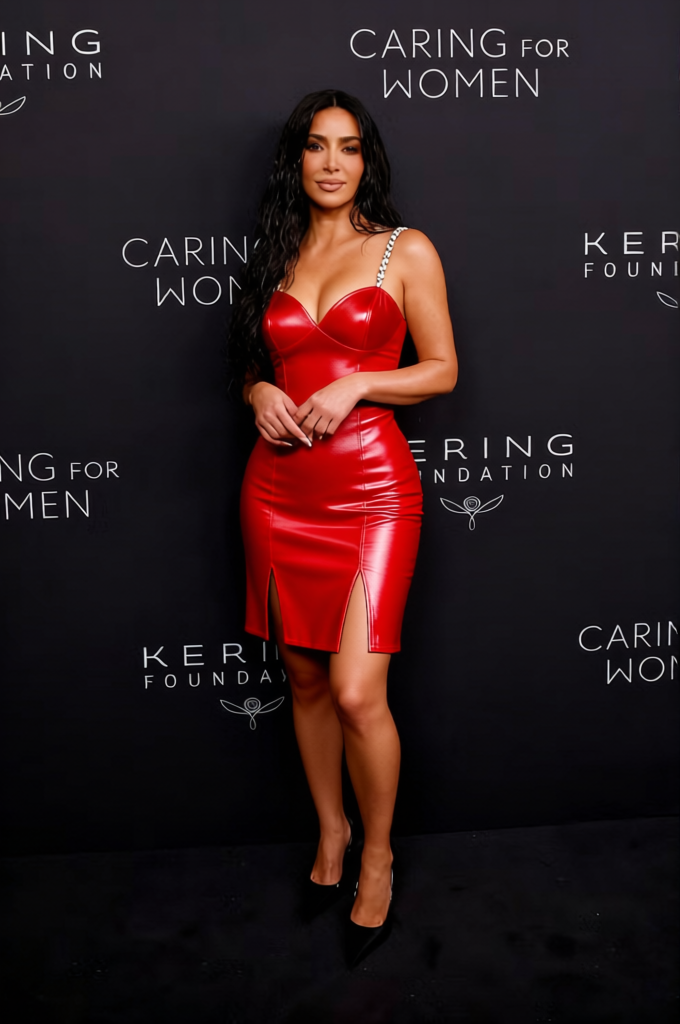
Betty Boop Red Strapless Mini Dress
- Image
- 680 × 1024 px
Any aspect ratio
Overview
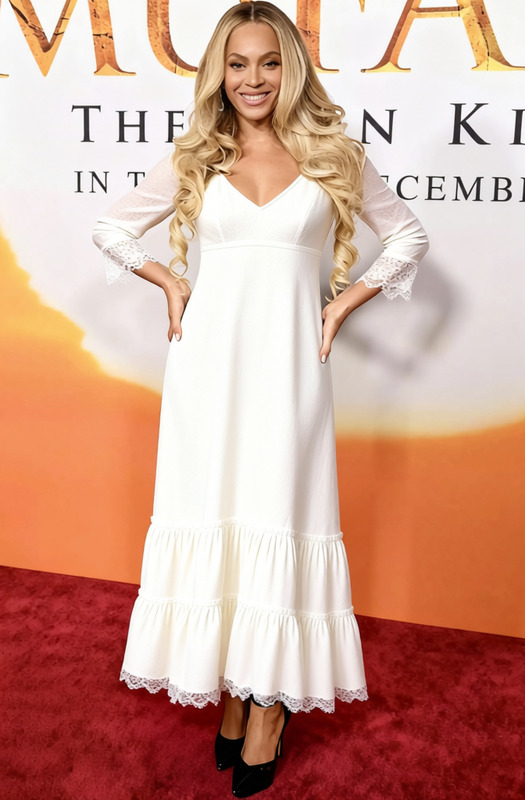
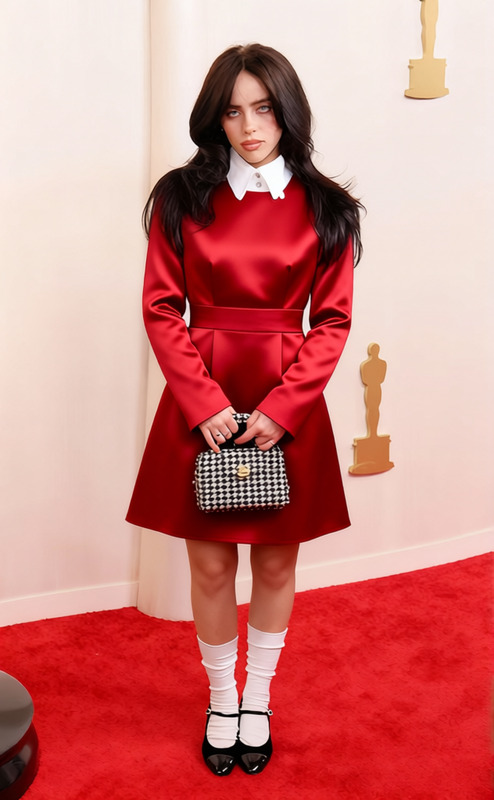
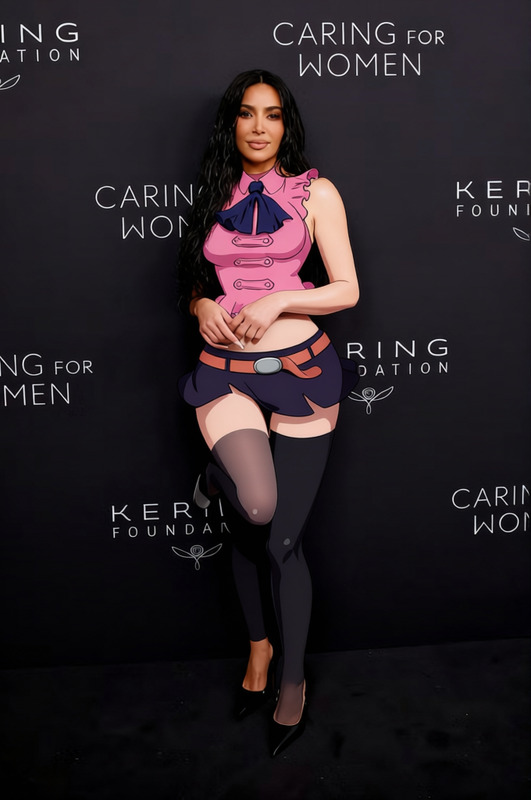
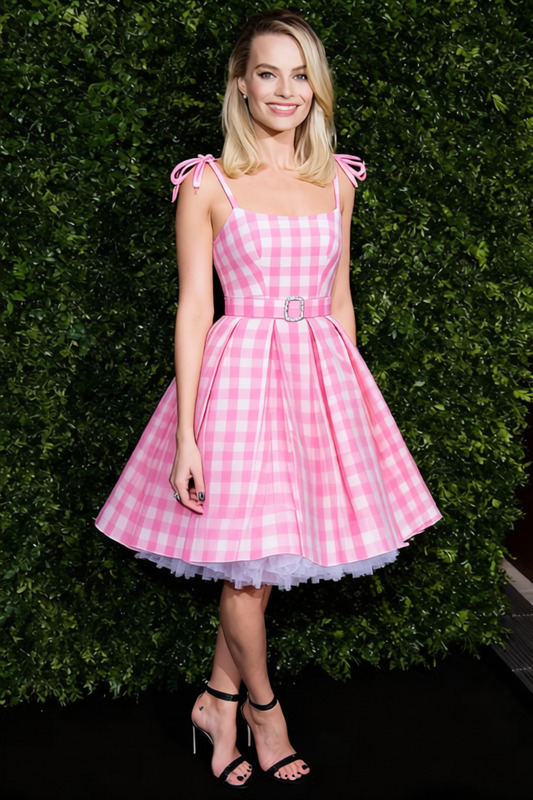
The Betty Boop Red Strapless Mini Dress enables creators to swap existing clothing in images with a stylish, red strapless mini dress reminiscent of classic Betty Boop attire. Perfect for fashion enthusiasts and digital artists, this template is a versatile addition to any toolkit, allowing for quick wardrobe changes in promotional materials, social media content, and more.
What It Does
This template allows you to transform outfits in your images using AI-driven technology. Swap any clothing for the iconic red strapless mini dress with precision and ease. Compatible with various image formats, the tool ensures seamless integration without compromising on the visual quality. Enhance your fashion-driven content and captivate audiences instantly.
To elevate your editing capabilities, consider exploring the AI Clothes Changer for more flexible fashion transformations.
Who It's For
This template is ideal for fashion designers, marketers, and content creators who wish to diversify their content with trendy and iconic fashion elements. Whether crafting promotional ads or spicing up personal art projects, this template offers a quick solution. It can be particularly useful for professionals in the marketing field looking to create dynamic eCommerce ads or personalized video content.
Summary
The Betty Boop Red Strapless Mini Dress template is a powerful tool for digital wardrobe changes. Supported by robust AI technology, it provides a user-friendly interface for replacing garments in images without additional software. Engage your audience by adding a touch of classic glamour to your images effortlessly.
For related fashion transformations, explore the Full Body Generator.
How To
Choose the Template

Customize Your Image

Generate and Download

Use Cases
Fashion Advertisements
- Create multiple fashion ads with a single model.
- Showcase seasonal collections with ease.
Social Media Content
- Stand out with unique fashion edits.
- Easily update looks to match trending styles.
Personal Art Projects
- Develop character designs with ease.
- Visualize outfits in creative artworks.
Best Practices
Choose High-Quality Images
For the best output, start with high-resolution images that allow for detailed editing and more precise garment swaps.Use Clear Reference Points
When marking the outfit area to change, ensure clear boundaries for accurate dress placement.Leverage AI Features
Take advantage of additional AI tools like the AI Image Editor to refine the final output for professional aesthetics.
Frequently asked questions
More Like This