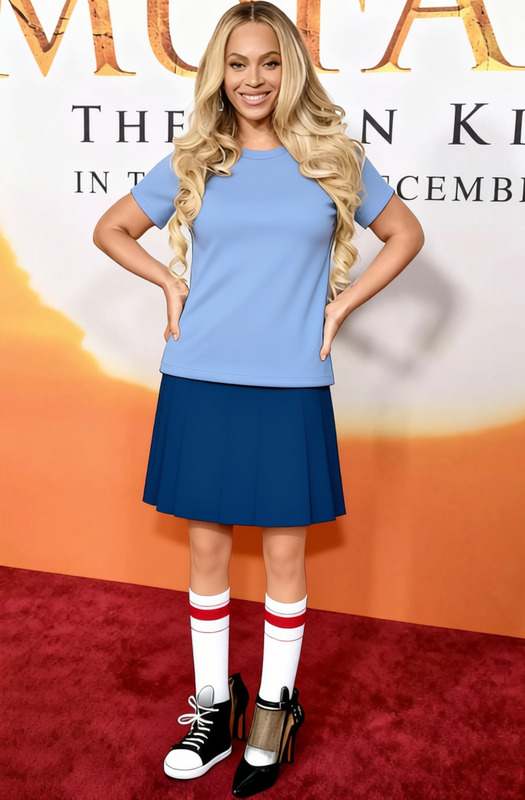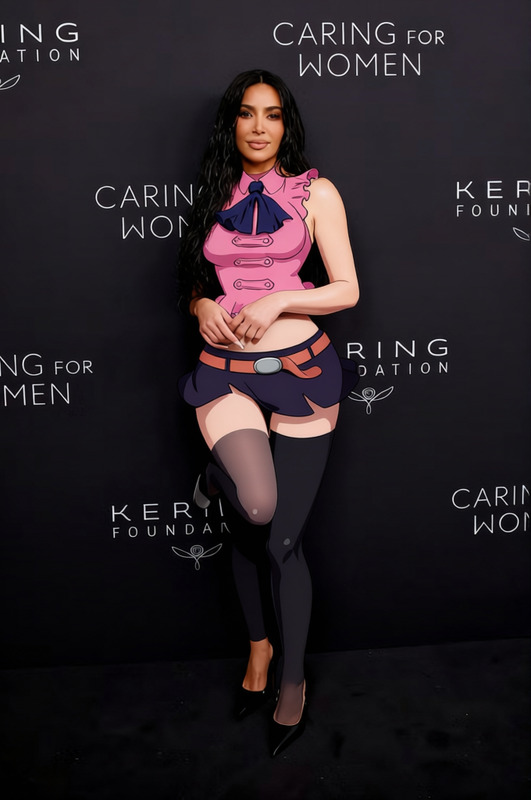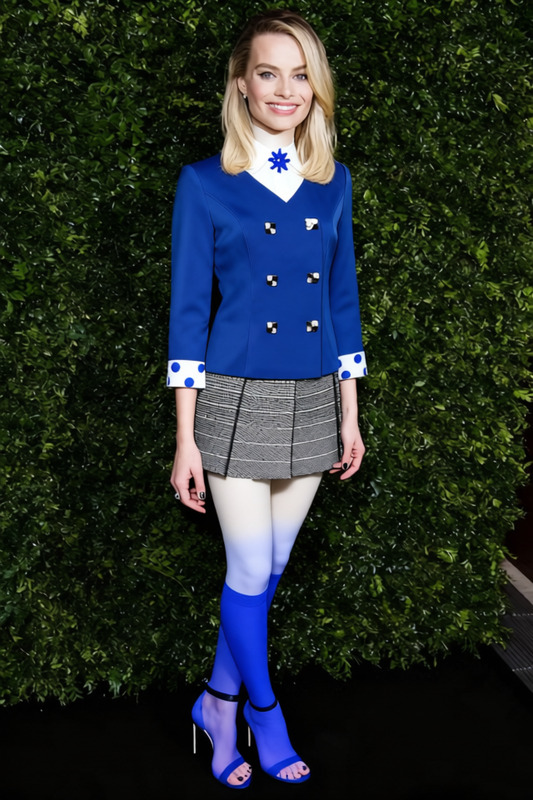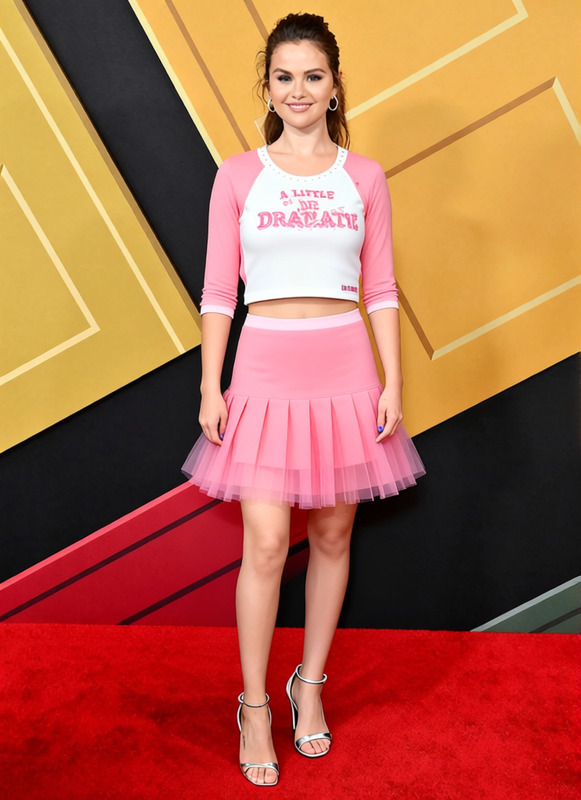
Enid Sinclair Striped Knit Sweater With Pink Skirt
- Image
- 704 × 1024 px
Any aspect ratio
Overview
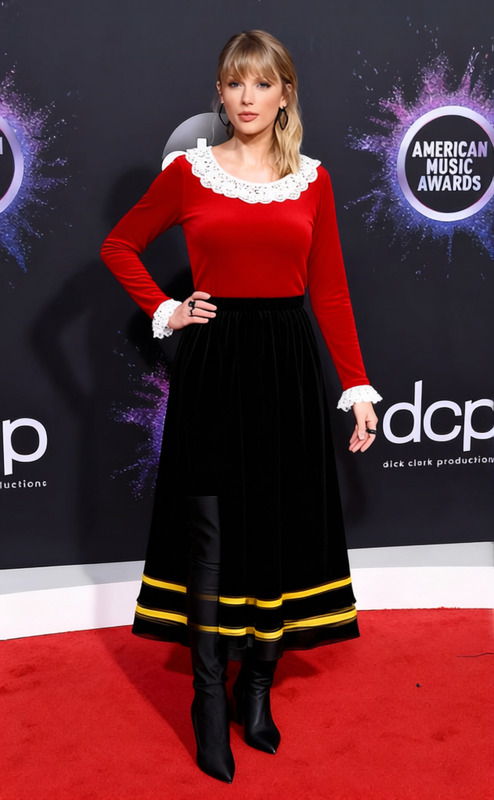
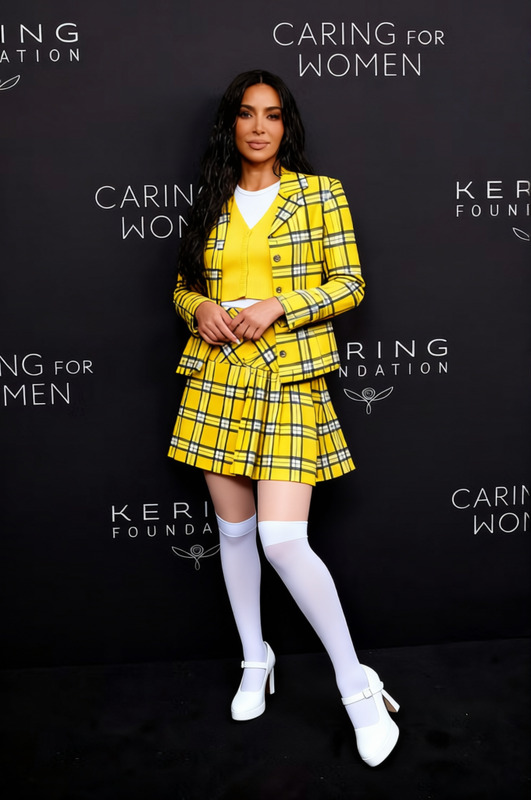
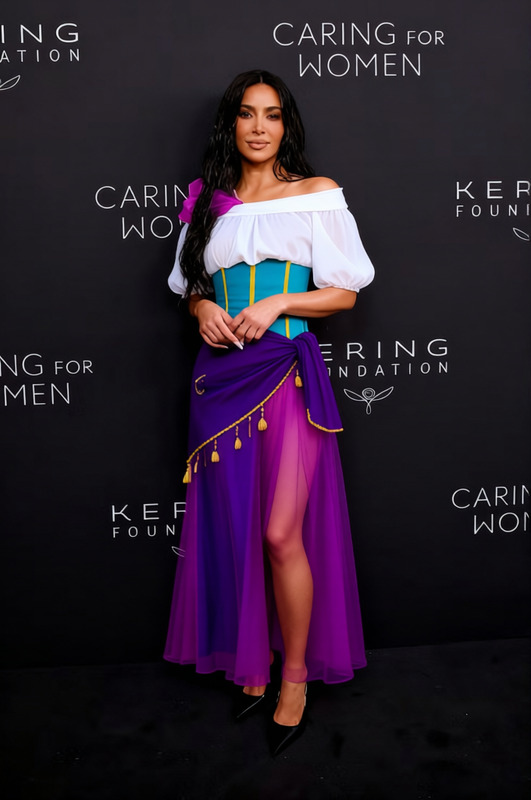
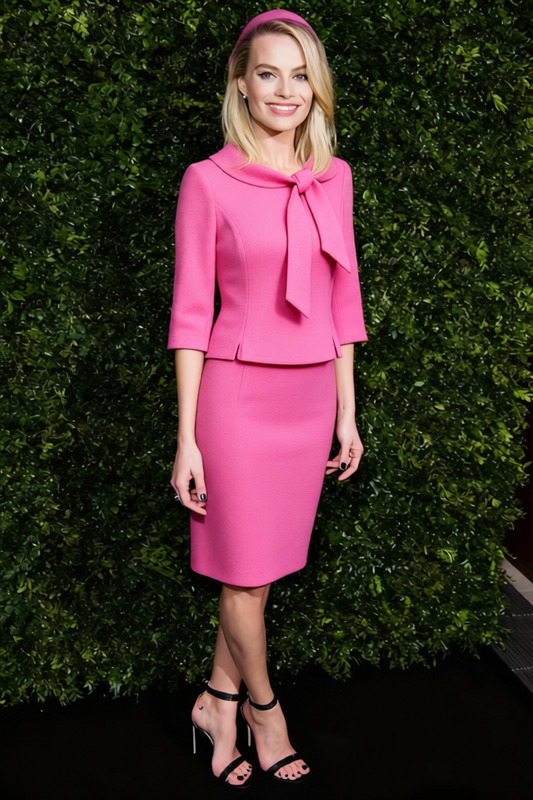
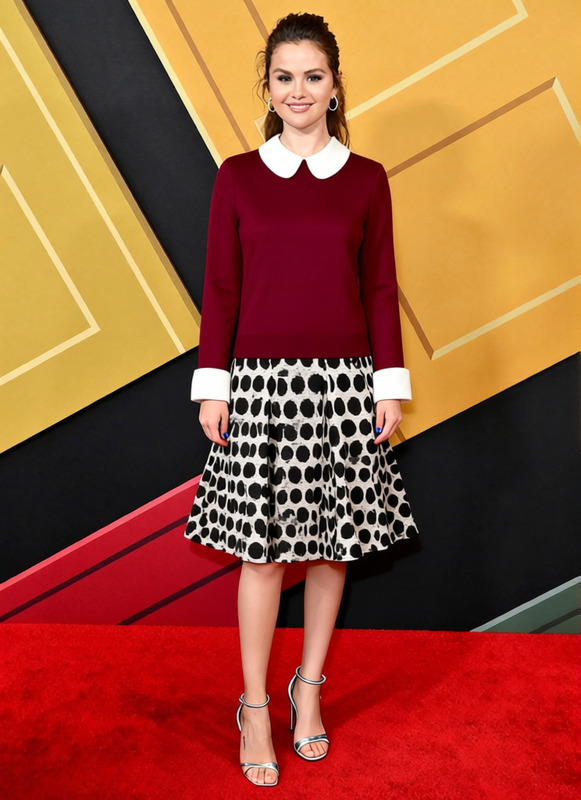
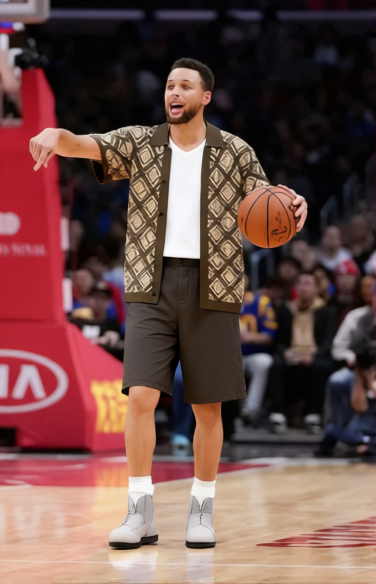
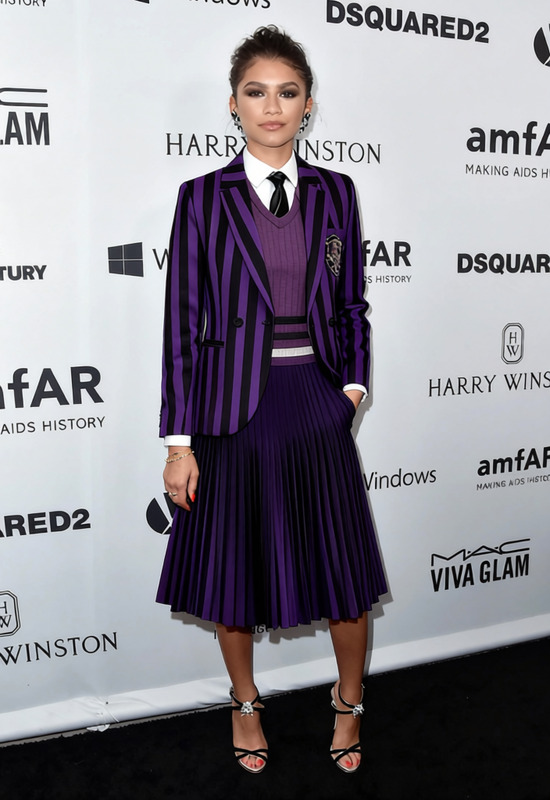
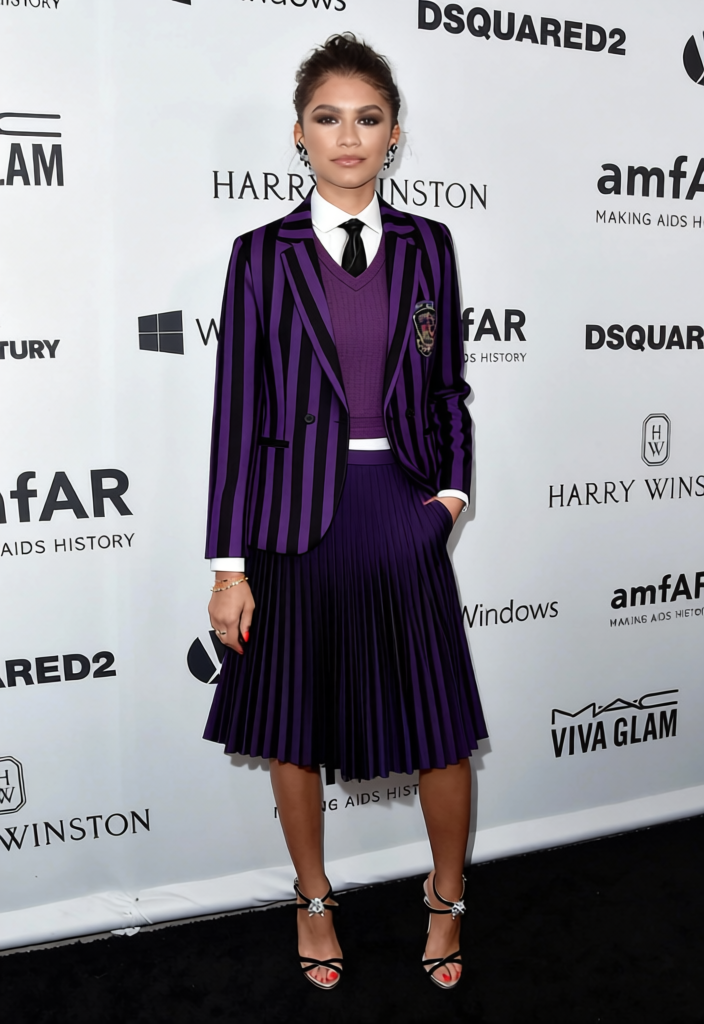
The "Enid Sinclair Striped Knit Sweater With Pink Skirt" template allows users to transform their outfit in photos with this unique style. This Clothes Changer template makes it easy to swap your current attire for a chic knitted sweater paired with a vibrant pink skirt.
What It Does
This Clothes Changer template provides a straightforward way to alter the clothing in your images. Leveraging AI, it intelligently maps the Enid Sinclair striped knit sweater and pink skirt onto your original photo. Enjoy a virtual makeover by changing your style with just a few clicks. For an expansive set of tools, check out our AI Clothes Changer product.
Who It's For
This template is perfect for fashion enthusiasts looking to explore new styles, photographers aiming to offer varied looks in portfolios, and marketers needing model shots with specific outfits. Additionally, businesses in the fashion industry can utilize this tool for rapid prototyping of outfit changes without the need for physical clothing.
Summary
Upgrade your wardrobe in images with the "Enid Sinclair Striped Knit Sweater With Pink Skirt" template. This tool is part of our comprehensive suite, including the AI Image Editor and AI Product Photography, to enhance your visual content creatively and efficiently.
How-To
Choose Your Template

Customize Your Inputs

Generate and Download

Use Cases
Fashion Lookbooks
- Easily shift between different clothing styles.
- Create unique combinations swiftly.
Social Media Content
- Post unique styles without new photoshoots.
- Keep content fresh and trendy.
E-commerce Shops
- Visualize products in various styles.
- Enhance product pages with different looks.
Best Practices
Ensure Background Clarity
High-contrast backgrounds can sometimes interfere with clothing swaps. Ensure your image's background allows for a clear distinction between the subject and surrounding space.Select High-Resolution Images
For the best outcomes, use high-resolution images. This helps the AI model more accurately apply the clothing changes and maintain image quality.Experiment with Styles
Before finalizing, try several adjustments to the clothes' position and style to achieve the most natural look.
Frequently asked questions
More Like This