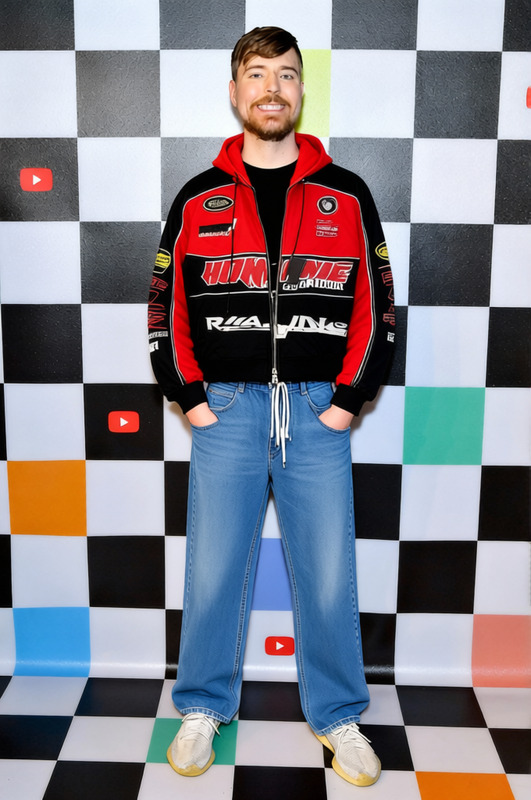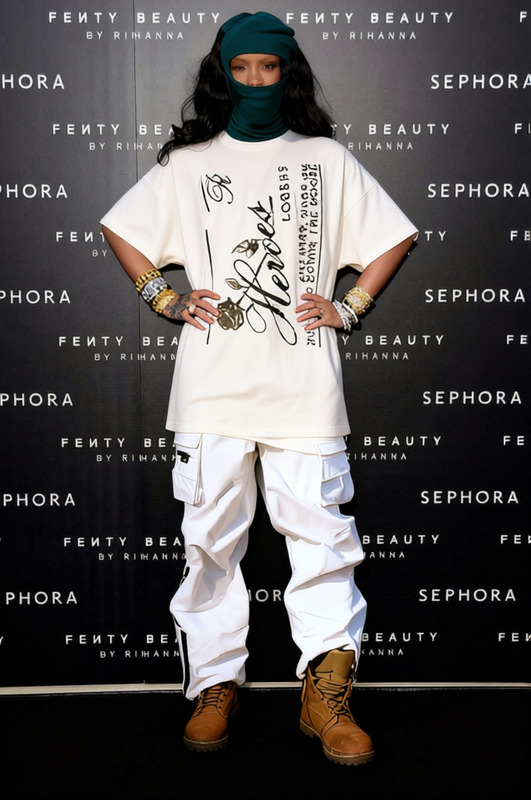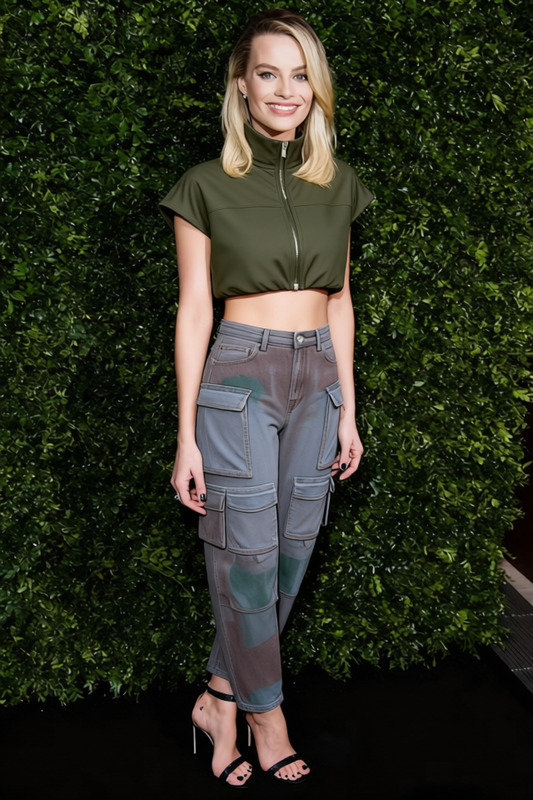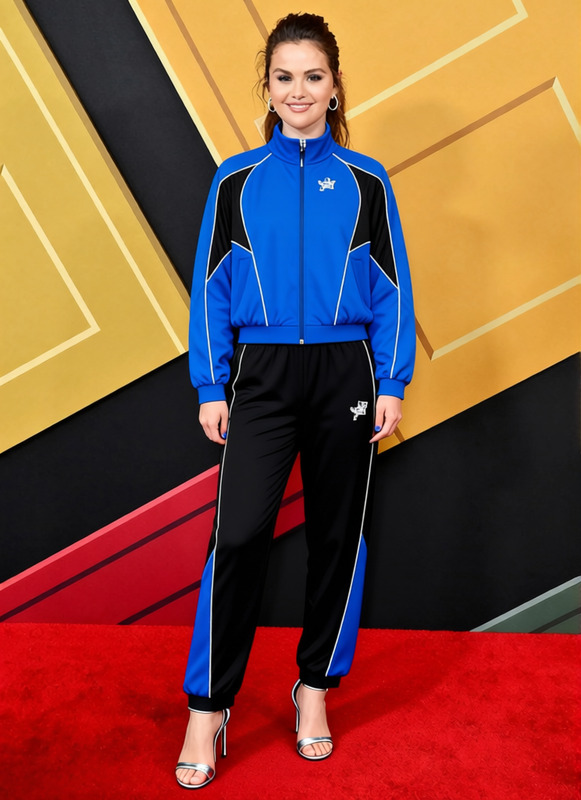
Puffer Jacket Black Shiny Nylon Puffer With Joggers 2
- Image
- 680 × 1024 px
Any aspect ratio
Overview
Transform your fashion images with the "Puffer Jacket Black Shiny Nylon Puffer With Joggers 2" template. Designed for style editors and digital fashion creators, this AI Clothes Changer template offers a sleek and modern aesthetic to update any wardrobe visuals with ease.
What It Does
This template allows you to swap existing clothing items in photos with a chic black shiny nylon puffer jacket paired with joggers. It uses advanced AI models to fit the outfit naturally on the subject, ensuring a seamless appearance. For more dynamic transformations, check out our Face Swap and AI Image Editor products.
Who It's For
Perfect for fashion designers, e-commerce businesses, and content creators looking to create striking digital lookbooks or product listings. Whether you're revamping your online store imagery or crafting new marketing materials, this template provides a stylish update without the need for a reshoot.
Summary
Utilize the "Puffer Jacket Black Shiny Nylon Puffer With Joggers 2" template to efficiently modernize your fashion photography. With effective garment swapping capabilities, it's an essential tool for anyone in fashion and digital design aiming to stay ahead of trends.
How To Use
Open the Clothes Changer Template

Customize Your Image

Generate and Download

Use Cases
Fashion E-commerce
- Enhance product variety
- Experiment with seasonal styles
Digital Lookbooks
- Highlight new arrivals
- Create themed collections
Social Media Content
- Engage followers with new content
- Promote flash sales and news
Fashion Blogs
- Provide style inspiration
- Showcase trends
Best Practices
Ensure High-Quality Inputs
For the best results, use high-resolution images so the AI can place the new clothing seamlessly.Adjust for Posture
Pay attention to the subject's posture when fitting the new outfit to maintain a natural look.Combine With Other Tools
Consider using the AI Image Upscaler to enhance image quality post-manipulation for publication-ready results.
Frequently asked questions
More Like This