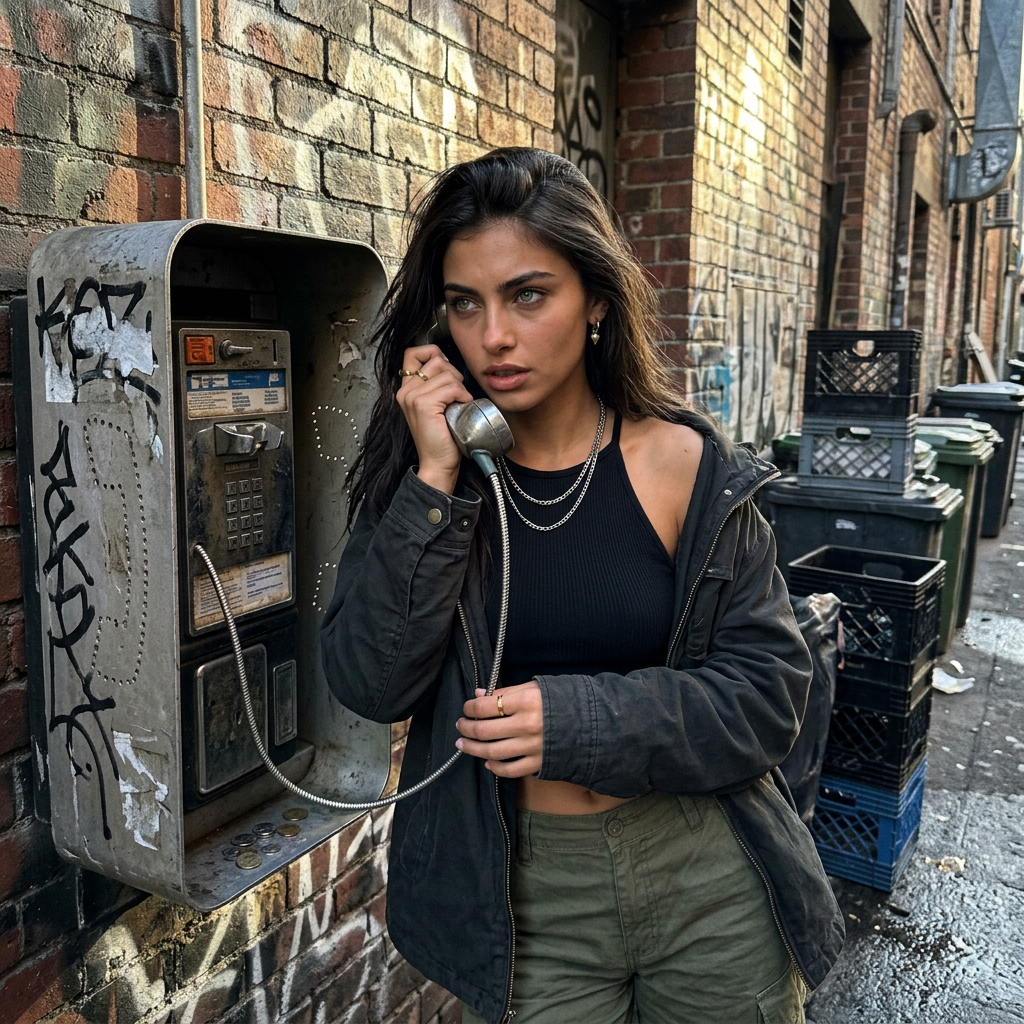
Grimy Payphone Alley
- Model
- Nano Banana 2
- Image
- 1024 × 1024 px
Prompt
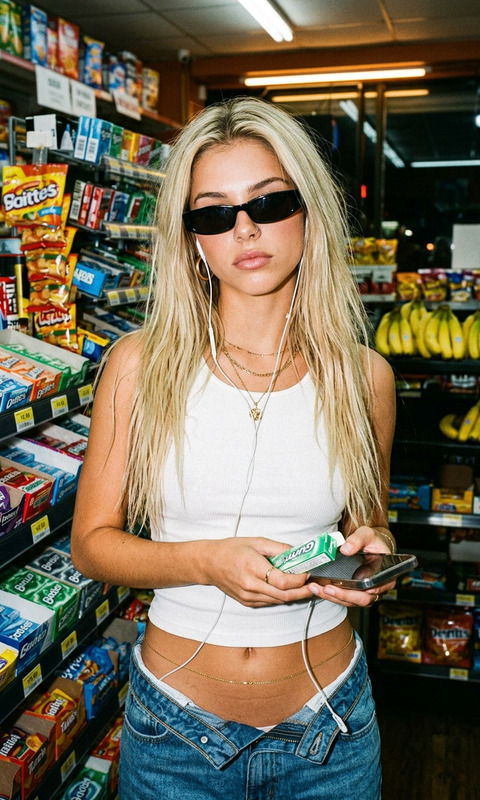
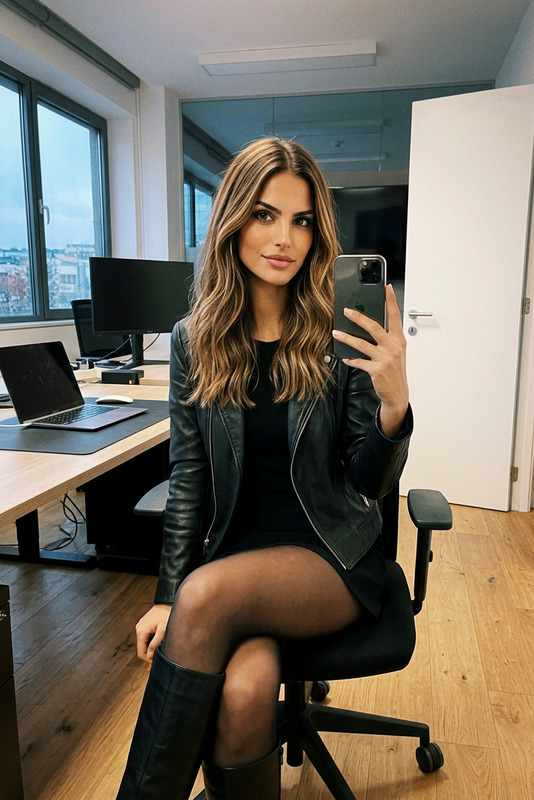
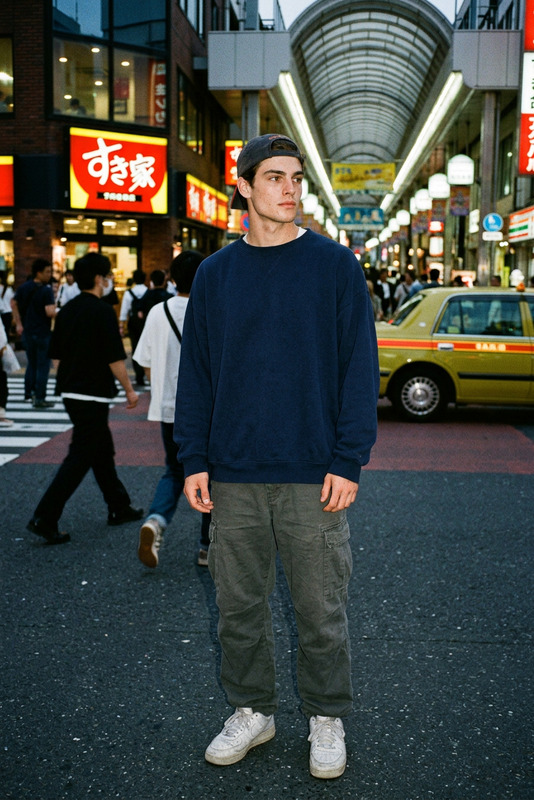
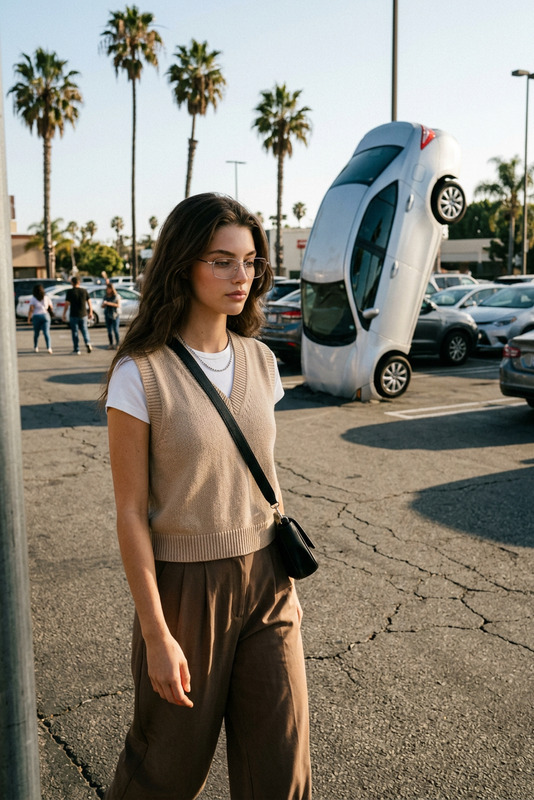
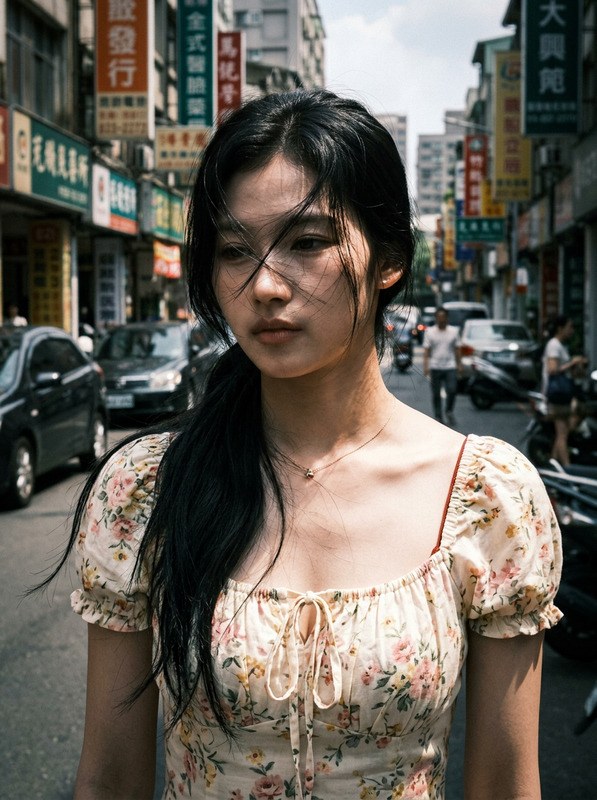
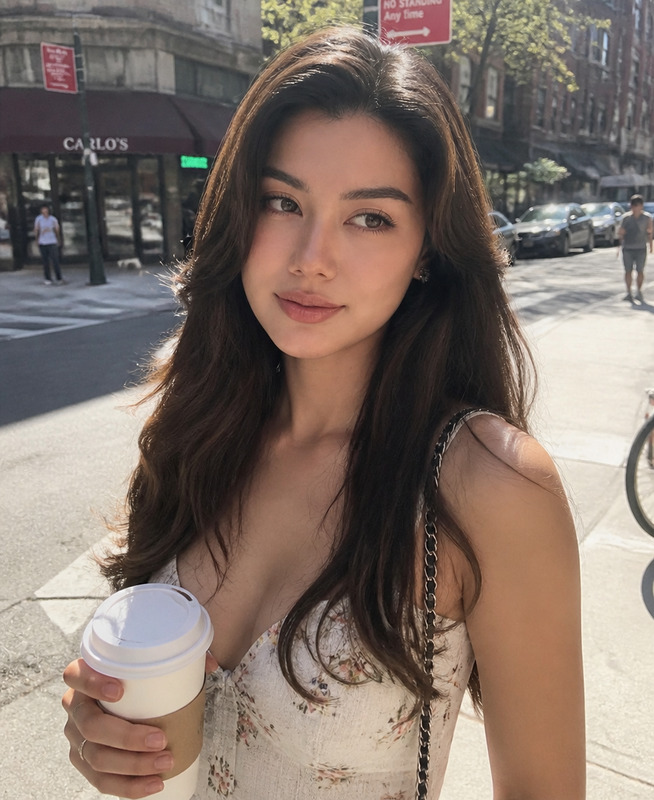
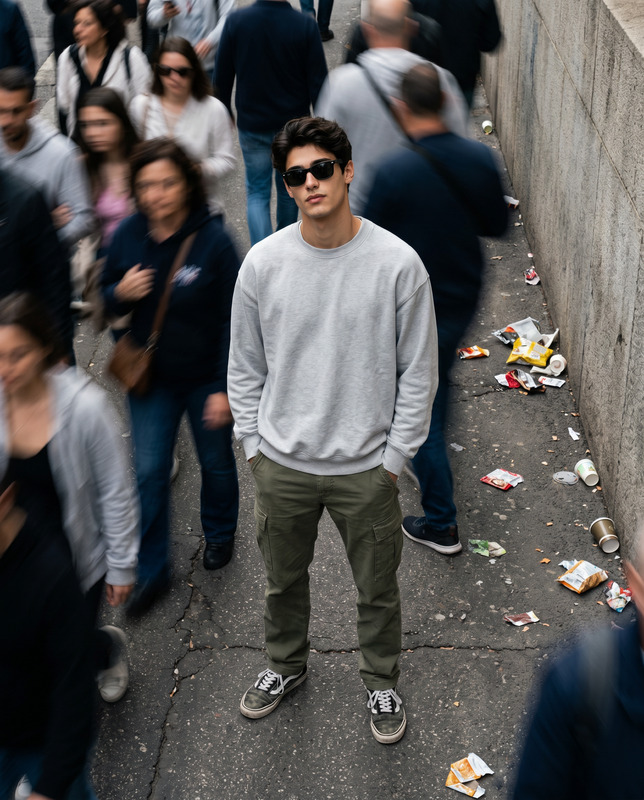
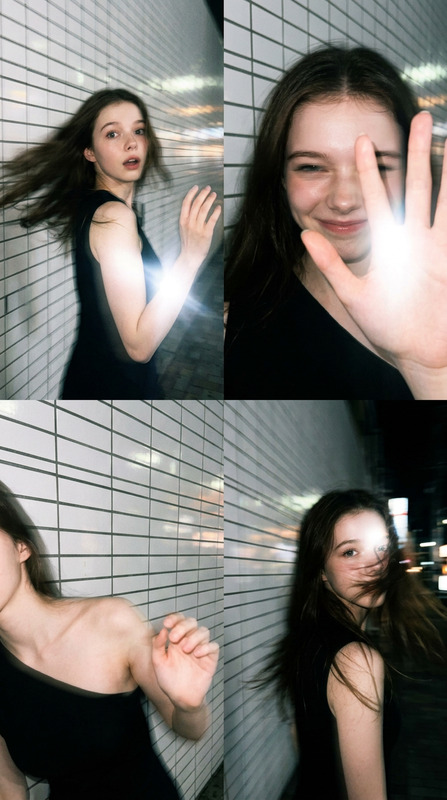
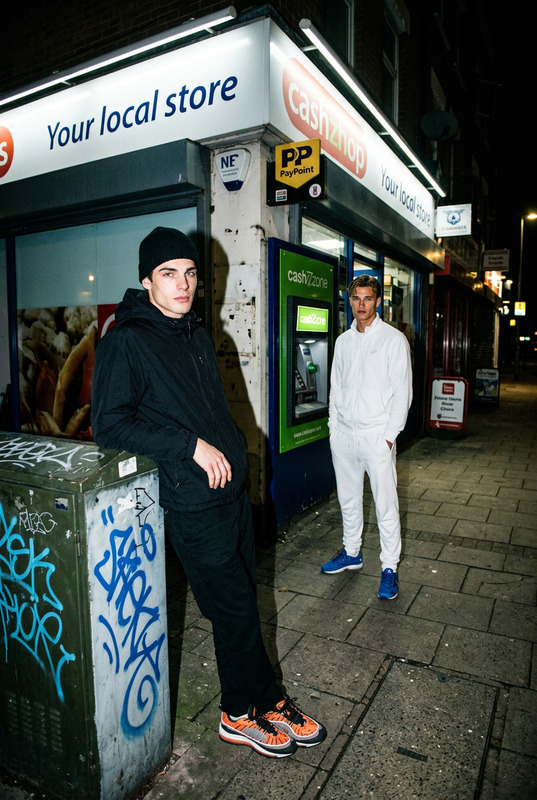
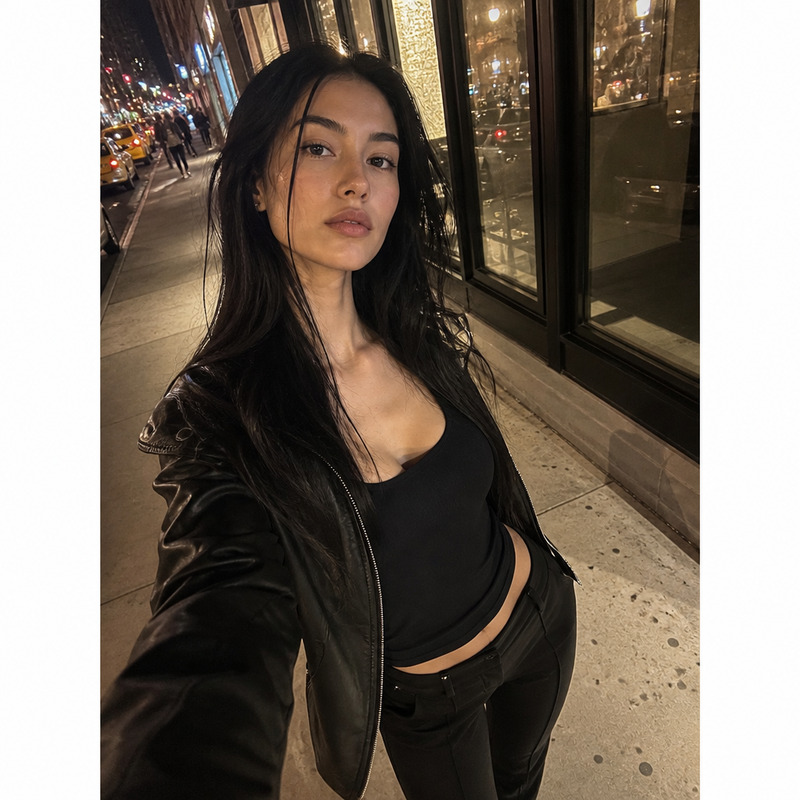
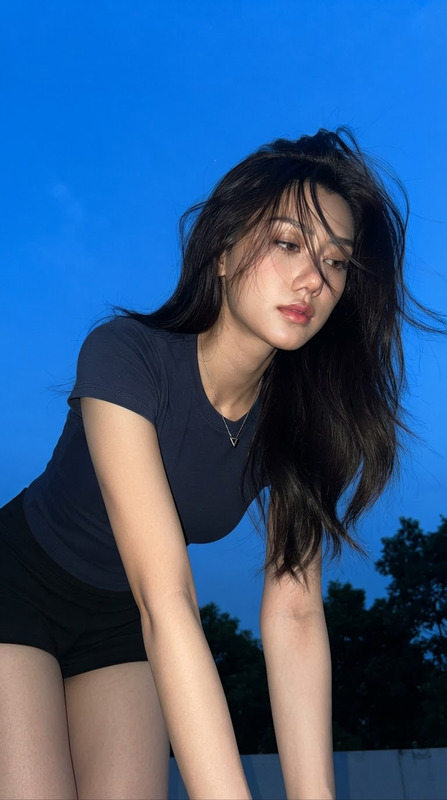
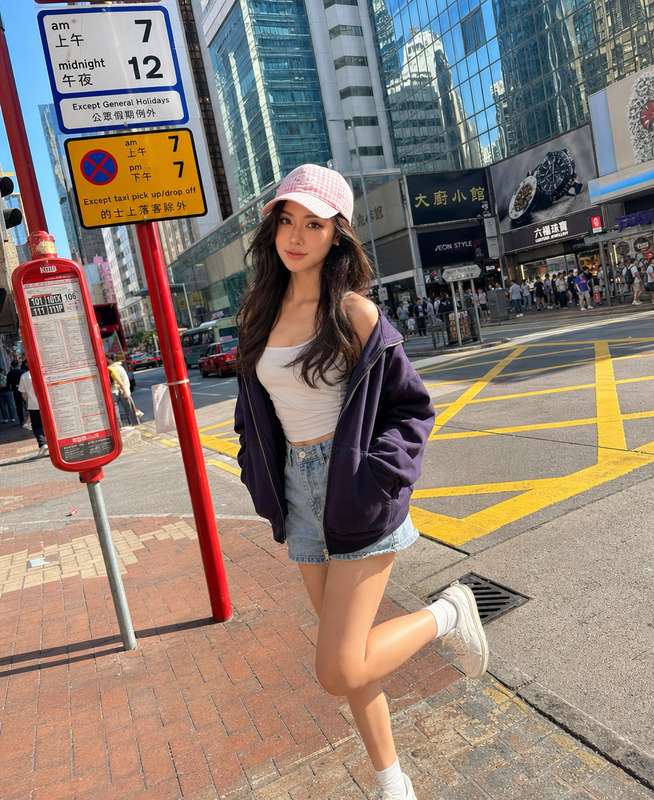
Create a realistic urban street photography scene featuring the subject from the provided reference image, preserving their exact facial identity, natural proportions, and skin texture with no alteration or beautification. The subject is leaning against a graffiti-covered brick wall in a damp urban back alley during late afternoon. They are engaged in an intense, focused phone call using a grimy public payphone. The payphone has a worn metallic surface and a tangled cord, emphasizing a gritty, lived-in environment. The subject wears cargo pants and a fitted halter top, styled in a raw, urban streetwear aesthetic. The posture is relaxed but emotionally tense, with subtle body language suggesting secrecy or urgency. Lighting is a mix of harsh late-afternoon sunlight grazing the brick wall and deep ambient shadows in the alley. The light creates strong texture definition on the bricks while partially illuminating the subject’s face, producing natural contrast without studio control. Composition is eye-level with a slightly crooked, handheld feel, mimicking an imperfect candid snapshot. The frame is mid-shot, emphasizing both the payphone structure and the rough texture of the environment. Focus is sharp on the subject’s face and the metallic payphone receiver, while background elements fall into soft, noisy blur. The visual style mimics a realistic iPhone 15 street photo with intentional imperfections: slight lens smudges causing subtle haze, visible digital noise in darker areas, and slightly uneven exposure. Colors are slightly cooled overall, with a palette of deep reds, browns, and grey concrete tones. The environment is intentionally unpolished and imperfect—no cleanliness, no studio lighting, and no aesthetic smoothing—capturing a raw, documentary-style urban moment with high realism and emotional tension.
Any aspect ratio
Overview
The "Grimy Payphone Alley" template utilizes the powerful AI Image Editor to generate hyper-realistic urban street scenes. Centering on the subject within a gritty back alley setting, this template is perfect for producing compelling, true-to-life portraits and environments.
What It Does
This template creates a vivid urban snapshot, maintaining the subject's exact appearance while incorporating them into a seasoned street photography setting. It leverages the capabilities of the nano-banana-2 model to ensure every unique visual detail—from the intricacies of the payphone to the textures of the alley—are captured with precision.
Who It's For
Ideal for photographers, digital artists, and media producers looking to create lifelike urban scenes without the need for on-location shoots. Whether crafting content for social media, promotional material, or storytelling, the "Grimy Payphone Alley" template offers an authentic backdrop for any narrative.
Summary
Using this template, you can craft powerful urban imagery with realistic textures and compelling lighting dynamics. The AI Image Generator ensures every detail from lighting contrasts to digital noise enhances the scene's authenticity, making your visuals stand out in their raw and unedited charm.
How to Use
Choose the Template

Customize Scene

Generate and Download

Use Cases
Urban Photography
- Photorealistic detail of urban environments
- Emotional storytelling through authentic scenes
Digital Storytelling
- Rich textures and lighting effects
- Enable viewer engagement through realistic imagery
Marketing Materials
- Use in campaigns requiring real-world aesthetics
- Generate content rapidly for diverse channels
Best Practices
Maintain Authenticity
Stick to original facial and body characteristics to ensure realism and personal identification.Optimize Lighting
Pay attention to the lighting effects; they are key to mimicking the rough feel of urban environments.Consider Composition
Place the subject in visually impactful spots within the frame for a more dynamic image.