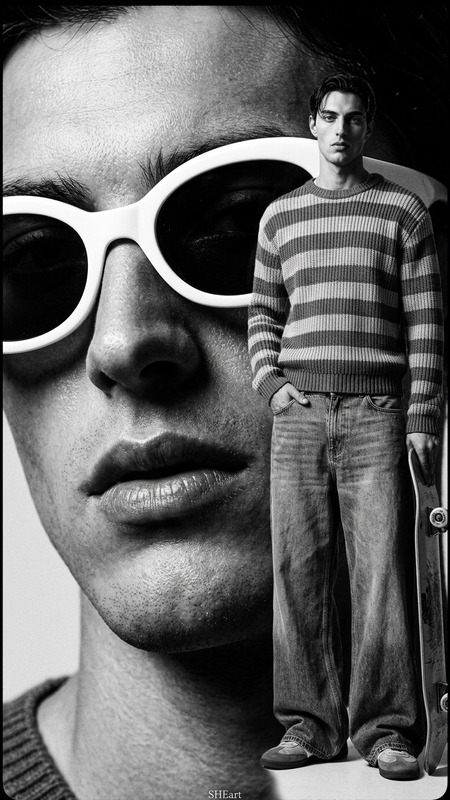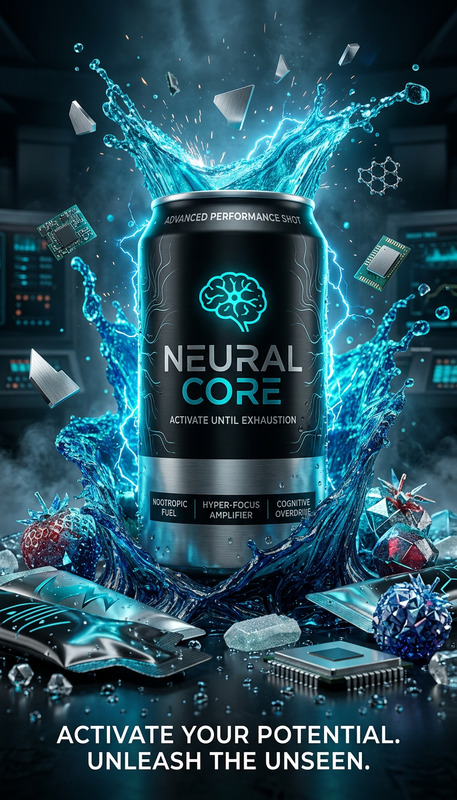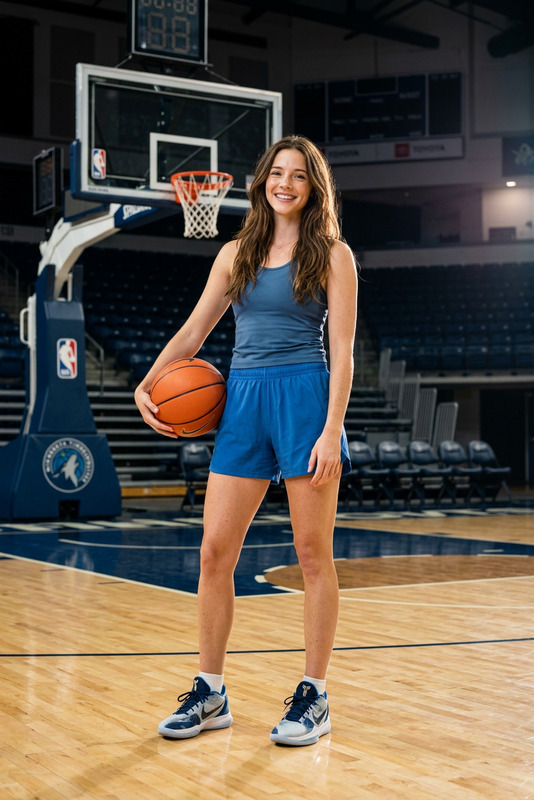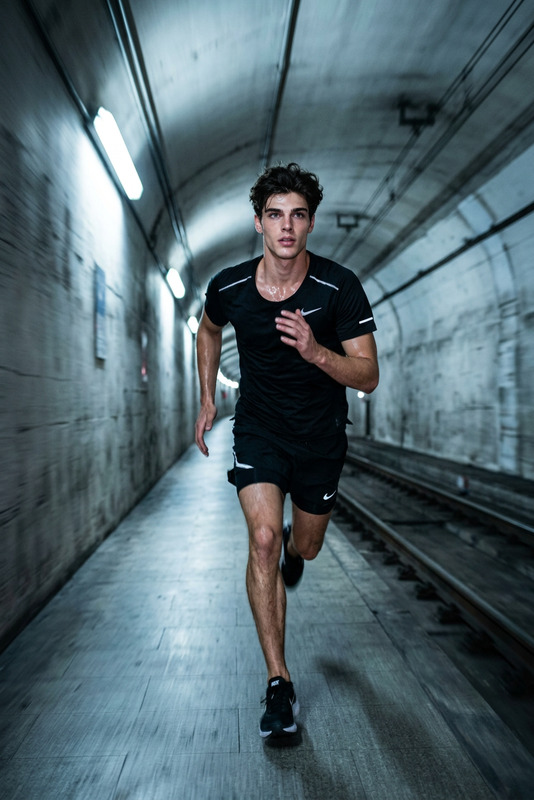
Studio Performance Shot
- Model
- Nano Banana 2
- Image
- 843 × 1264 px
Prompt
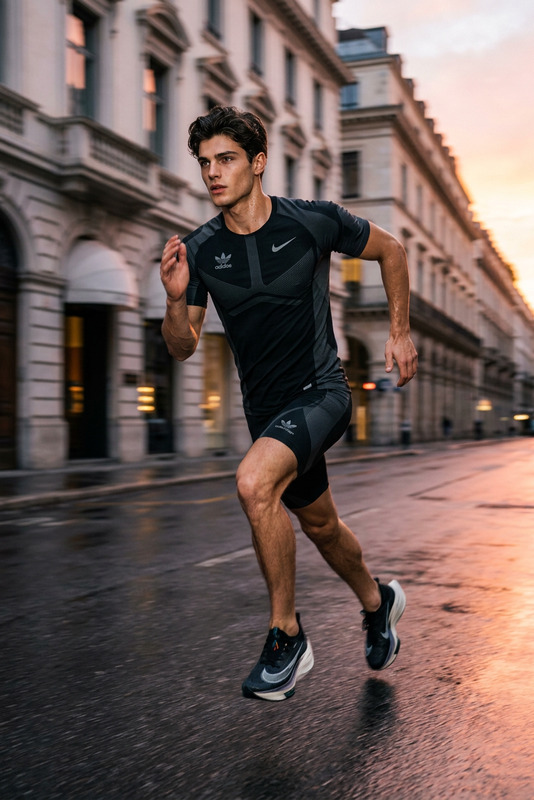
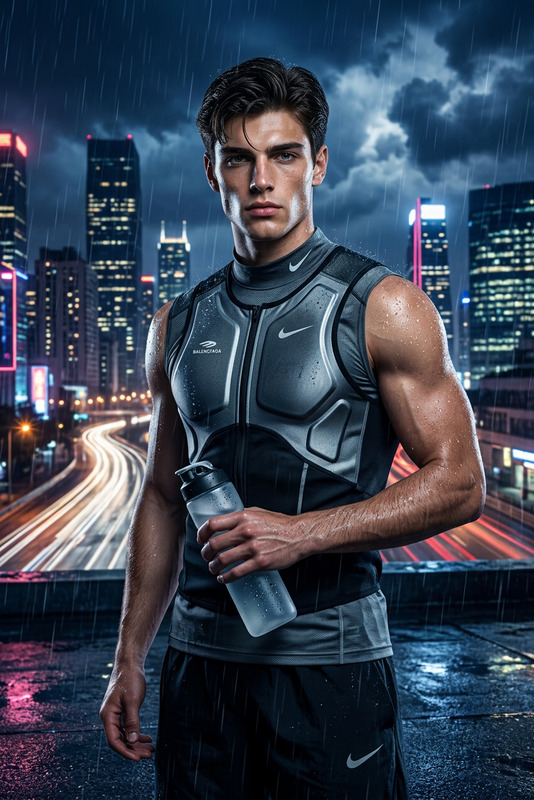
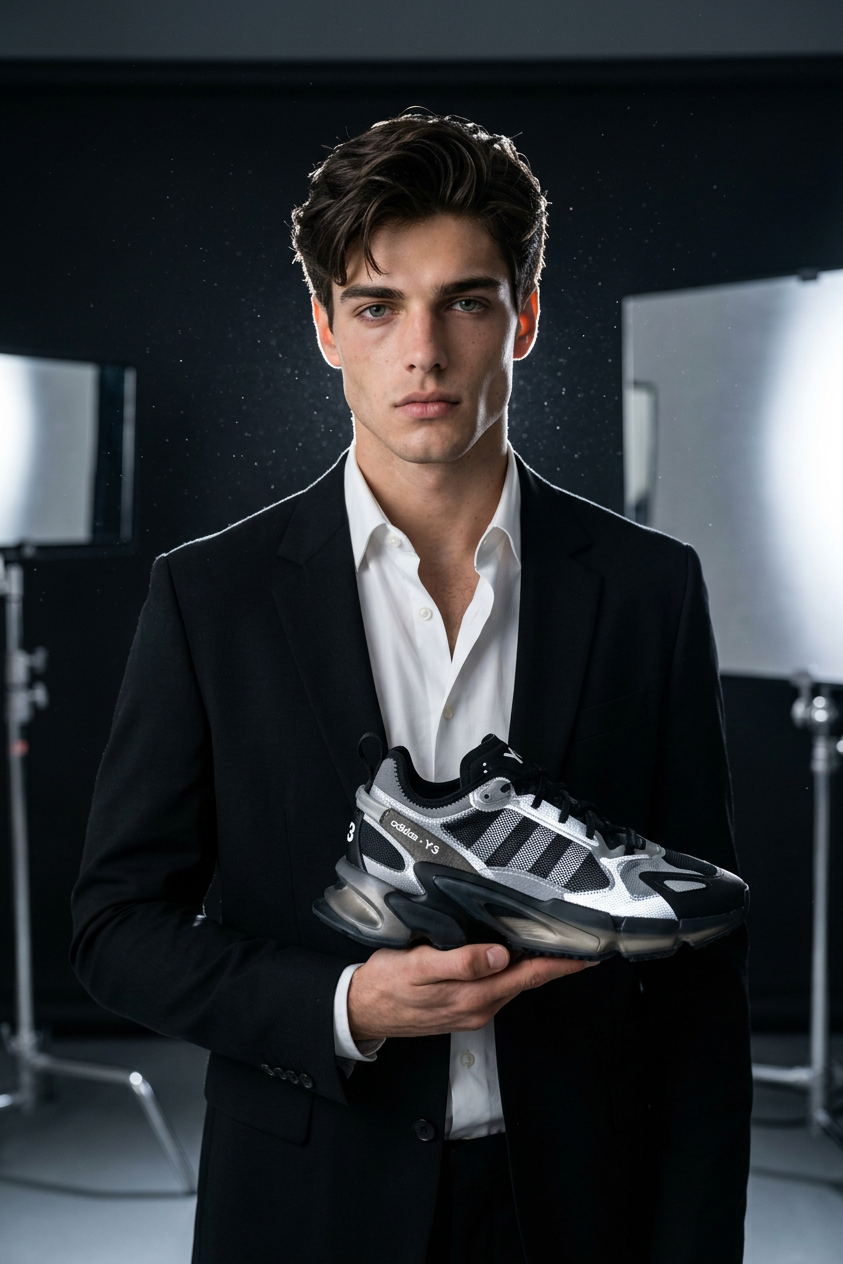
Ultra-realistic high-fashion sports product campaign in a minimal dark studio. A muscular athlete stands in a powerful pose holding a new performance sneaker from **Adidas x luxury conceptual collaboration line. Outfit is a futuristic compression set blending technical fabric with runway tailoring, inspired by Balenciaga oversized structure and Nike sport engineering. Dramatic rim lighting outlines body shape and product silhouette. Floating dust particles in light beams. Ultra-clean premium commercial aesthetic, sharp focus on product, cinematic shadows, high-end studio campaign photography.
Any aspect ratio
Overview
The Studio Performance Shot template leverages the power of the AI Image Editor to deliver ultra-realistic high-fashion images. This meticulously crafted prompt sets the stage for a dramatic sports product campaign, emphasizing premium aesthetic and precise product detailing.
What It Does
With this template, create compelling images of athletes in high-end studio settings showcasing performance sneakers. Using the AI Image Editor, it develops images that highlight muscle tone and product design through expert lighting and shadows. The nano-banana-2 model ensures unparalleled realism and detail in every shot.
Who It's For
This template is ideal for marketers, fashion designers, and photographers aiming to create standout visuals for sports product launches. Especially useful for campaigns looking for a high-fashion touch, combining elements of brands like Adidas, Balenciaga, and Nike for a distinct visual narrative. Explore similar potentials with our AI Product Photography tools.
Summary
Set in a minimal dark studio, this template crafts images that captivate with their cinematic shadows and dramatic lighting. Designed for those seeking a fusion of high fashion and sporty dynamics in their visual content. For further customizations and extended visual capabilities, consider using the AI Talking Photo tool for integrating dynamic storytelling elements into your campaigns.
How-To
Choose the Template

Customize Your Shot

Generate the Image

Use Cases
Sports Product Campaigns
- Enhance brand narrative with strong visual storytelling
- Focus on product details with sharp imagery
- Convey premium aesthetics to attract target customers
Fashion Editorials
- Combine fashion trends with athletic wear
- Use dramatic lighting for visually striking images
- Appeal to a fashion-forward audience
Branded Content
- Maintain brand consistency across marketing materials
- Incorporate brand colors and logos seamlessly
- Highlight product USPs through detailed visuals
Best Practices
Focus on Lighting
Ensure your lighting setup emphasizes the contours of both the attire and the athletic subject. This adds depth and drama to the images.Pay Attention to Detail
Focus sharply on the details like fabric texture and product logos to create a professional and polished look.Keep Composition Balanced
Use the rule of thirds to create a balanced composition, ensuring that the athlete and products are placed naturally within the scene.