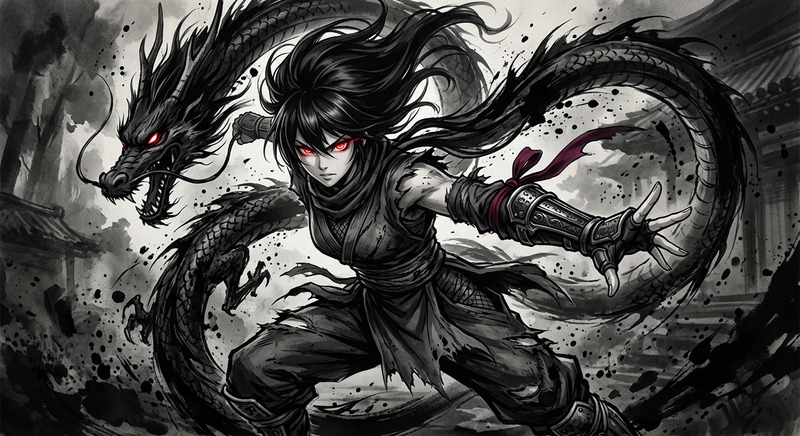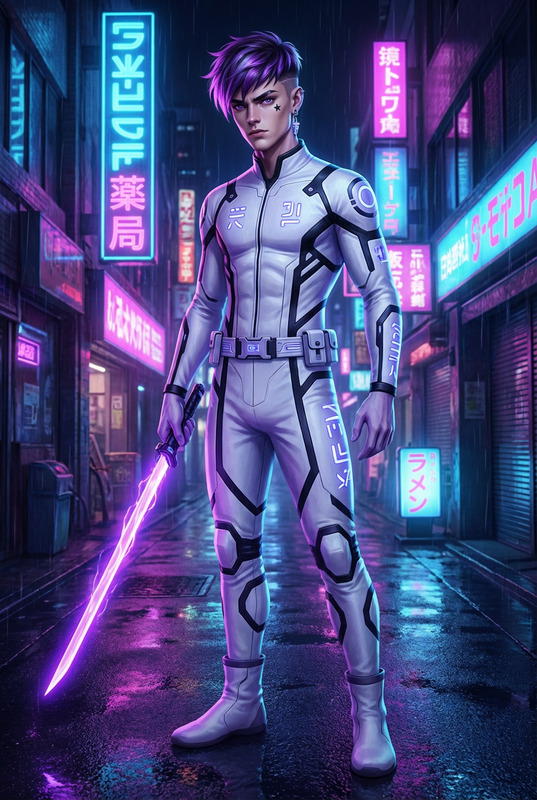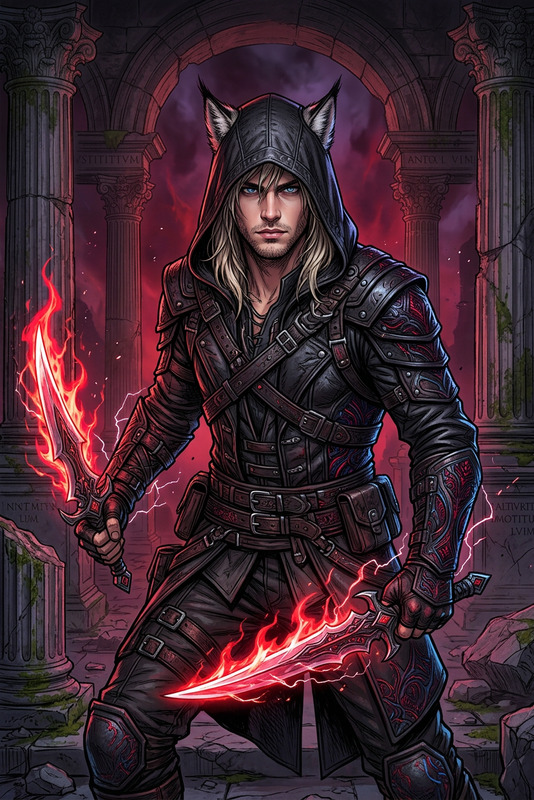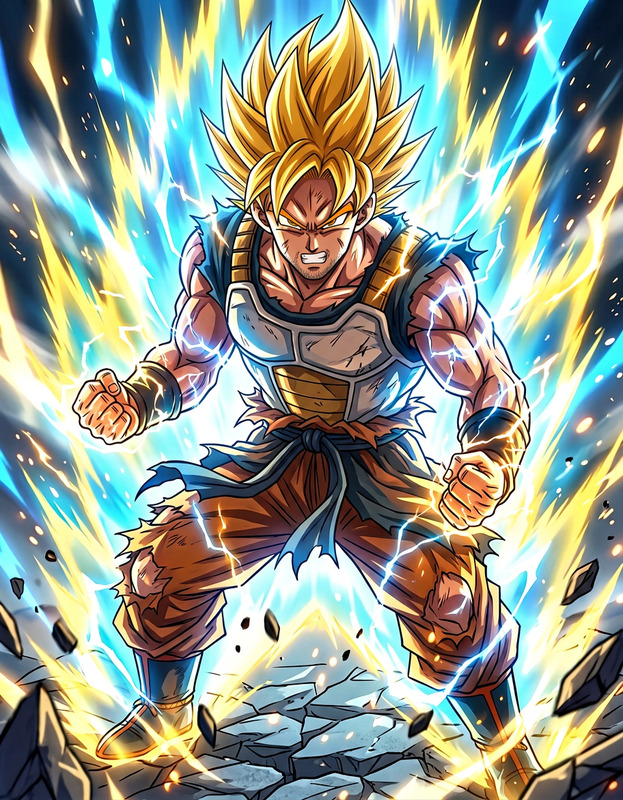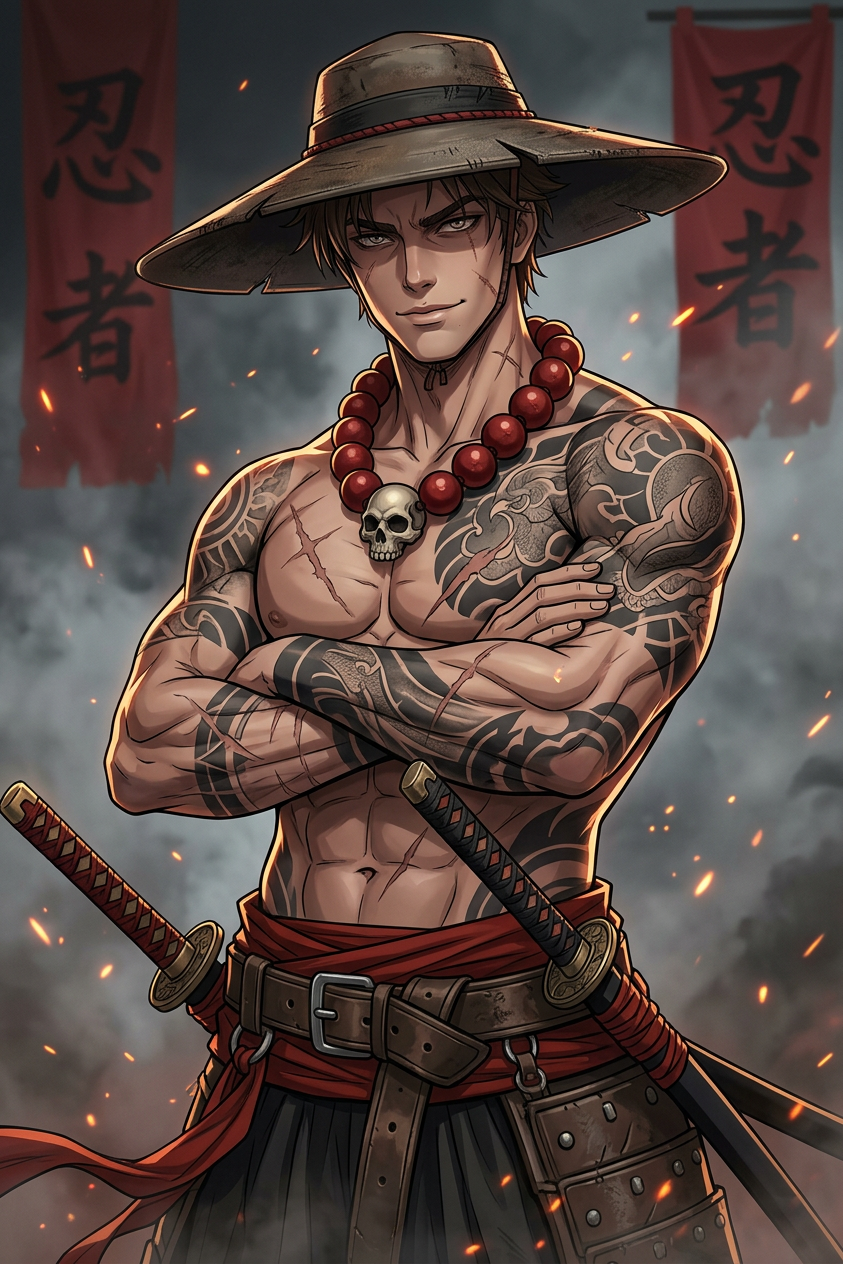
Tattooed Samurai Anime
- Model
- Nano Banana 2
- Image
- 843 × 1264 px
Prompt
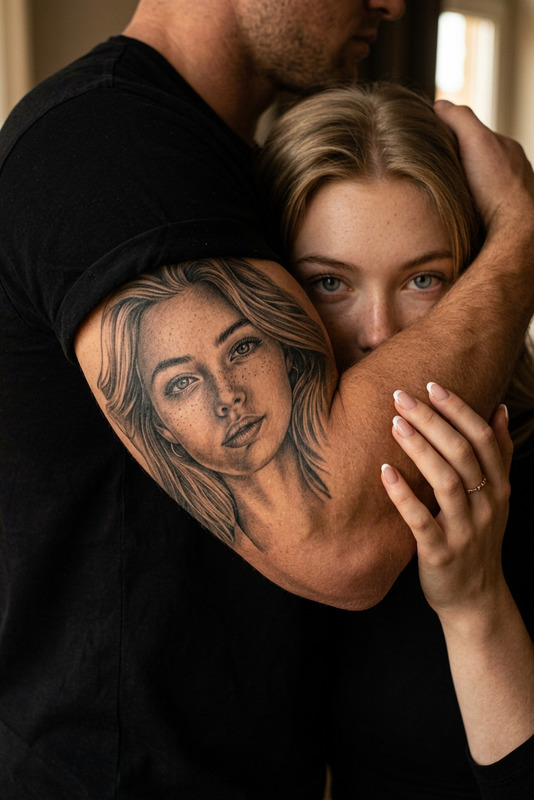
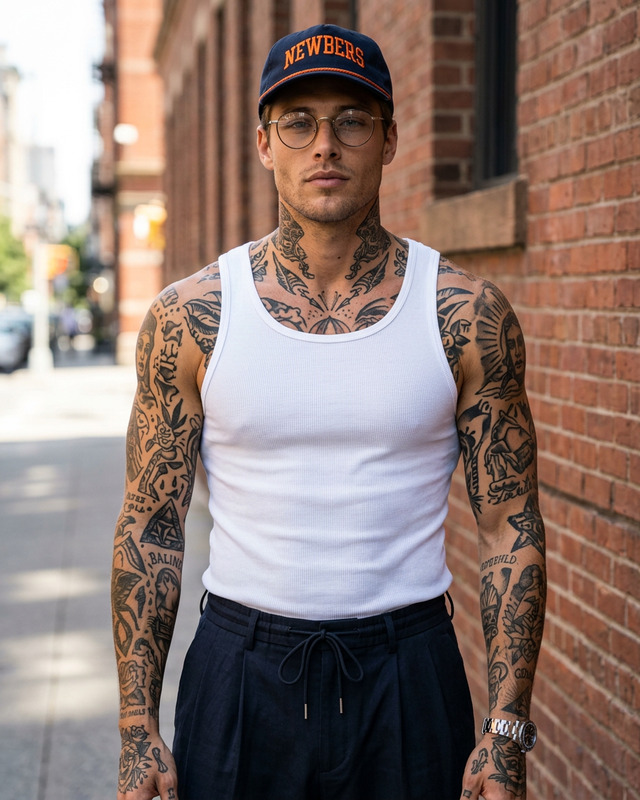
Epic anime-style portrait of a muscular (image Uploaded), tattooed swordsman standing with arms crossed, low-angle three-quarter view emphasizing broad shoulders and chiseled torso, wide-brimmed weathered hat, large red prayer beads around his neck and a skull amulet at his sternum, intricate full-arm and chest tattoos in black and gray, faded scars and freckles on his stern, faint smirk and intense, focused eyes, twin katanas sheathed at his hips with ornate hilts, red sash and heavy leather belt with bold metallic buckle, dramatic rim lighting and warm ember sparks swirling around, smoky atmospheric background with bold red Japanese kanji banners, painterly digital art, hyper-detailed textures, cinematic color grading, high contrast, dynamic composition, cinematic depth of field, ultra-detailed, epic fantasy samurai vibe, --ar 9:16
Any aspect ratio
Overview
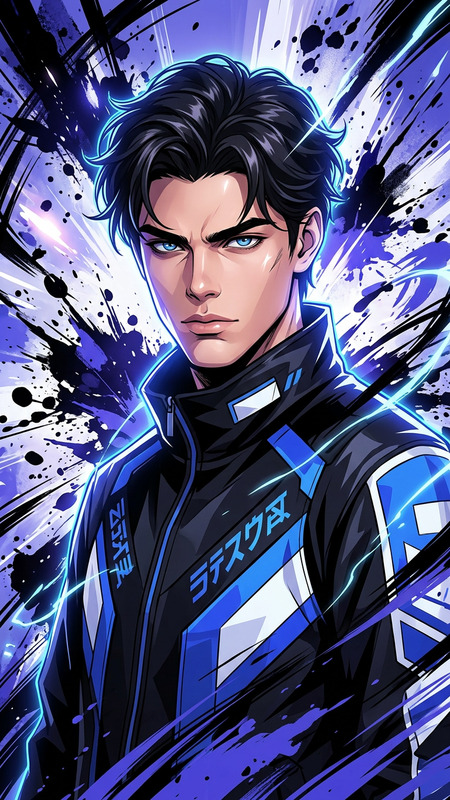
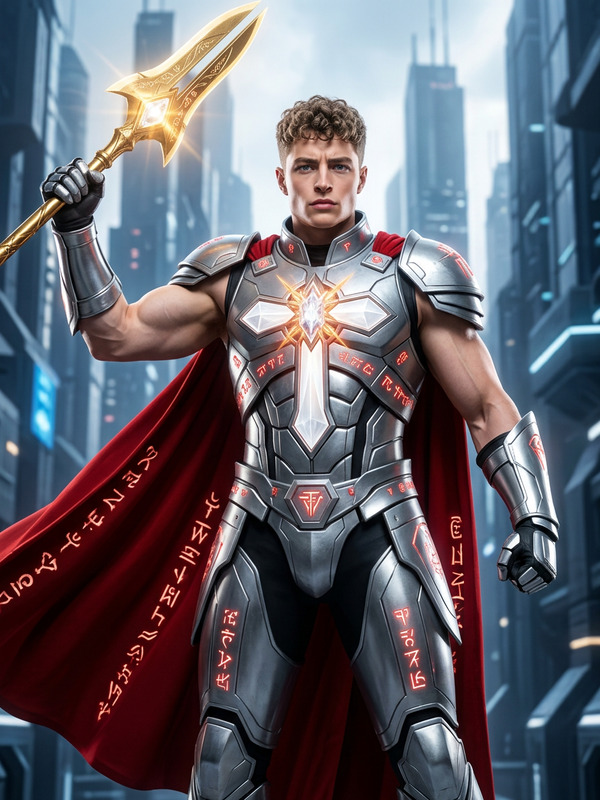
Transform your images into spectacular anime-style art with the Tattooed Samurai Anime template. This AI Image Editor uses the power of Nano-Banana-2 to generate hyper-detailed portraits featuring a tattooed samurai with epic visual elements. Capture the essence of cinematic fantasy with vibrant colors and intricate details.
What It Does
This template edits uploaded images, transforming them into a dramatic anime-style portrait of a tattooed samurai. You'll see enhanced details such as muscular features, intricate tattoos, and atmospheric effects like ember sparks and smoke. Leveraging the capabilities of the AI Image Editor, the result is a vivid and dynamic composition that embodies an epic fantasy vibe.
Who It's For
Whether you're an anime artist, a content creator, or a fan of samurai lore, this template is your go-to tool for crafting visually rich images. It's designed for those who want to add a bold, artistic edge to their portfolios or create standout images for Social Media Ads and marketing campaigns.
Summary
The Tattooed Samurai Anime template offers a powerful way to convert ordinary photos into evocative anime portraits with a samurai theme. Achieve hyper-detailed and cinematic imagery that is perfect for use in Meme Videos and creative projects. Discover the potential of AI-driven art transformation today.
How To
Choose

Customize

Generate

Use Cases
Digital Art Creation
- Create character concept art
- Develop stunning art for personal projects
Social Media Campaigns
- Enhance ad visuals
- Promote anime events or product releases
Content for Video Channels
- Use in intros or outros
- Feature in thematic videos
Best Practices
Select High-Resolution Images
For the best results, use high-resolution input images to ensure that the details are rendered crisply.Adjust Prompt Parameters
Experiment with different attributes in the prompt to customize the unique look and feel of the samurai, like altering the intensity of lighting or the aura.Utilize AI Image Editor Features
Take advantage of additional features offered by the AI Image Editor to enhance and refine your final image.