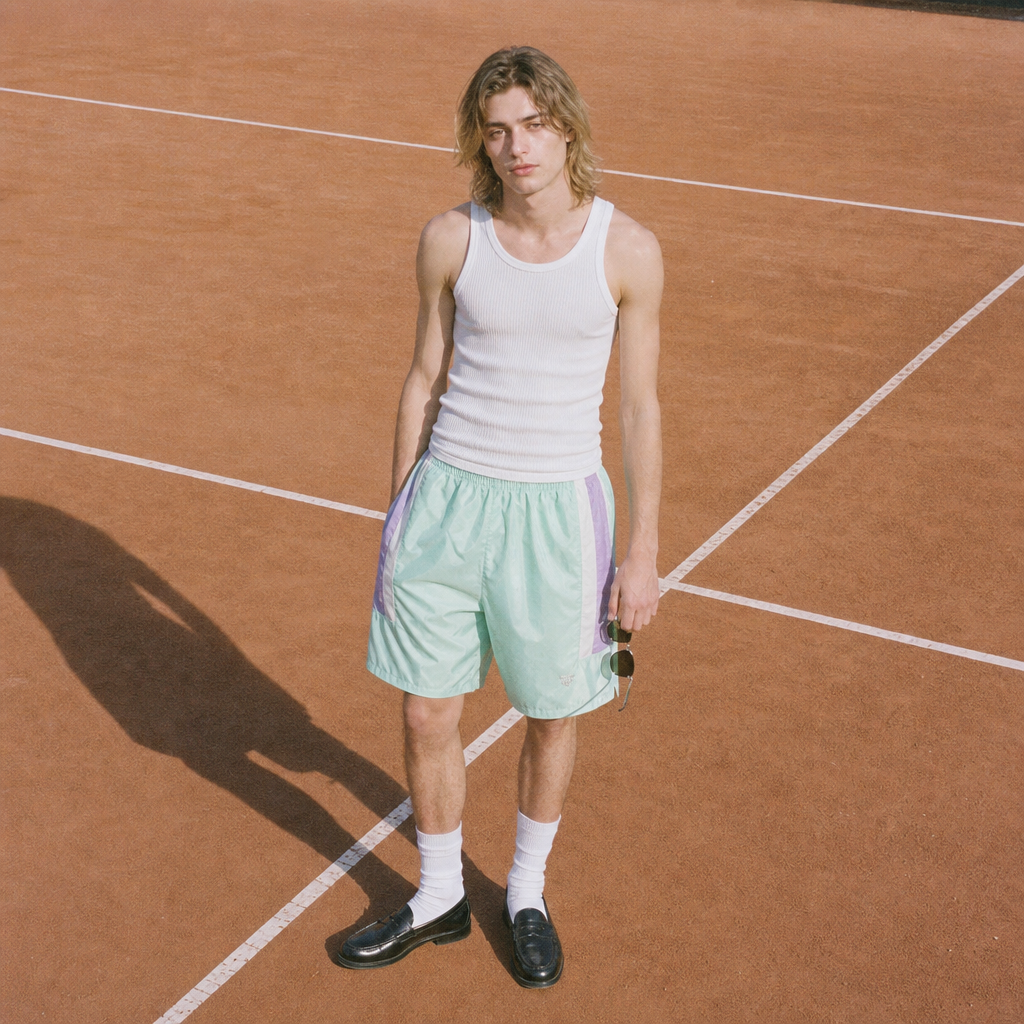
Tennis course
- Model
- GPT Image 2
- Image
- 1024 × 1024 px
Prompt
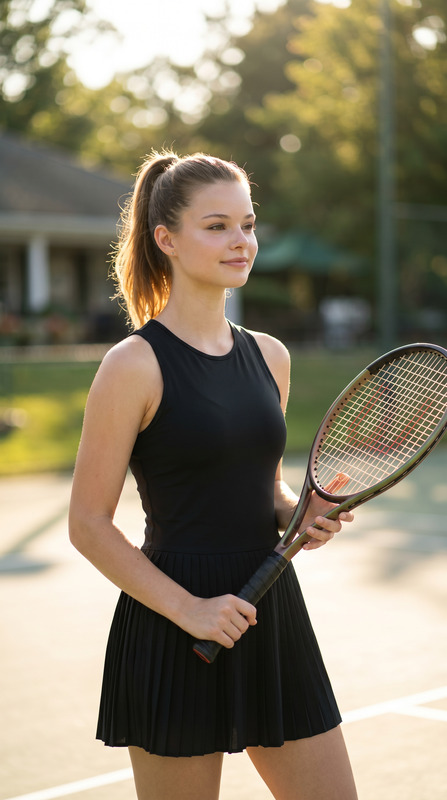
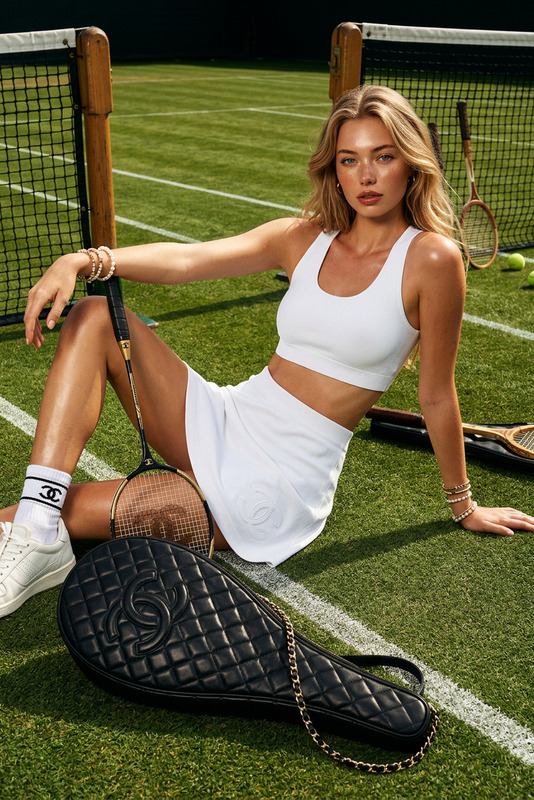
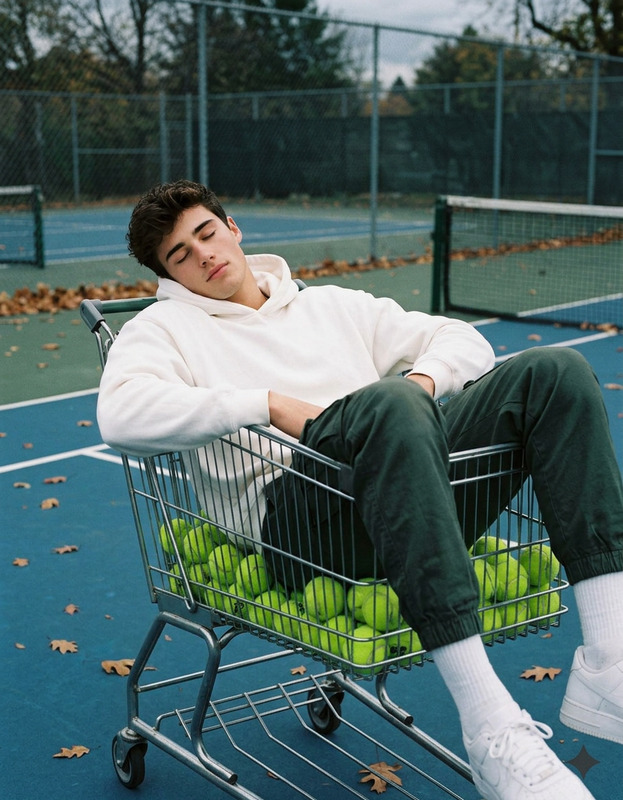
Medium full shot of a skinny young white man with long blonde hair, standing slouched on a clay tennis court, holding sunglasses in his left hand. He wears a white ribbed tank top, shiny loafers with white crew socks, and oversized pale green shorts accented with mint and lilac, styled in a bored, deadpan fashion pose. The geometric white court markings on the clay offer a retro, mundane, editorial background. Lighting is harsh direct on-camera flash with a flat, edge-to-edge exposure typical of a lo-fi digicam snapshot, featuring pastel and earthy neutrals with a pastel pop for the shorts, digital grain, and a gentle flash washout in the image style.
Any aspect ratio
Overview
Capture the retro editorial vibe in your images with the "Tennis Course" template in the AI Image Editor. This template uses the gpt-image-2 model to create visually striking photos with a lo-fi digital camera aesthetic. From geometric court lines to the pastel pop of fashion-forward shorts, this tool is perfect for generating high-fashion images with a unique twist.
What It Does
The "Tennis Course" template transforms ordinary images into eye-catching compositions that mimic editorial fashion photography. With defined parameters like lighting effects, color patterns, and a specific fashion pose, the template offers a unique approach to photo editing. It's ideal for users seeking to craft images with a creative and nostalgic flair. This template is part of the AI Image Editor suite, making it easy to get started with your editing projects.
Who It's For
This template is built for fashion photographers, digital creators, and marketers looking to incorporate a retro yet stylish edge into their visuals. If you're tasked with generating creative content for social media or marketing campaigns that need a distinctive style, this template is perfect. Additionally, educators and content creators in the fashion industry can use this template to design engaging visual materials.
Summary
Whether you're involved in digital marketing, content creation, or fashion photography, the "Tennis Course" template offers a compelling way to stylize images. It leverages the AI Image Editor capabilities to offer high-quality, customizable outputs that reflect the aesthetics of retro, lo-fi photography. Perfect for those who value creative control and visual appeal in their projects.
How-To
Choose Template

Customize Inputs

Generate Image

Use Cases
Fashion Lookbooks
- Enhance digital editorial content
- Create a cohesive visual theme
Social Media Campaigns
- Generate attention-grabbing posts
- Develop brand-specific aesthetics
Marketing Materials
- Produce high-quality ad visuals
- Encapsulate brand’s identity
Best Practices
Use High-Resolution Images
Start with a high-quality image to ensure the final output is clear and detailed.Experiment with Prompts
Try different clothing colors and styles to see what works best for your concept.Preview Before Downloading
Take advantage of the preview feature to make any last-minute tweaks before finalizing your image.