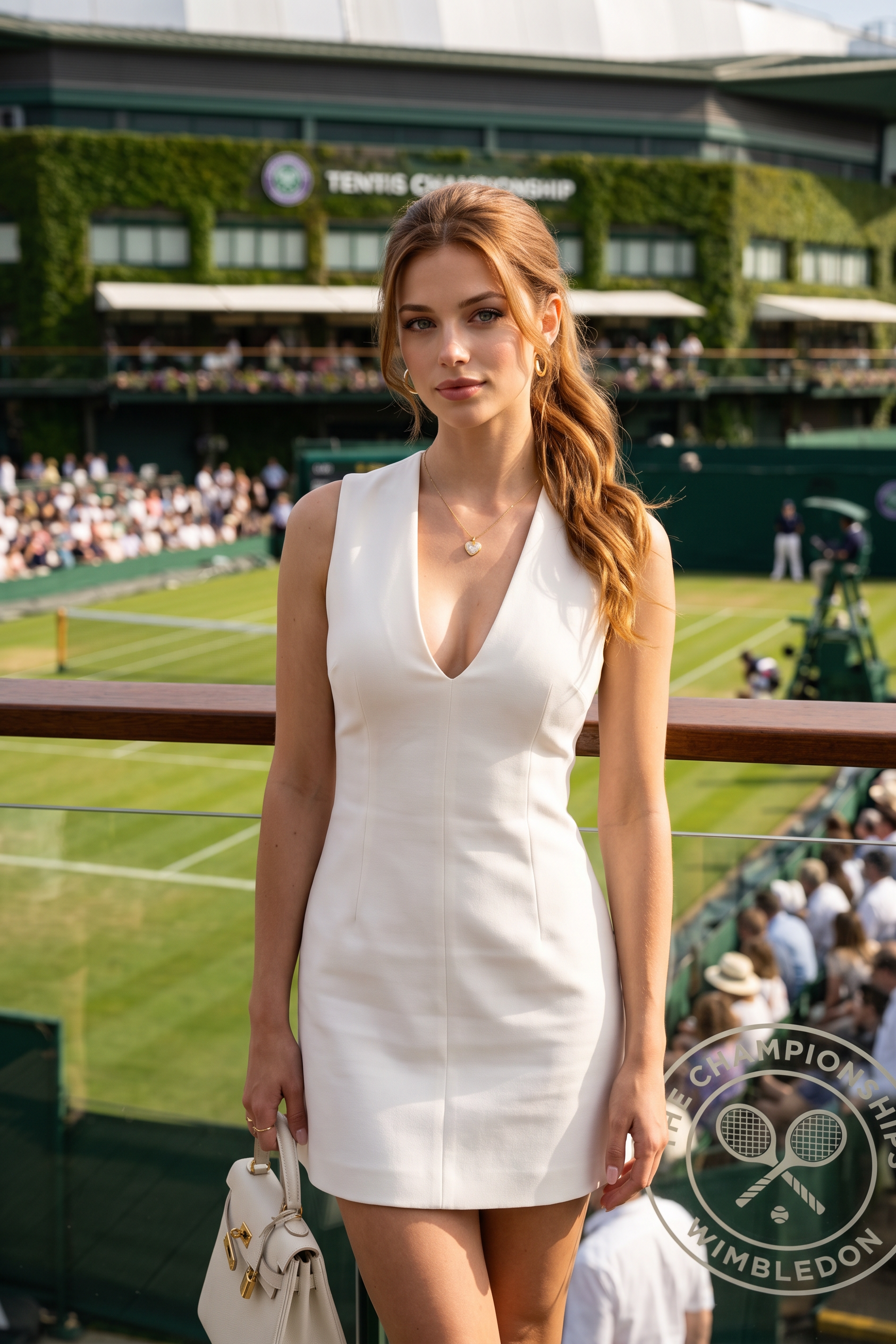
Courtside Glow
- Model
- Nano Banana 2
- Image
- 1686 × 2528 px
Prompt
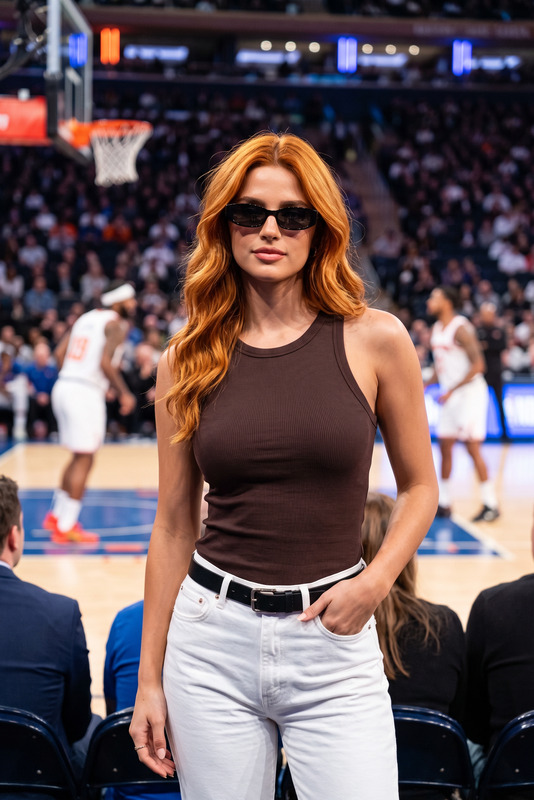
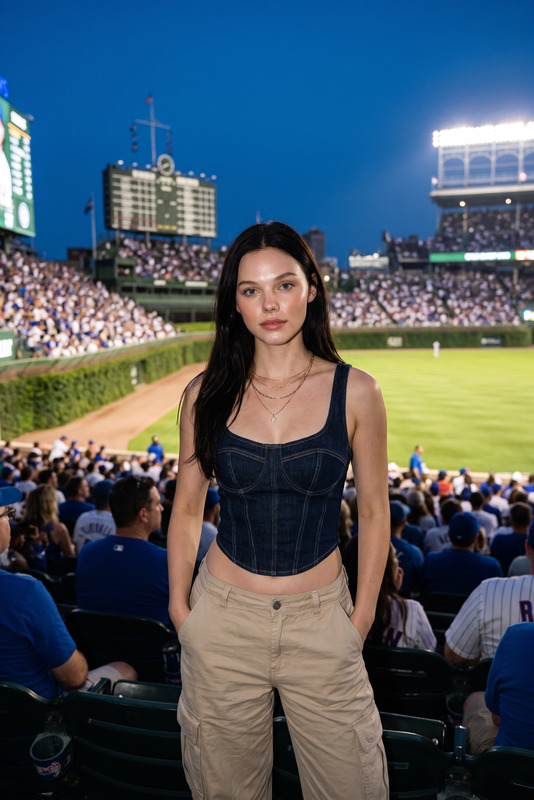
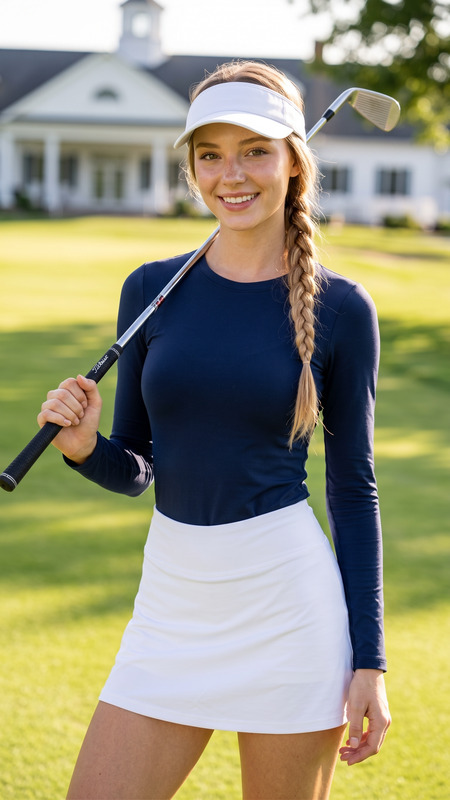
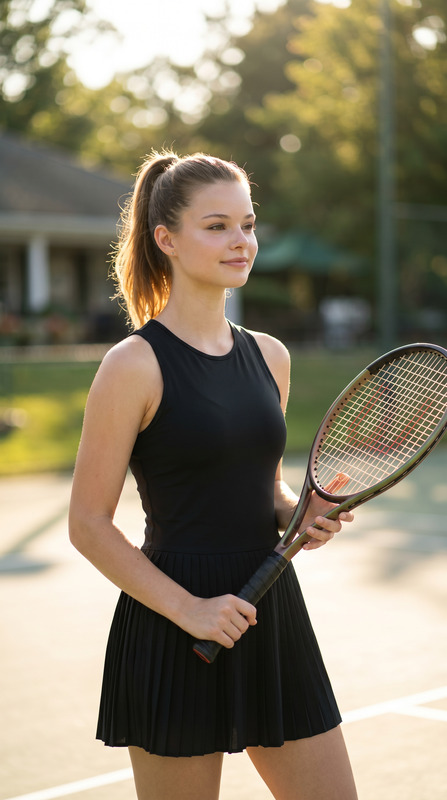
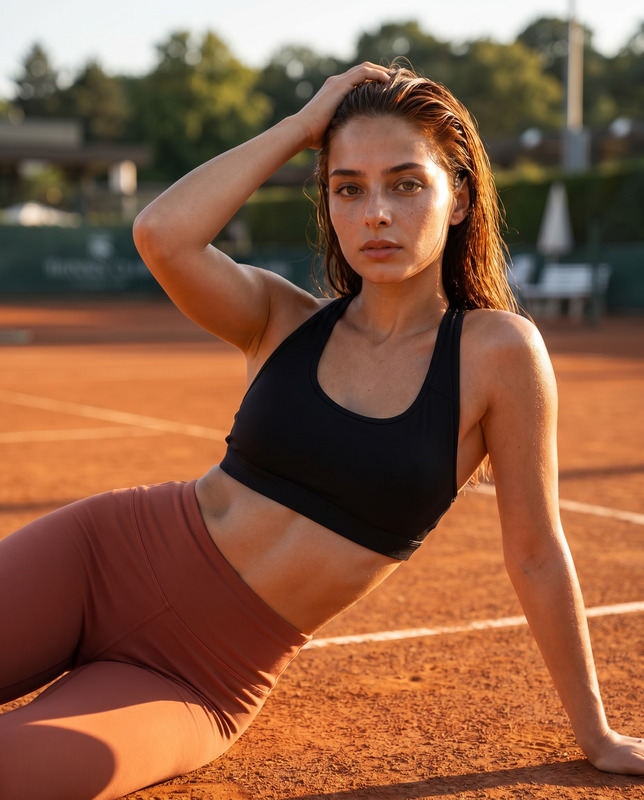
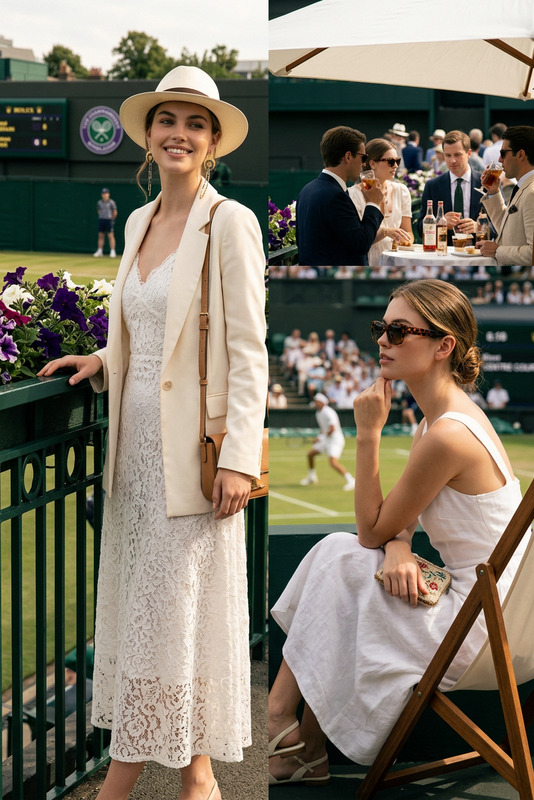
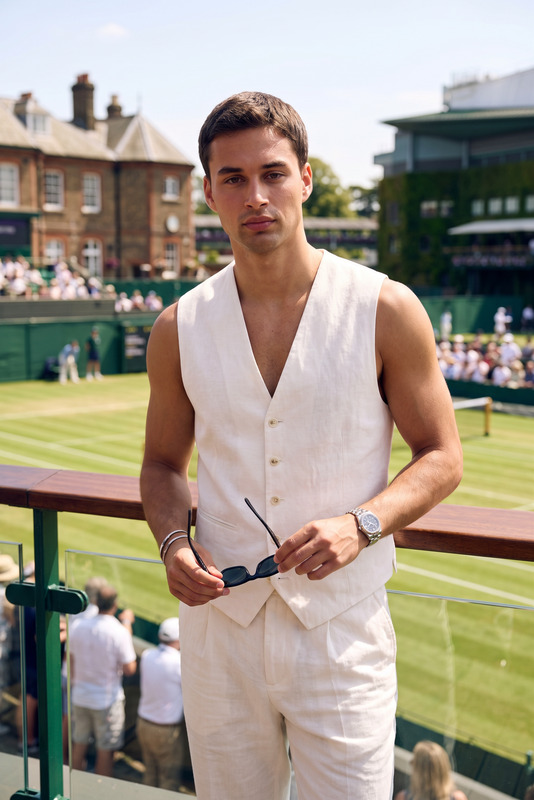
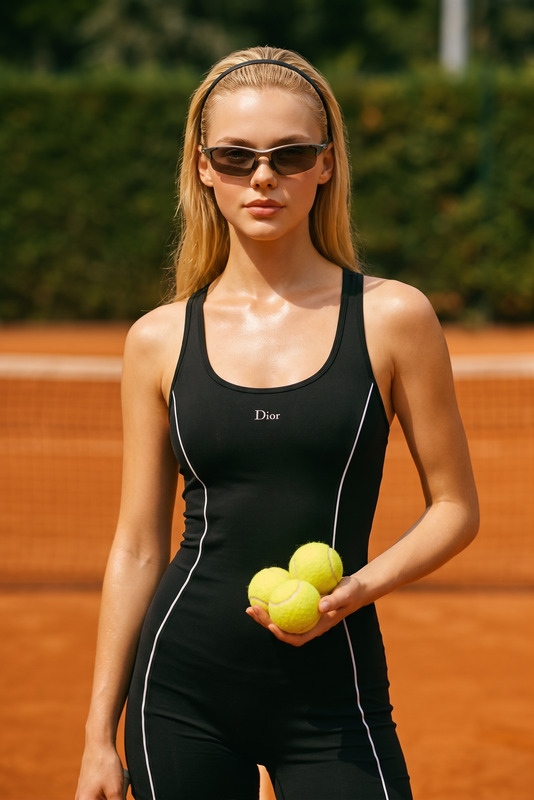
Transform the uploaded face-edited portrait into a luxury tennis tournament fashion moment at an outdoor championship stadium inspired by Wimbledon. The person is standing elegantly at the VIP balcony overlooking the tennis court, wearing a tailored sleeveless white mini dress with a deep neckline, holding a luxury white handbag. Soft auburn ponytail hairstyle, glamorous natural makeup, confident sophisticated expression, bright summer sunlight, realistic tennis crowd in the background, luxury sports spectator aesthetic, cinematic shallow depth of field, ultra realistic skin texture, high-end editorial photography, elegant feminine energy, rich green tennis court tones, premium lifestyle magazine aesthetic, shot on 85mm lens, candid celebrity tournament atmosphere.Wimbledon aesthetic, old money summer fashion, luxury tennis spectator style, celebrity sports event photography, quiet luxury aesthetic, courtside elegance, Ralph Lauren campaign vibe
Any aspect ratio
Overview
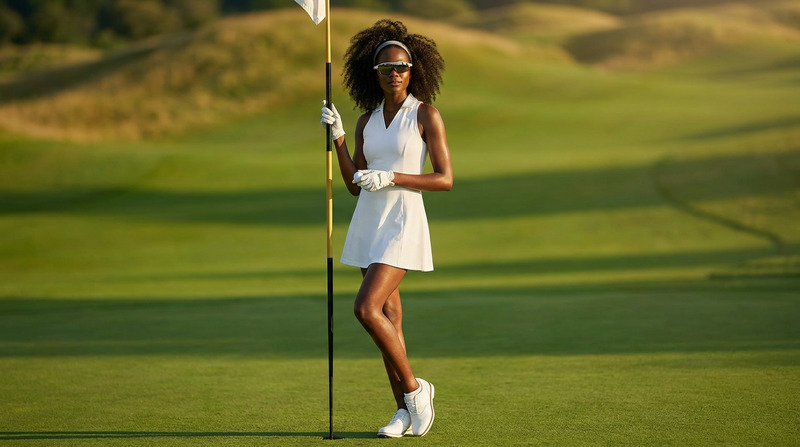
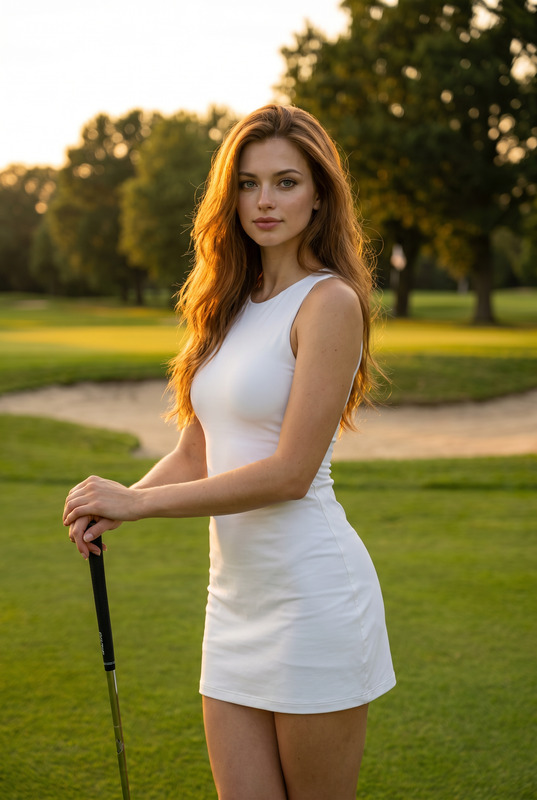
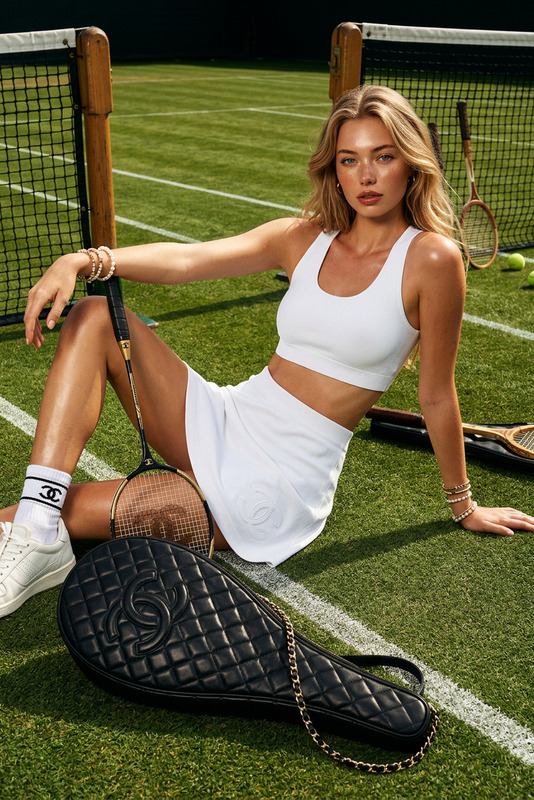
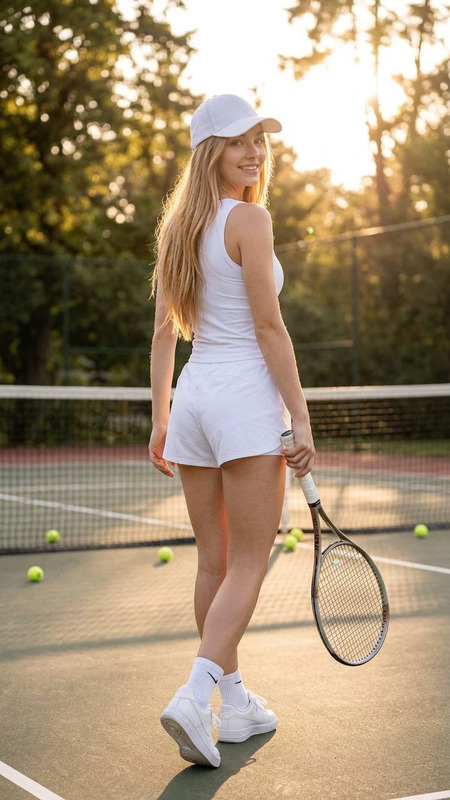
The Courtside Glow template offers a unique opportunity to transform your portraits into high-end fashion moments, encapsulating the elegance and energy of a luxury tennis tournament. With a sophisticated scene set against the backdrop of a Wimbledon-inspired stadium, your edited image will exude opulence and style, perfect for capturing the essence of elite sports events.
What It Does
This AI Image Editor template uses the powerful nano-banana-2 model to transform your face-edited portraits into exquisite luxury tennis moments. By adjusting lighting, facial expressions, and background details, it creates a cinematic experience that enhances the charm of your image with high-end editorial finishes and rich aesthetics.
Who It's For
Designed for photographers, content creators, and fashion enthusiasts looking to create striking visual content related to sports events, the Courtside Glow template is ideal for anyone aiming to capture high-fashion moments at luxury sports arenas. It's also perfect for brands aiming to infuse their imagery with a premium lifestyle aesthetic, such as a profile picture generator or product photography campaigns.
Summary
With Courtside Glow, you can elevate your images to embody the luxurious essence of a high-profile tennis event. This template facilitates effortless delivery of stunning edits that look straight out of a premium magazine feature or a luxury fashion campaign, providing a quiet yet glamorous spectator vibe.
How-To
Choose

Customize

Generate

Use Cases
Sports Fashion Magazine Features
- Enhance editorial spreads
- Create exclusive VIP moments
- Highlight luxury event styling
Social Media Content
- Insta-ready fashion shots
- Luxury lifestyle storytelling
- Influencer campaign assets
Brand Campaigns
- Promote new collections
- Cultivate brand prestige
- Create seasonal lookbooks
Best Practices
Use High-Quality Source Images
The quality of the final edit is greatly enhanced by starting with high-resolution source images. Ensure your portrait is clear and detailed for the best results.Personalize the Details
While customizing the prompt, consider tweaking small details like makeup style or accessory type to more closely match your personal or brand aesthetic.Experiment with Different Prompts
Slight changes in the prompt can bring different elements to the forefront, such as changing lighting conditions or the ambiance, to vary the mood.