Autumn Wall
- Model
- Nano Banana 2
- Image
- 768 × 1365 px
Prompt
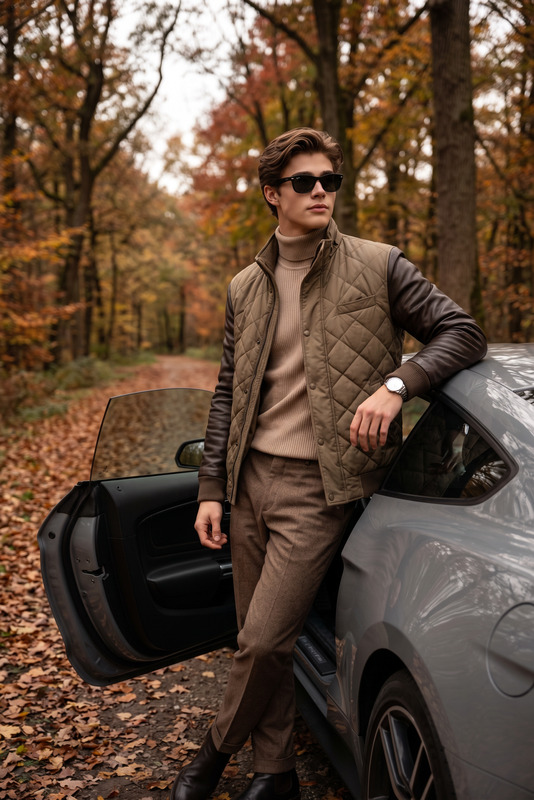
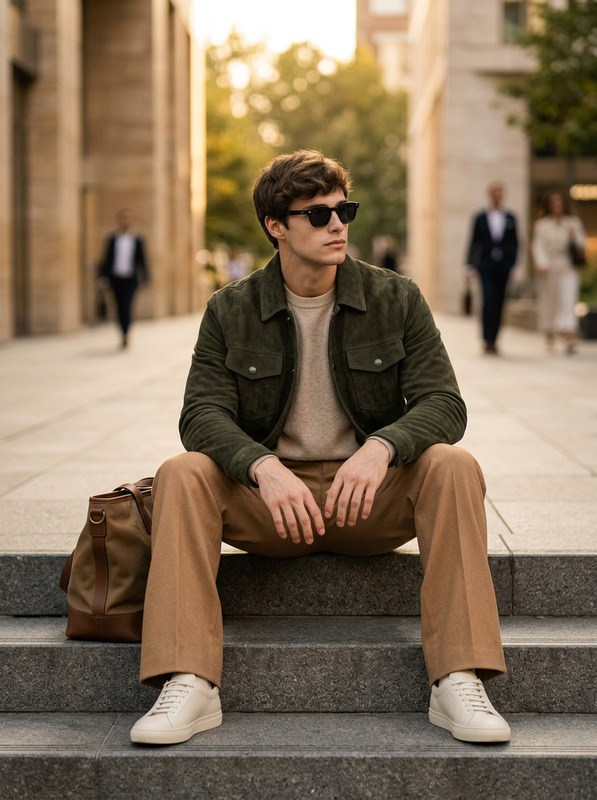
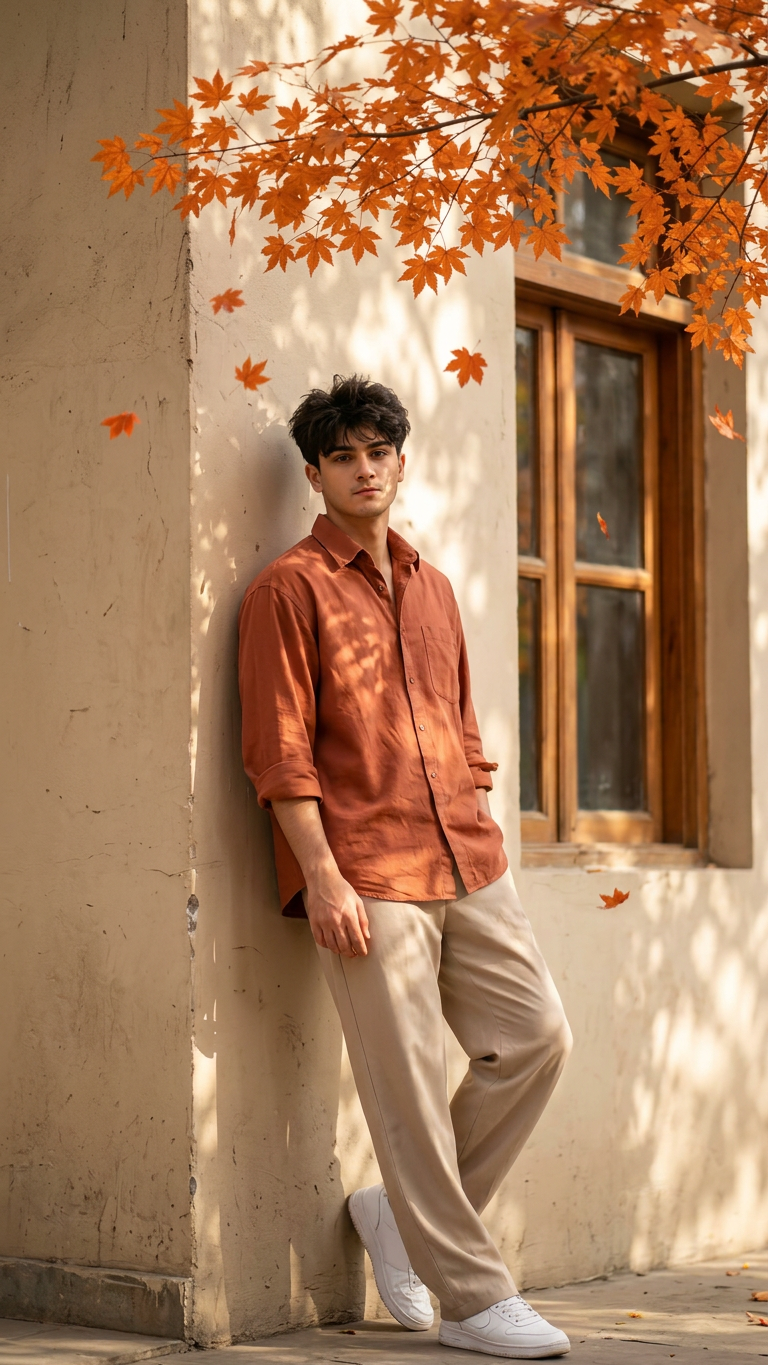
Use the exact same face from the reference image and generate a Ultra-realistic environmental portrait of a young man standing casually with his back leaning against a simple aged beige wall. A traditional window is positioned beside him, adding architectural character to the scene. Above, a branch of vibrant orange autumn leaves extends into the frame, with a few leaves gently drifting through the air. Warm sunlight filters through the foliage, creating natural dappled light patterns and soft shadows across the wall, ground, and subject. The man faces the camera directly, captured from a front-angle perspective in a full-body, wide-distance composition that showcases both the subject and surrounding environment. He has messy, tousled dark hair falling naturally across his forehead, with realistic texture and subtle movement. His expression is calm, confident, and effortlessly stylish. He wears relaxed beige wide-leg trousers, an oversized terracotta button-up shirt with sleeves casually rolled to the forearms, and clean modern sports sneakers. The color palette is warm, earthy, and harmonious, complementing the autumn atmosphere. Natural sunlight illuminates the scene with realistic highlights, soft contrast, and cinematic depth. Highly detailed skin texture, authentic fabric folds, professional photography, shallow depth of field, ultra-sharp focus, realistic color grading, editorial lifestyle photography, captured on a high-end full portrait.
Any aspect ratio
Overview
With the "Autumn Wall" template, transform a reference image into a stunning, ultra-realistic environmental portrait using the AI Image Editor. Capture the essence of autumn with precise details and rich textures, modelled on the powerful nano-banana-2 engine. Whether for editorial projects or personal use, this template provides a seamless workflow to produce high-quality images that reflect the warm, earthy tones of the season.
What It Does
The "Autumn Wall" template creates an ultra-realistic portrait by digitally rendering a scene with specific autumnal elements. It maintains exact facial features from the reference image while placing the subject in front of a character-rich aged beige wall. The addition of a window and autumn leaves introduces a vibrant seasonal atmosphere, enhanced by natural lighting effects. For detailed adjustments and skin texture realism, explore our AI Face Editor.
Who It's For
This template is designed for photographers, digital artists, and content creators wanting to produce high-end portraits with professional photography standards. It's particularly useful for those in the editorial and lifestyle photography sectors. Builders looking to integrate AI into their profile picture projects or seeking to expand their creative horizons will also find this tool indispensable.
Summary
The "Autumn Wall" template leverages advanced AI technology to turn a basic image into a detailed, artistic portrait with an autumnal theme. By maintaining real-world textures and light dynamics, it bridges the gap between imagination and reality, providing a robust toolset for various creative endeavors.
How To
Choose the Template

Customize Inputs

Generate and Download

Use Cases
Editorial Photography
- High-resolution outputs suitable for print
- Realistic photography effects
Social Media Content
- Visually attractive with professional quality
- Fits well with seasonal content themes
Portfolio Enhancement
- Showcases AI-driven creativity
- Enhances visual appeal
Best Practices
Select High-Quality Reference Images
Opt for clear, well-lit reference images to ensure the best outcome with detailed textures and realistic lighting. Consider using the tools in the AI Image Upscaler for enhancing image quality.Adjust Environmental Details
Fine-tune the background elements and lighting settings to better match your desired seasonal vibe, enhancing the image's authenticity.Experiment with Color Schemes
Play with warm, earthy tones to heighten the autumn feel, utilizing the AI's advanced color grading capabilities.