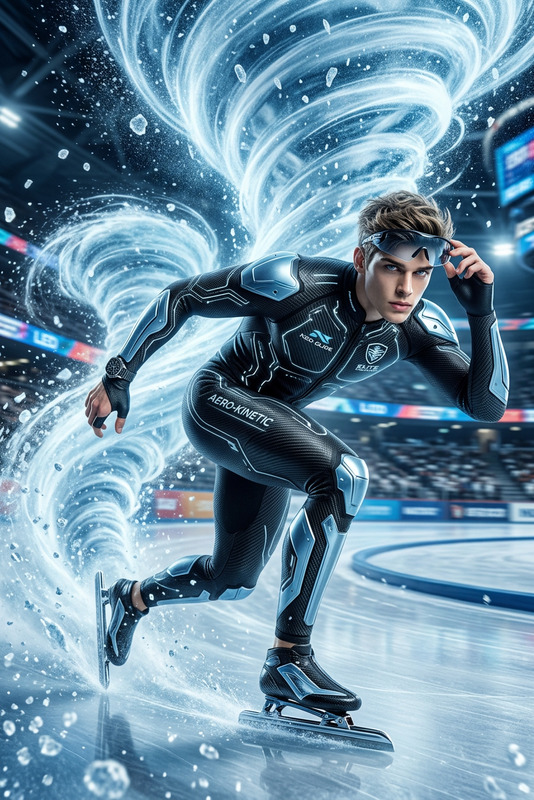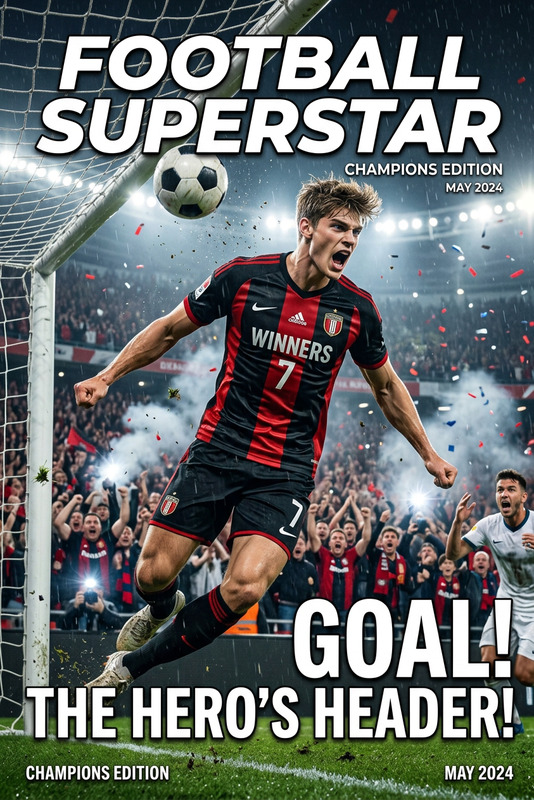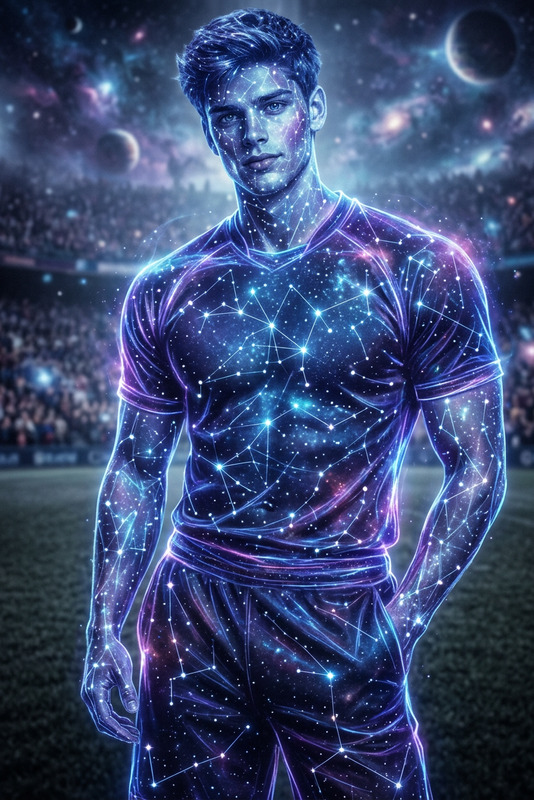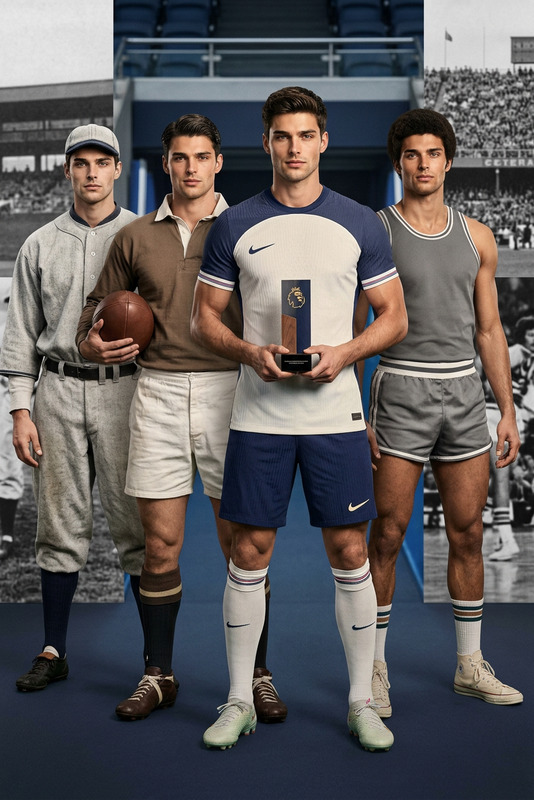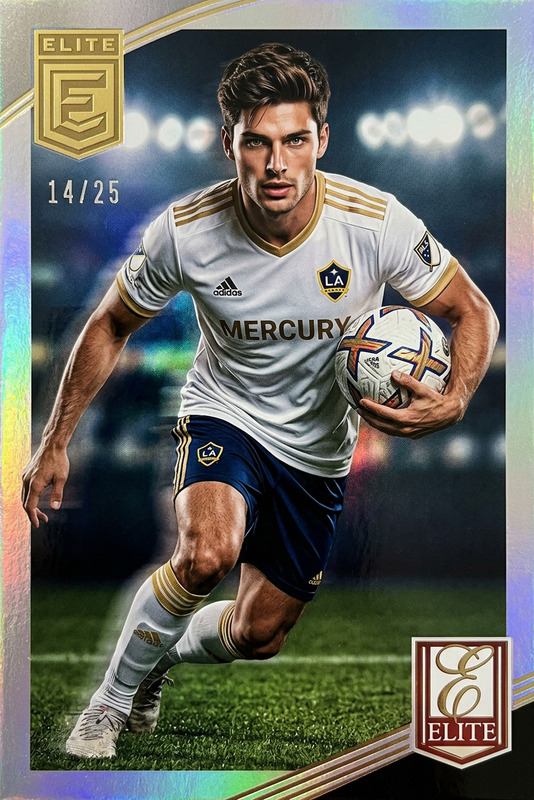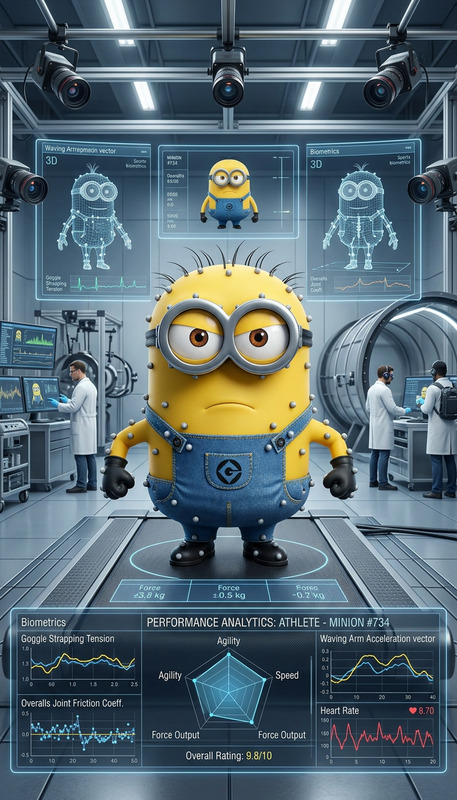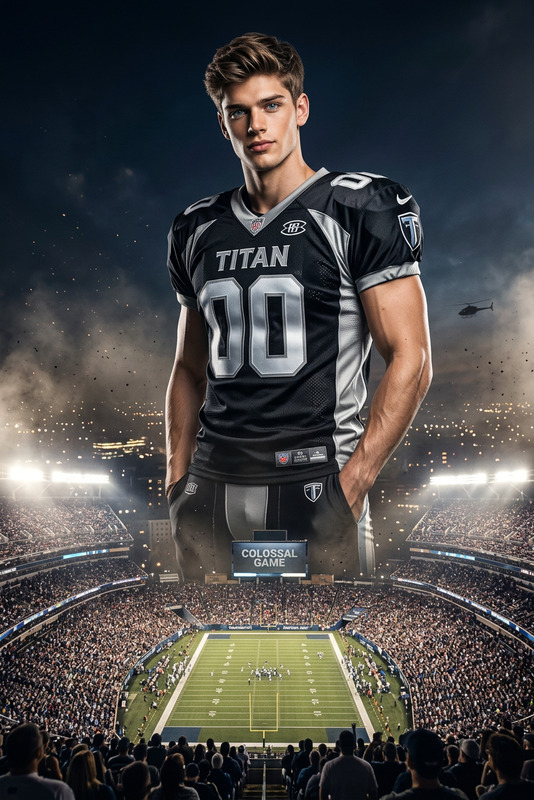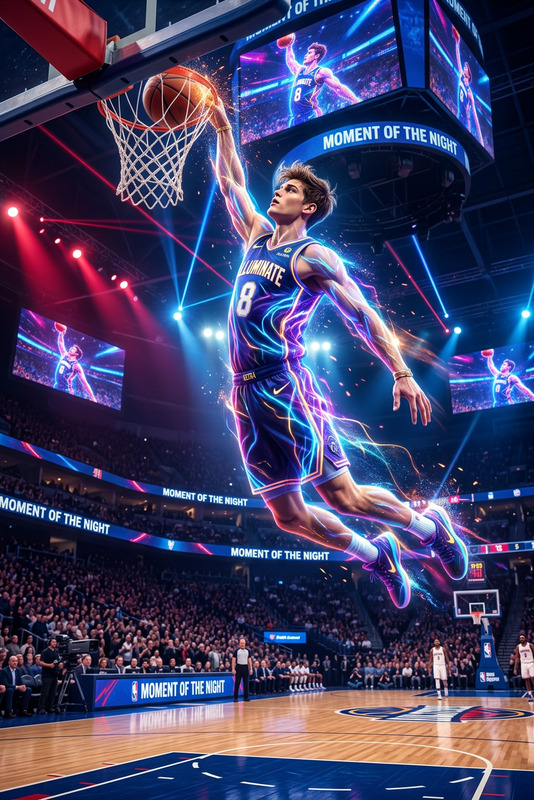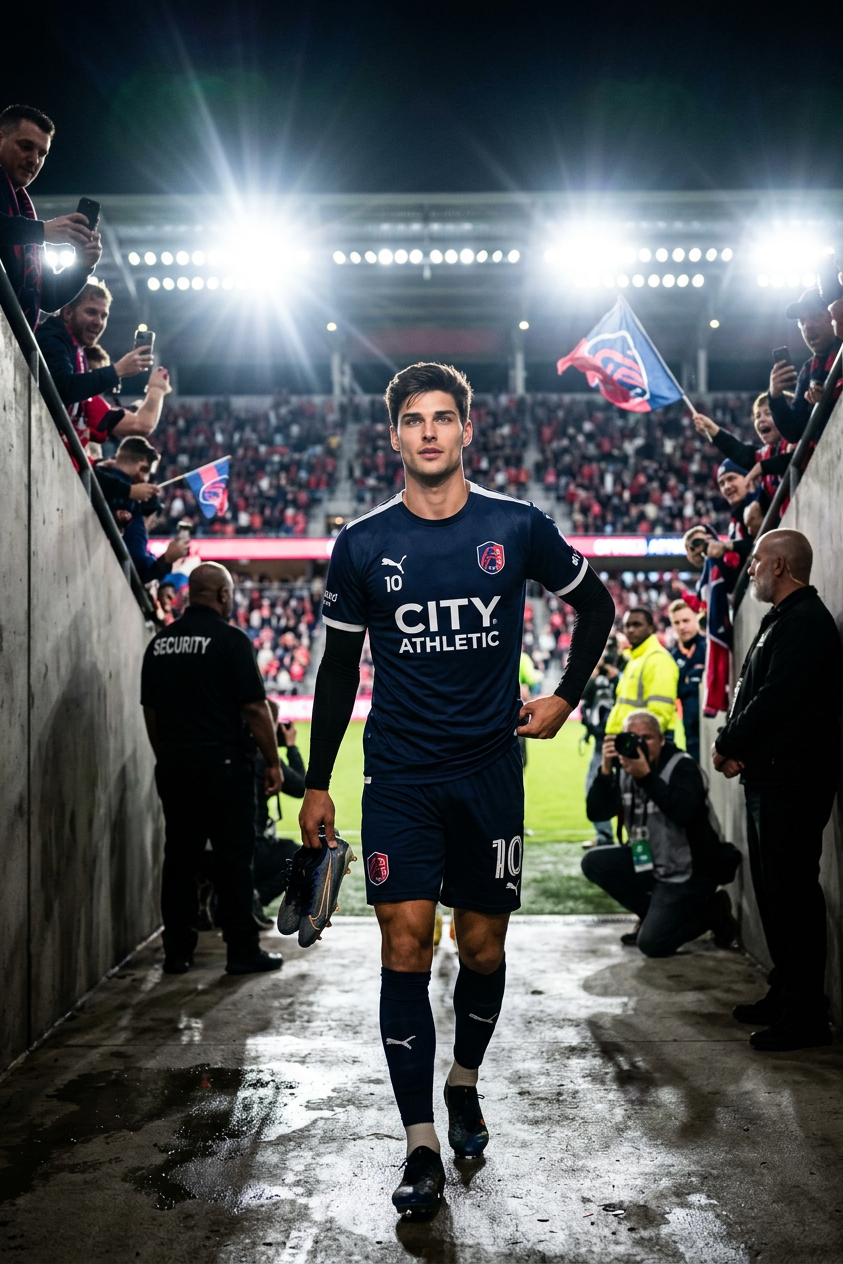
Stadium Tunnel Entrance
- Model
- Nano Banana 2
- Image
- 843 × 1264 px
Prompt
Transform the subject into a professional athlete walking through a stadium tunnel toward the field. Bright arena lights illuminate the path ahead while crowds wait beyond.
Any aspect ratio
Overview
The Stadium Tunnel Entrance template brings athletes to life with a dynamic transition from locker room to arena. Using our advanced nano-banana-2 model, this template will transform your subject into a professional athlete making a grand entrance. The scene, complete with bright arena lights and an excited crowd, provides a powerful backdrop for any sports-themed project.
What It Does
This AI Image Editor template allows creators to craft vivid scenes of athletes in a stadium tunnel. It leverages cutting-edge AI to convert images into high-energy sports visuals. Whether you’re launching a new sports campaign or creating engaging fan content, this tool ensures your visuals are competitive and impactful.
Who It's For
Designed for sports marketers, video editors, and fan engagement teams, the Stadium Tunnel Entrance template is perfect for anyone looking to enhance their media with professional-grade sports visuals. It's an essential tool for teams producing sports highlight edits or promotional materials needing that extra touch of drama and excitement.
Summary
With an intuitive interface, this template provides seamless integration into your existing workflows. Create compelling athlete entrances that captivate audiences and enhance your sports media. For more advanced edits, explore our range of tools like the AI Video Generator or Image to Video to expand your creative possibilities.
How To
Choose Your Template

Customize Your Image

Generate and Export

Use Cases
Sports Event Promotions
- Enhance event marketing materials
- Engage fans with dynamic video
Team Merchandise Campaigns
- Create standout graphics for merchandise
- Use images in digital ads
Social Media Engagement
- Create shareable content for sports fans
- Boost social media interaction
Best Practices
Use High-Quality Images
To achieve the best results, use high-resolution images for a more realistic and visually appealing output.Tweak Lighting As Needed
Adjust brightness and contrast to ensure the arena lights and atmosphere appear vibrant.Experiment with Prompts
Try different descriptors in your prompt to explore a variety of creative outcomes.