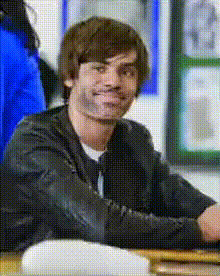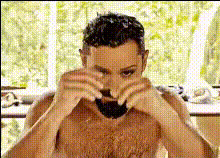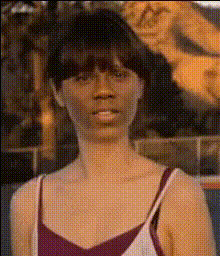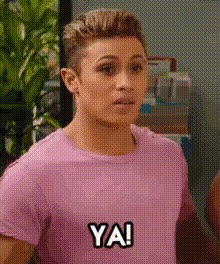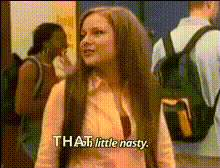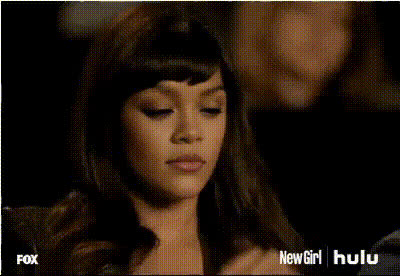
zooey-deschanel-looking-down
- Video
- 2.4 sec
Any aspect ratio
Overview
Transform your videos with a touch of Hollywood glamour using our Zooey Deschanel Video Face Swap template. This tool allows you to swap any face with that of the renowned actress, instantly creating a captivating and lifelike effect. Whether you're working on a personal project or professional content, the impact is undeniably realistic.
What It Does
The Video Face Swap template utilizes advanced AI algorithms to map and blend Zooey Deschanel's facial features onto your chosen subject. It maintains natural expressions and seamlessly integrates into existing visuals for a top-tier output. Producing results in popular video file formats, it supports a range of editing processes.
To explore more similar functionalities, check out our AI Talking Photo and Image to Video products for more editing options.
Who It’s For
This template is perfect for filmmakers, content creators, and digital marketers aiming to craft engaging storylines or campaigns with a celebrity touch. Ideal for projects such as social media ads and promotional videos, it's a valuable tool for anyone seeking to enhance their video content with a fresh edge.
Summary
Bring Hollywood dynamics to your videos using the Zooey Deschanel Video Face Swap template. With seamless results and easy integration into various projects, it's designed to save you time while delivering quality. Learn how to maximize this tool and explore similar options like our Lip Sync and AI Video Generator for comprehensive creative solutions.
How To
Choose the Template

Customize Your Content

Generate and Download

Use Cases
Social Media Content
Advertising Campaigns
Personal Projects
Best Practices
Choose High-Quality Source Videos
Ensure the video you upload is of high resolution for the best face swap results.Check Lighting and Angles
Keep the lighting and angles consistent to ensure the face swap looks natural.Adjust Expressions
Fine-tune facial expressions for a lifelike integration.