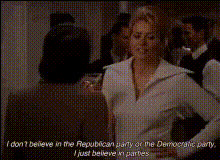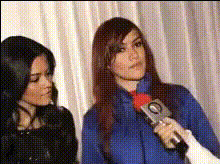
women-at-an-event-interview
Overview
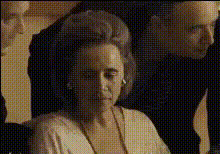
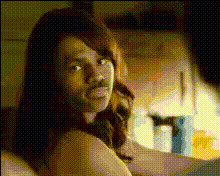
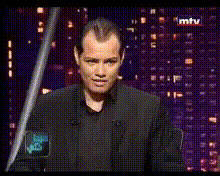
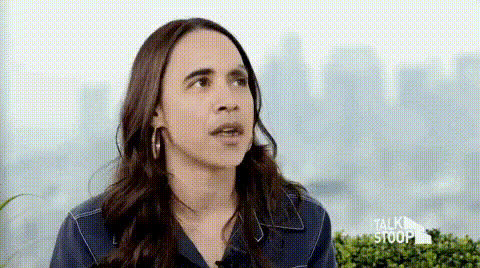
The Women at an Event Interview template transforms ordinary event footage into engaging, fresh content by allowing you to swap faces in videos effortlessly. Whether you're looking to revitalize your social media presence or create humorous skits, this template offers a dynamic way to enhance engagement and viewer interest.
What It Does
This Video Face Swap template enables users to exchange one face in an interview-style video with another. The template supports a variety of video formats, allowing you to customize your output to suit specific platforms or audiences. The transformation maintains natural expressions and head movements, offering a seamless viewing experience.
Who It's For
Content creators, marketing teams, and social media managers will find this video face swap template particularly useful. It's ideal for those aiming to create engaging promotional materials, educational content, or entertaining social media posts. This tool is also beneficial for filmmakers and video editors involved in storyboarding or animatics where casting or role changes are frequent.
Summary
Unlock new levels of creativity by incorporating the Women at an Event Interview template into your video projects. Whether you need to adapt content for different cultural contexts or simply wish to create memorable skits, this face swap tool is a powerful addition to any digital toolkit. Explore its potential alongside other innovative tools like the AI Image Editor or AI GIF Generator.
How To
Choose the Template

Customize Your Inputs

Generate Your Video

Use Cases
Social Media Engagement
- Boost follower interaction
- Increase content virality
Event Promotions
- Switch event guests
- Highlight special moments
Educational Content
- Adapt content for different audiences
- Maintain viewer interest
Best Practices
Select Clear Video Inputs
Use high-resolution videos to ensure the best face swap results. Clearer inputs lead to more accurate transformations.Match Facial Expressions
Choose face images that match the mood and expressions of the original video to maintain a natural appearance.Test Different Formats
Experiment with various output formats to find the one that best fits your distribution channels and audience preferences.