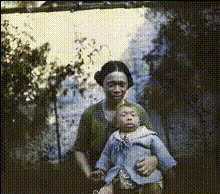
woman-and-baby-faces
Overview
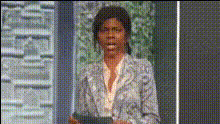
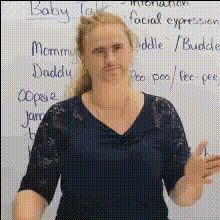
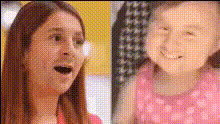
Step into the world of transformation with our Video Face Swap template designed to swap faces between a woman and a baby in video clips. Effortlessly convert ordinary moments into delightful memories, sparking laughter and surprise.
What It Does
This template allows you to replace the faces of a woman and a baby in video footage with each other's. Employing advanced Video Face Swap technology, it maintains natural expressions and seamless transitions.
It's a fun and creative way to generate entertaining content that captivates your audience, adds whimsy to social media posts, or enhances family videos with a humorous touch.
Who It's For
This template is ideal for creators looking to craft comedic videos, social media influencers seeking engaging content, and family members wanting to create amusing videos to share and enjoy. Anyone interested in AI-assisted video editing can also benefit from its easy-to-use interface.
Whether you're a professional video editor or a casual creator, this template offers an opportunity to explore creative face-swapping without requiring advanced skills.
Summary
Make the most of your creative ideas with the woman-and-baby face swap video template. This tool is designed to offer users a straightforward way to create funny and unique videos by swapping faces in a dynamic visual medium. It's perfect for adding a light-hearted aspect to any video project, captivating viewers with its playful edge.
How-To
Choose Your Video

Customize the Faces

Generate Your Video

Use Cases
Creating Social Media Content
- Instagram Reels
- TikTok videos
Family Entertainment
- Home videos
- Family video montages
Humorous Video Campaigns
- Brand storytelling
- Viral marketing campaigns
Best Practices
Select High-Quality Video
Ensure the original video is of high quality; clear footage improves the results of the face swap.Choose High-Resolution Faces
Use photos or video stills with high-resolution faces for optimal results when swapping.Review Generated Output
Always review the output to ensure the swap looks natural and adjust the selection if necessary.