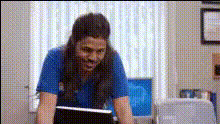
woman-and-man-portrait
Overview
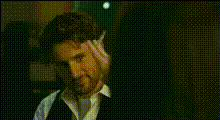
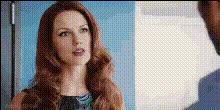
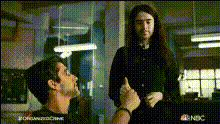
Our Video Face Swap template for a woman and man portrait allows creators to dynamically change the faces in a video with precision. This tool is ideal for those looking to create intriguing and personalized video content using AI-powered transformations.
What It Does
This template leverages advanced AI models to swap faces in portrait-style videos featuring a woman and man. By utilizing our tool, you can replace existing faces with your chosen images, opening the door to creative possibilities in video production.
Explore how this template integrates seamlessly with our Video Face Swap and AI Video Generator products to elevate your editing projects.
Who It's For
This template is perfect for content creators, marketers, and video production teams aiming to develop unique video experiences. Whether you're a professional using it for marketing personalized video ads or a hobbyist creating fun social media clips, this tool offers the flexibility needed for impactful storytelling.
Summary
The Video Face Swap template featuring a woman and man portrait offers a straightforward way to enrich your video content with engaging face transformations. Explore the full potential of your video projects with the precision and creativity this technology provides.
For more dynamic uses, pair it with our Lip Sync and AI Talking Photo templates to bring your concepts to life.
How To
Choose Your Template

Customize Your Inputs

Generate Your Video

Use Cases
Social Media Content
- Create engaging TikTok videos
- Revamp Instagram reels
Marketing Campaigns
- Tailor ad campaigns
- Increase viewer relatability
Entertainment Productions
- Enrich storyline visuals
- Create special effects
Best Practices
Select High-Quality Images
For the best results, use photos with clear lighting and resolution comparable to the video background you are working with.Maintain Consistent Lighting
Ensure the lighting conditions of the images and video are aligned to enhance the natural look of the face swap.Test Multiple Versions
Before finalizing, experiment with different images and angles to find the most convincing swap for your narrative.