vampire-scream-closeup
Overview
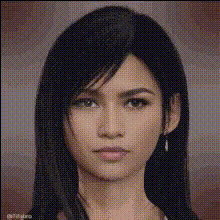
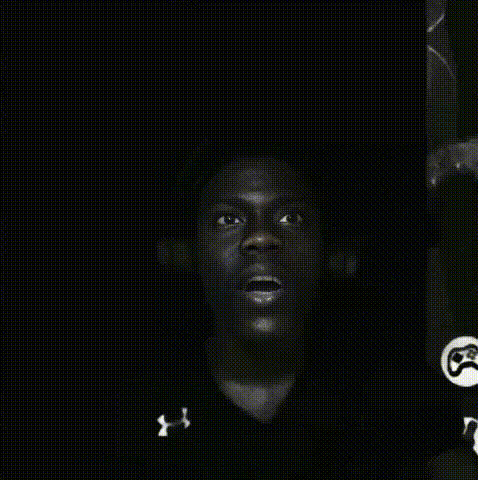
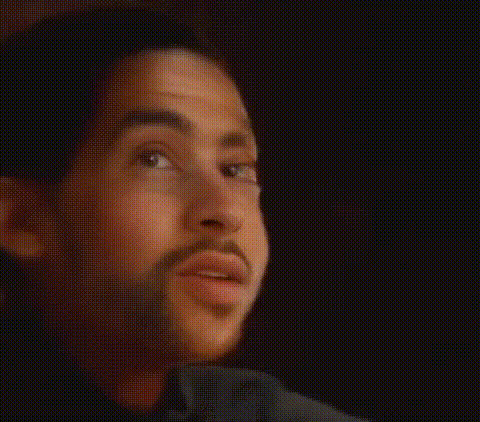
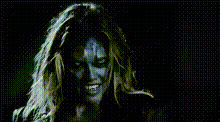
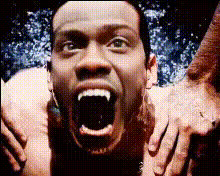
Transform your video presence with our Vampire Scream Closeup template. Ideal for those looking to create a spooky or gothic atmosphere, this Video Face Swap turns you or your subject into a convincing vampire. Amplify your Halloween videos, horror content, or any creative project involving the supernatural.
Features
This template integrates with our Face Swap tool to incorporate realistic vampire features onto a human face in a video. Using advanced AI, it adjusts face contours, applies vampire-like textures, and synchronizes mouth movements perfectly. It supports various video file formats for hassle-free uploads and downloads.
Ideal For
Whether you're a filmmaker, a content creator, or someone preparing for a Halloween party, this template offers an engaging way to enhance your project. It is perfect for creators of meme videos, horror-themed short films, or anyone wanting to add an eerie twist to their video content.
Summary
The Vampire Scream Closeup template is a creative tool for those looking to dive into the world of supernatural transformations. In just a few steps, turn any regular footage into a chilling vampire scene. Pair with our AI Voice Changer for a holistic transformation complete with thematic audio effects.
How To
Choose the Template

Customize Your Inputs

Generate Your Video

Use Cases
Halloween Promotions
Gothic Movies
Social Media Content
Best Practices
Select High-Quality Input Videos
To achieve the best results, use videos with good lighting and clear facial visibility. The quality of the input video significantly affects the transformation.Experiment with Settings
Try different adjustments for customized effects, like intensifying the vampire features to match your project's tone.Combine with Other Tools
Use in conjunction with tools like our AI Meme Generator to add more creative elements to your video.