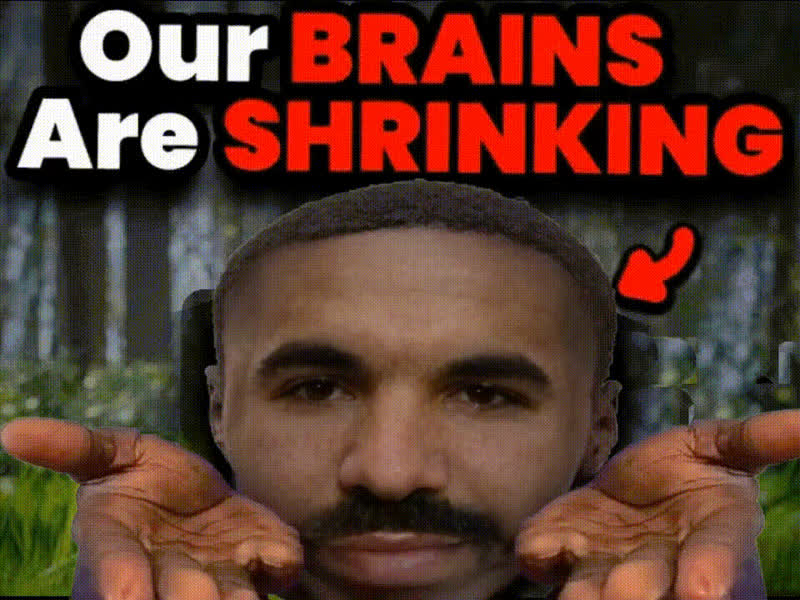
tsoi-with-arms-crossed
Overview
The "Tsoi with Arms Crossed" template is designed for seamless video face swapping. Perfect for filmmakers and content creators, this template allows you to replace faces in any video with the iconic image of Tsoi with arms crossed. Engage your audience across social media platforms with ease.
What It Does
This Video Face Swap template enables users to transform existing video footage by replacing faces with a chosen template. The preset "Tsoi with Arms Crossed" offers an iconic and transformative experience that stands out. With support for popular file formats, it integrates perfectly into your video editing workflow.
Who It's For
This template is ideal for both amateur and professional content creators aiming to enhance their AI-generated videos. From influencers who want to engage their followers in a new way to educators looking to create memorable presentations, this tool provides effective solutions for a range of needs.
Summary
By integrating the "Tsoi with Arms Crossed" template into your video projects, you can easily perform face swaps with a professional level of detail. Utilize Face Swap technology to augment your content's appeal. This tool is essential for adding a creative twist while maintaining high production standards.
How to Use
Choose Template

Customize Inputs

Generate Video

Use Cases
Social Media Campaigns
- Quickly refresh your feed with trendy content
- Engage followers with interactive videos
Educational Videos
- Create memorable chemistry between subjects
- Break the monotony of traditional presentations
Marketing Content
- Promote products with a twist
- Build brand identity through unique visuals
Best Practices
Select High-Quality Source Videos
Ensure that your original video is clear and well-lit to make the face swap more effective.Utilize Complementary Templates
Combine with other templates like AI Talking Photo for diversified content.Review Final Output
Always check the generated video to ensure the swap aligns perfectly with your creative vision.