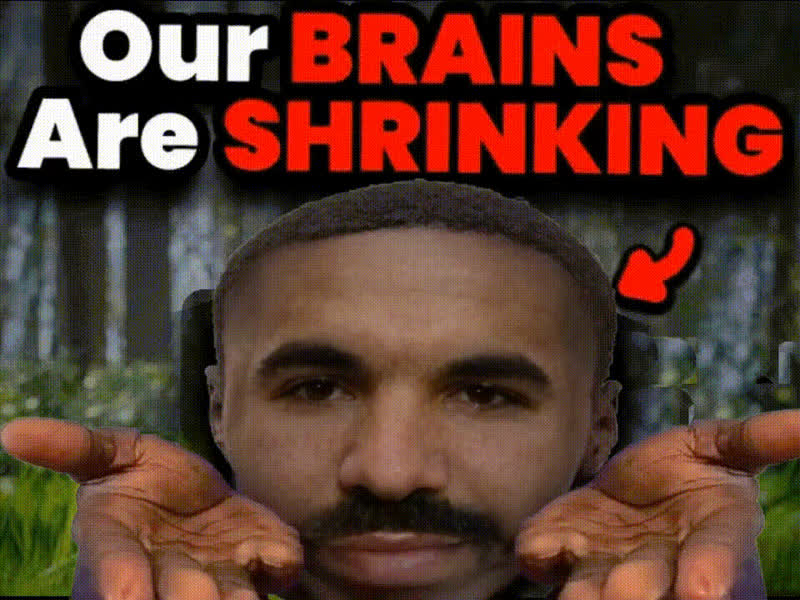
Man With Crossed Arms 2
Overview
The Man With Crossed Arms 2 video template offers a dynamic way to create engaging content through face swapping. Transform a video featuring a confident man posing with his arms crossed into something new and personalized. This template is a great option for making attention-grabbing social media posts or humorous content.
What It Does
This Video Face Swap template allows you to replace the face of the man in the video with any face of your choice. Using advanced AI technology, it ensures seamless integration that captures facial expressions and movements. This type of customization makes it ideal for creating fun, tailored content.
Who It's For
The template is designed for content creators looking to add a humorous twist to their videos. It's perfect for meme creators, social media managers, and UGC ad creators who are keen on producing shareable and laugh-inducing videos. Anyone looking to enrich their media with personalized content will find it useful.
Summary
Bring life to your content using the Video Face Swap capabilities of the Man With Crossed Arms 2 template. Ideal for various applications, from social media engagement to specialized marketing campaigns, it provides a fun and sophisticated way to customize videos.
How-To
Choose Your Template

Customize the Face Swap

Generate Your Video

Use Cases
Meme Creation
- Inject humor into static meme formats
- Leverage facial expressions for comedic effect
Social Media Content
- Create viral content for TikTok and Instagram Reels
- Use face swaps to make relatable jokes
Personalized Messaging
- Use for birthday greetings
- Surprise friends with customized films
Best Practices
Select High-Quality Images
Ensure that the faces you use for swapping are high-resolution to achieve a more convincing and realistic look.Mindful Positioning
Consider the alignment of the facial features to match the original positioning, enhancing the final output's realism.Experiment and Preview
Test multiple faces and preview changes to see which transformations yield the best results before finalizing.