three-day-weekend-dance
Overview
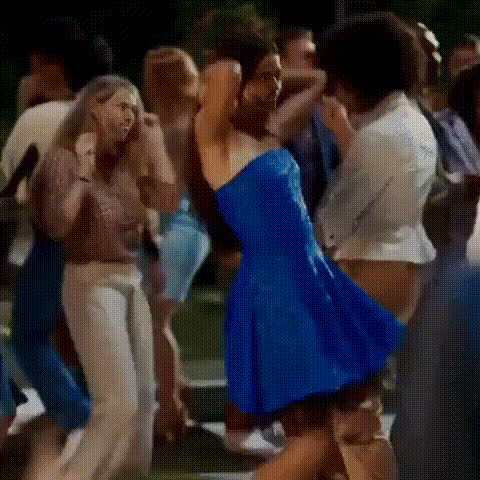
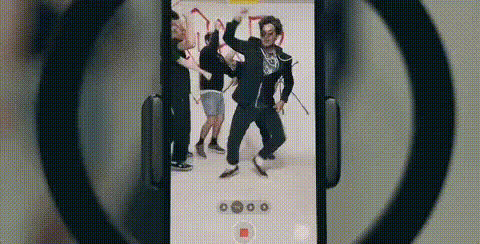
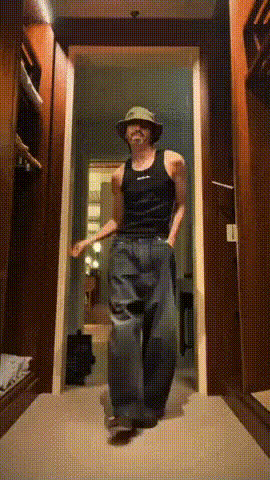
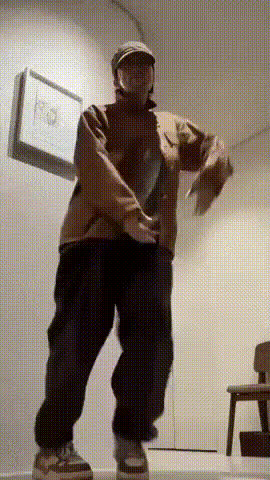
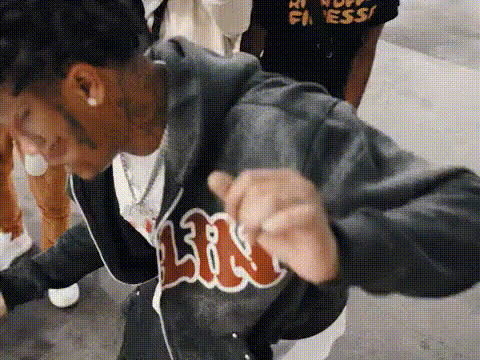
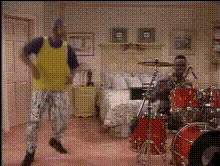
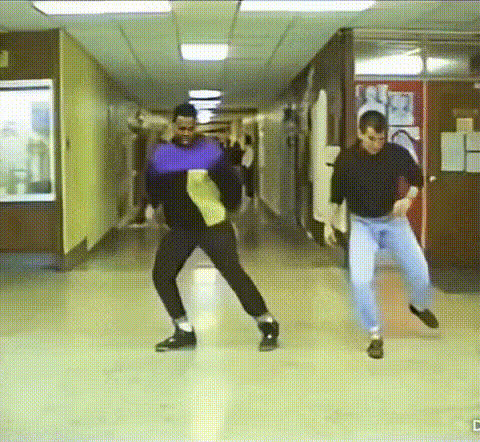
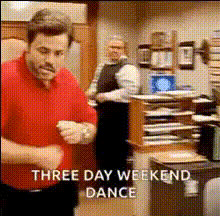
Turn ordinary moments into extraordinary memories with the Three-Day Weekend Dance Video Face Swap template. This tool allows you to create hilarious and unforgettable dance party videos by swapping faces with ease. Elevate your celebration videos and make every three-day weekend one to remember with this fun transformation.
What It Does
The Three-Day Weekend Dance template utilizes advanced Video Face Swap technology to seamlessly switch faces in your video clips. Simply upload your desired video file, select the faces to swap, and watch as the template transforms them into a humorous dance experience. This template supports multiple file formats, ensuring compatibility with most video types.
Enhance your creations with our Face Swap product, perfect for making engaging content. For more refined edits, consider our AI Face Editor to touch up any swapped faces with precision.
Who It's For
This template is ideal for content creators and enthusiasts looking to spice up their video content with a touch of humor. Whether you're planning a virtual party, birthday celebration, or want to cheer up your social media feeds, the Three-Day Weekend Dance template is your go-to choice. It's also perfect for social media managers aiming to increase engagement through entertaining video content.
Pair it with our AI Video Generator to further enhance your video materials with AI-powered effects.
Summary
With the Three-Day Weekend Dance template, users can effortlessly swap faces in dance videos to create fun, memorable clips. Highly accessible and easy to use, this tool ensures that anyone can deliver entertaining content for social media or personal enjoyment. Make the most of your three-day weekend by delivering videos that blend creativity and humor.
Try integrating features from our Image to Video product to complement your face swaps with dynamic visuals.
How To
Choose the Template

Customize Your Video

Generate and Download

Use Cases
Social Media Content
- Boost follower interaction
- Create viral moments
Virtual Parties
- Make remote celebrations more fun
Family Entertainment
- Create family video memos
- Perfect for birthday surprises
Best Practices
Choose Clear Videos
For best results, ensure the videos you upload have good lighting and visible faces.Test Different Swaps
Experiment with swapping different faces to see which combinations work best for comedic effect.Pair with Enhancements
Combine with other tools like AI Image Generator to create unique video thumbnails.