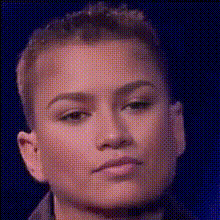
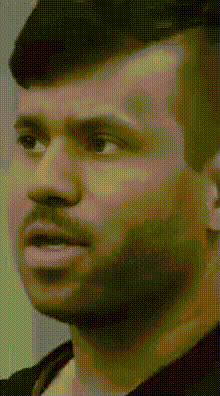
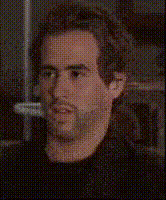
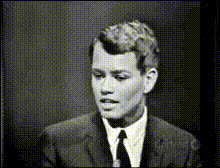
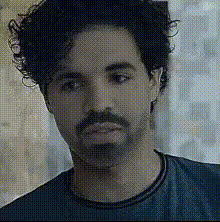
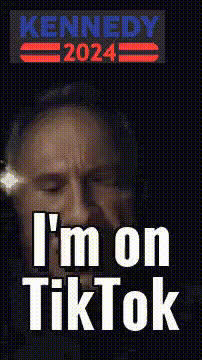
Transform your videos with our Video Face Swap template featuring a close-up of Ted Kaczynski. This tool allows you to create compelling content by swapping faces in videos, bringing a new level of realism and engagement.
What It Does
The Ted Kaczynski close-up template takes advantage of advanced Video Face Swap technology. By overlaying Ted's face onto another video, it offers a seamless transition that is both realistic and attention-grabbing. This template supports multiple video formats for easy integration into your project workflow.
Who It's For
Ideal for filmmakers, content creators, and social media influencers looking to elevate their video projects. This template is especially useful for meme videos and creative content requiring high-impact visual effects. Pair with the Text to Video tool for a complete storytelling package.
Summary
The Ted Kaczynski close-up Video Face Swap template is perfect for creating transformative, engaging visual content. Whether you're crafting a parody video or an artistic piece, this template provides the tools for high-quality face swaps that make your video stand out. Explore more options with the AI Talking Photo and AI Video Generator to expand your creative capabilities.
How To
01
Choose Your Template
Navigate to the Video Face Swap section and select the Ted Kaczynski close-up template.
02
Customize With Video
Upload your video and adjust the face swap details to suit your project's needs.
03
Generate and Download
Click 'Generate' to process your video. Once completed, download your transformed video directly to your device.
Use Cases
😂
Meme Videos
Use the template to create humorous or satirical memes that engage audiences.
🎬
Historical Documentaries
Incorporate realistic face swaps to enhance reenactment videos for educational content.
🎥
Creative Short Films
Experiment with character transformations for artistic storytelling.
Best Practices
Select High-Quality Source Videos
Ensure the source video is of high resolution for the best face swap results.
Check Lighting Consistency
For a more realistic outcome, match the lighting of the face and background videos.
Adjust Swap Settings
Use available settings to fine-tune the face swap for accuracy and effect.