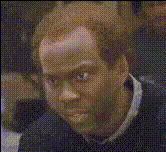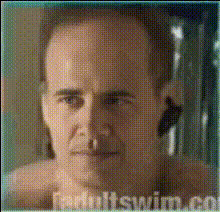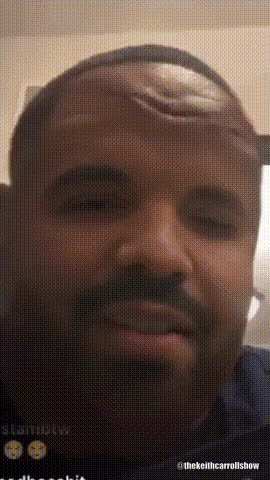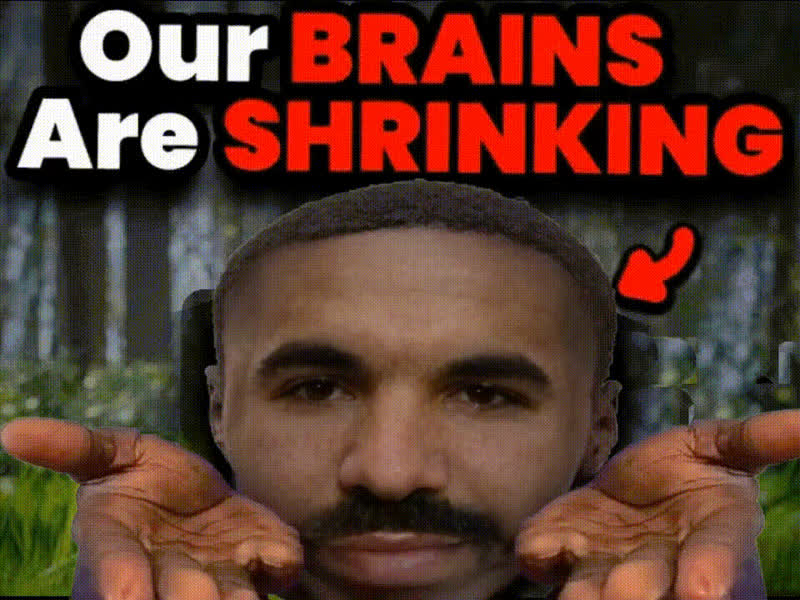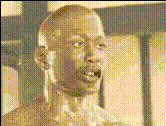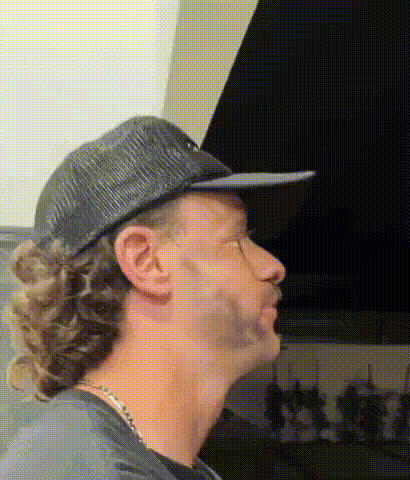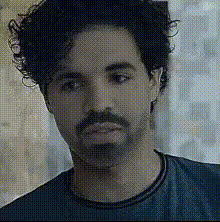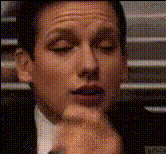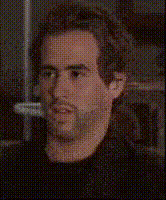
Man With Closed Eyes
Overview
Transform any image with the "Man With Closed Eyes" video face swap template. Dive into the realm of creative video editing and breathe life into your photos. This template is designed for crafting memorable, entertaining transformations that are perfect for playful exchanges among friends.
What It Does
The "Man With Closed Eyes" template allows you to replace the face in a video with one from your own photos. Utilizing cutting-edge facial mapping technology, this template swaps faces in motion, maintaining expressions and movements naturally. Experience a seamless transition that turns your static images into animated clips ready for sharing.
For more face alteration options, explore our Face Swap and Head Swap products.
Who It's For
This template is ideal for content creators looking to engage their audience with fun, eye-catching videos. Whether you're a social media enthusiast, a digital marketer needing fresh content, or someone who loves experimenting with visual media, this tool is for you. It's also great for use in meme videos and social media ads.
Summary
The "Man With Closed Eyes" template simplifies the process of creating amusing and engaging face swap videos. By leveraging precision technology, the template ensures that your face swaps look authentically integrated and expressive. Try pairing it with the AI Voice Changer for an even more entertaining result.
How To
Choose Your Template

Customize Your Input

Generate Your Video

Use Cases
Social Media Entertainment
- Create viral content
- Engage with interactive posts
Marketing and Advertising
- Grabbing viewer attention
- Increasing ad engagement
Personalized Videos
- Make birthday greetings memorable
- Celebrate friendships
Best Practices
Choose Clear Images
For best results, upload high-resolution photos with good lighting to ensure facial recognition accuracy.Use Expressive Faces
Pick photos with expressive facial features to enhance the dynamic quality of the video.Review Output
After generation, review the video to make sure the face blends naturally with the movements. Adjust settings or try different inputs if necessary.