steve-carell-as-michael-scott-1
Overview
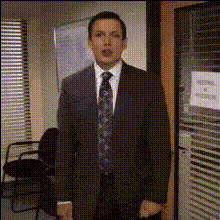
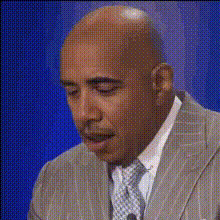
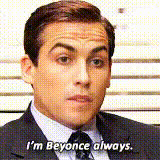
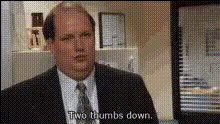
The "Steve Carell as Michael Scott" Video Face Swap template is perfect for adding a twist of humor to your video content. Transform any video into a comedic masterpiece by swapping faces with Steve Carell's iconic character Michael Scott from "The Office." Tailored for creators looking to inject personality and humor into their videos, this template offers endless options for creativity.
What It Does
This template uses advanced facial recognition technology to overlay Steve Carell's face as Michael Scott onto your chosen video subject. Ideal for meme creation, social media videos, and any comedic content, the face swap is rendered in high-quality video formats suitable for various applications. Explore new realms of digital creativity with this lighthearted transformation tool.
Who It's For
This tool is perfect for content creators, YouTubers, and meme enthusiasts who want to spice up their video content with iconic humor. It's also great for social media influencers seeking to engage their audience with compelling and funny videos. Educators and marketers can also utilize this template to make humorous content that stands out. Learn more about other transformation tools like our Face Swap or Head Swap products for more creativity in your projects.
Summary
Turn your everyday videos into hilarious viral sensations with the "Steve Carell as Michael Scott" Video Face Swap template. Whether you're making content for social media, engaging your followers with funny clips, or producing creative video projects, this tool provides the humor and uniqueness your material needs. For more versatile options, check out our AI GIF Generator or AI Video Generator.
How-To
Choose Your Template

Customize with Your Video

Generate and Download

Use Cases
Social Media Comedy
- Increase user engagement with humorous content
- Perfect for platforms like Instagram and TikTok
Meme Creation
- Capitalize on existing meme trends
- Create new viral sensations
Educational Parodies
- Keep learners entertained
- Ideal for lighthearted presentations
Best Practices
Choose Clear Videos
Select videos with clear lighting and minimal background movement for the best face swap results.Match Face Angles
Ensure the angles of the faces in your video align with those of Steve Carell from "The Office."Test Different Clips
Try using different segments of your videos to see which produce the funniest outcomes.