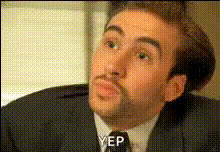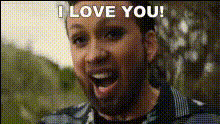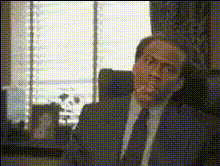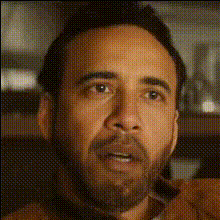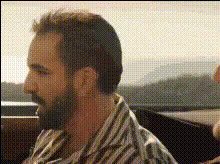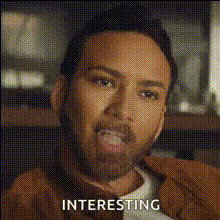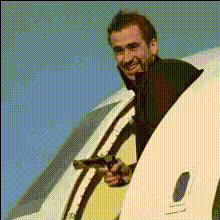
Nicolas Cage Airplane Scene
Overview
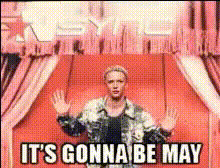
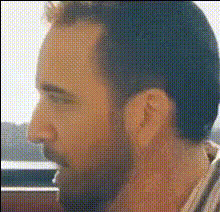
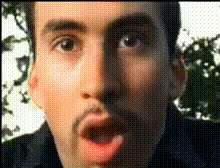
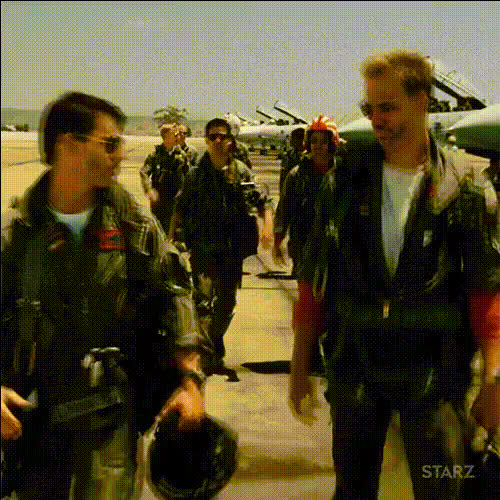
Bring a comical flair to your projects with the Nicolas Cage Airplane Scene Video Face Swap Template. Perfect for those looking to add humor and uniqueness to their video content, this template allows you to replace characters' faces in the iconic airplane scene with Nicolas Cage's face. Whether you're making a meme or adding a funny twist to a scene, this tool will elevate your content creation.
What It Does
This template uses advanced Video Face Swap technology to transform any character in a video into Nicolas Cage. By accurately mapping facial features, it ensures realistic expressions and synchronizes movements seamlessly. Compatible with various video formats, it makes the editing process simple and efficient.
Who It's For
Ideal for creators engaged in making parodies, meme videos, or just looking to entertain their audience with comic relief. Suitable for content creators, marketers looking to jazz up ads, or anyone in storytelling and the entertainment industry. This template is great for creating social media buzz and capturing audience attention.
Summary
The Nicolas Cage Airplane Scene Template is your go-to tool for adding humor to video projects. Easily transform video scenes with Nicolas Cage's face using our efficient AI Video Generator. Explore various possibilities in transforming your footage quickly and accurately.
How to Use
Choose the Template

Customize Your Video

Generate and Download

Use Cases
Social Media Content
- Quickly create meme-worthy content
- Leverage pop culture references
Marketing Videos
- Highlight product features with a humorous twist
- Engage younger audiences with funny ads
Personal Use
- Create personalized birthday messages
- Entertain family during holidays
Best Practices
High-Quality Source Footage
Use high-resolution videos to ensure the face swap appears realistic and maintains clarity.Lighting Consideration
Ensure the video has good lighting to help the AI accurately map and swap faces.Facial Alignment
Align the input face properly to achieve better results and reduce post-editing adjustments.