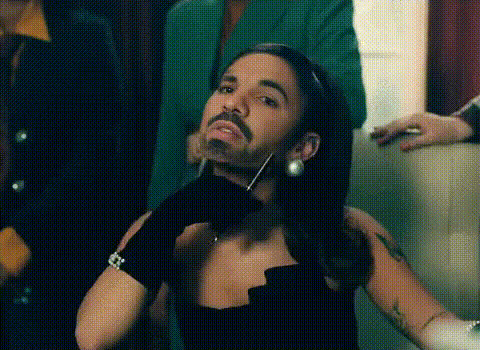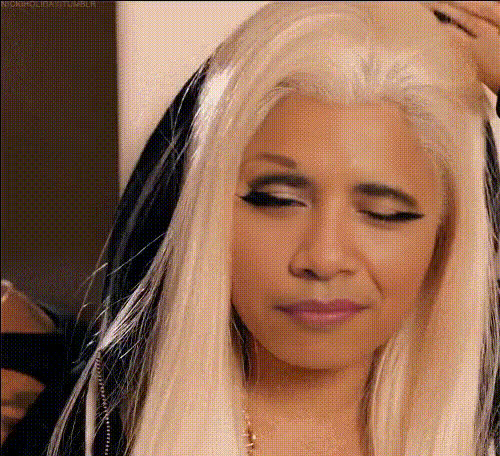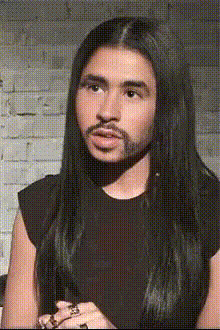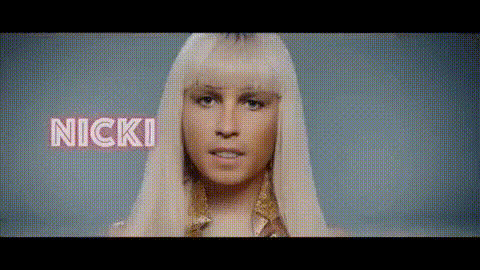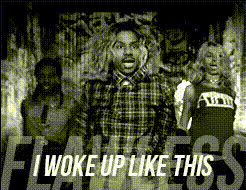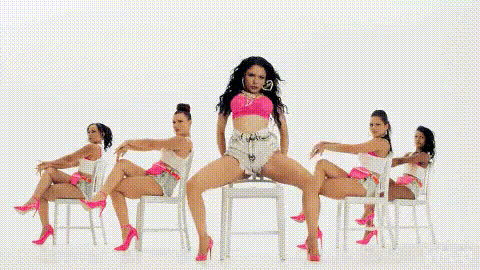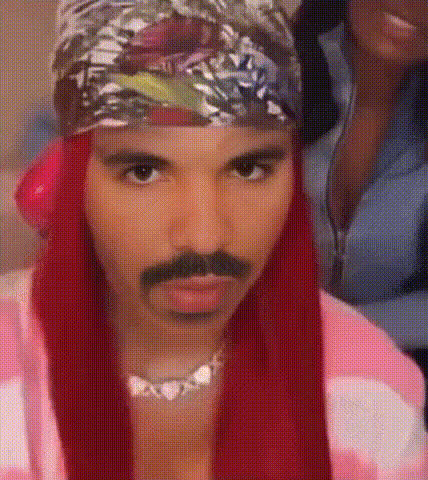
Nicki Minaj Smiling Sideways
Overview
The Nicki Minaj Smiling Sideways template lets you elevate your video content by adding an entertaining twist. As part of our Video Face Swap collection, this template transforms any video with a fun Nicki Minaj face overlay. Capture attention with ease whether you're crafting standout social media clips or adding humor to personal projects.
What It Does
This template utilizes advanced face swap technology to integrate Nicki Minaj's iconic sideways smile into your chosen video. It retains natural head movements and expressions to ensure a seamless fit. For further creative freedom, explore additional transformations with our Lip Sync and Image to Video tools, enhancing your content's appeal.
Who It's For
Ideal for creatives, social media influencers, and fans of Nicki Minaj, this template simplifies the production of engaging video content. Perfect for those aiming to create viral-worthy TikTok clips or memorable Instagram stories, it adds a unique flair that sets your accounts apart.
Summary
Enter the world of creative video transformations with the Nicki Minaj Smiling Sideways template. Designed to blend humor and style effortlessly, this tool complements our suite of video customization products, including the AI Talking Photo and AI GIF Generator, to expand your creative horizons.
How To
Choose Your Template

Customize Your Inputs

Generate Your Video

Use Cases
Social Media Content Creation
- Engage followers on TikTok with unique clips.
- Standout Instagram Stories that drive interactions.
Personal Fun Projects
- Create videos to share fun moments with friends.
- Transform everyday videos into light-hearted memories.
Marketing and Promotional Content
- Incorporate into engaging ad campaigns.
- Enhance product videos with a playful twist.
Best Practices
Select Clear Video Clips
For an optimal face swap, use videos with clear lighting and minimal obstructions to facial features.Fine-Tune the Swap
Adjust the positioning and size of the face swap to ensure it fits naturally within the video scene.Optimize for Platform
Adjust video output settings based on the platform you plan to publish on, such as vertical format for TikTok.