Basketball Player Face
Overview
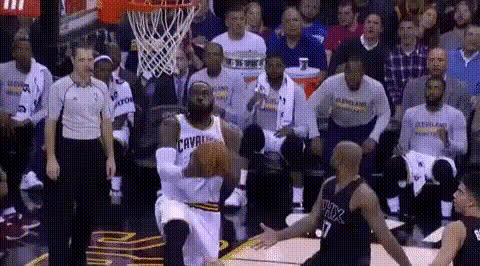
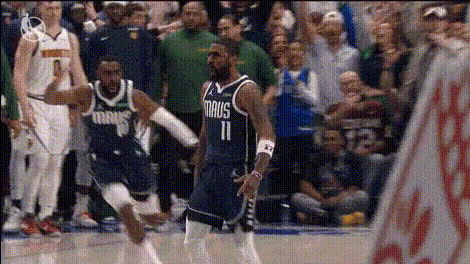
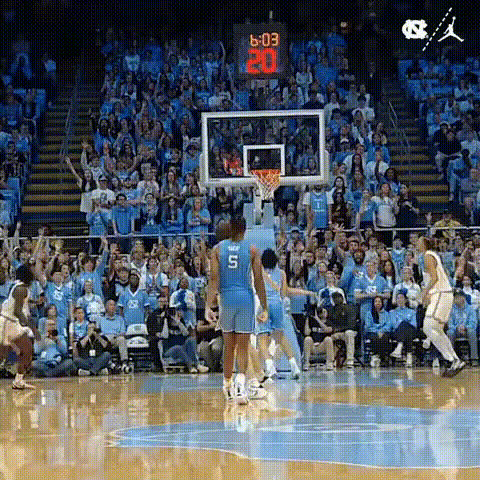
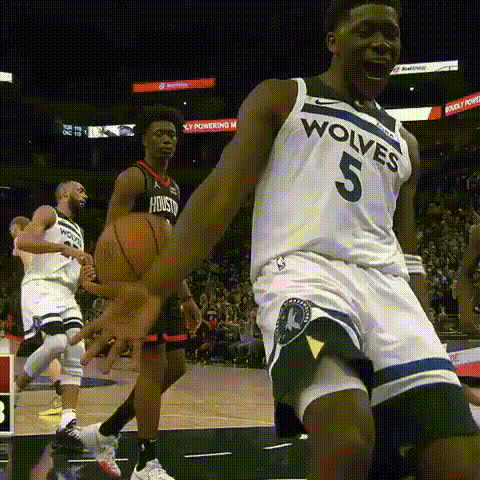
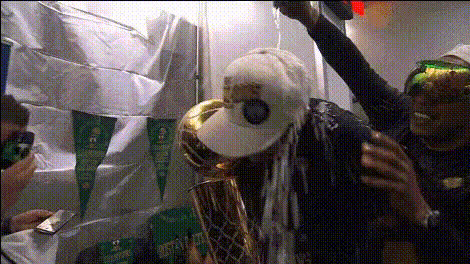
Bring new excitement to your sports footage with the Basketball Player Face template, perfect for swapping faces in basketball highlight videos. Whether you aim to entertain fans or create personalized sports moments, this template delivers the flexibility and power you need. Elevate the uniqueness of your basketball content by integrating instantly recognizable faces into any scenario on the court.
What It Does
Video Face Swap technology allows you to replace a player's face in any basketball video clip with a face of your choice. The tool expertly matches lighting, angle, and expressions to create a cohesive and natural-looking result. Ideal for highlighting promotional materials, these transformed videos maintain the professionalism of the original while adding a personalized touch. Learn more about the underlying technology in our Face Swap product page.
Who It's For
This template is designed for sports marketers, video editors, and content creators who want to personalize basketball content. Whether you're an agency working on a promotional campaign, a fan looking to engage with a unique highlight, or a social media influencer wanting to amuse your audience, this tool fits seamlessly into your workflow. Explore additional creative options with our AI Image Generator and AI Video Generator.
Summary
The Basketball Player Face template revolutionizes how you interact with basketball footage. By swapping faces on the court, you can craft unique narratives, engage audiences, and expand your creative possibilities. With simple steps, you can bring an innovative twist to your sports videos. Explore the world of possibilities and see how you can integrate this tool into your existing projects.
How-To
Choose Your Template

Customize Your Inputs

Generate Your Video

Use Cases
Sports Promotion
- Create tailored content for specific audiences
- Increase fan engagement with personalized highlights
Social Media Content
- Boost viewer interaction with unique videos
- Trend with creative and share-worthy clips
Event Highlights
- Feature influencers or celebrities in highlight reels
- Offer exclusive content for event attendees
Best Practices
Select High-Quality Footage
Ensure that the highlight reel you use is of high quality and has clear face visibility for the best results.Match Lighting and Angles
Choose face images that match the lighting and angles of the original footage to maintain realism.Test Different Faces
Experiment with various face options to see which produces the most visually appealing and engaging result.