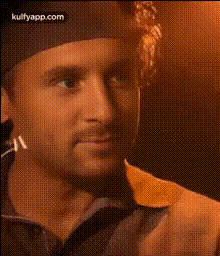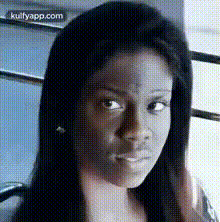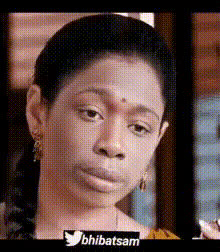
Nayantara With Gun
Overview
The "Nayantara With Gun" template leverages the power of AI to provide an innovative Video Face Swap experience. Designed to transform video content effortlessly, this tool swaps faces with remarkable precision, making your project stand out with a stunning visual appeal.
What It Does
This template allows creators to integrate Nayantara's face onto any character holding a gun, creating dynamic and visually engaging footage. By using this tool, you streamline the editing process, resulting in high-quality outputs that captivate viewers' attention.
Perfectly suited for professionals looking to enhance video presentations or creatives wanting to experiment with new styles. Through an advanced AI algorithm, this template ensures seamless integration and outstanding video quality without the need for manual adjustments.
Who It's For
This template is ideal for filmmakers, content creators, and social media managers who need high-quality visual transformations. It's particularly beneficial for those in the entertainment industry who aim to create intriguing narratives using Face Swap technology.
With this tool, you can easily convert standard footage into captivating content for platforms like TikTok, Instagram, and YouTube, engaging a wider audience and enhancing your online presence.
Summary
The "Nayantara With Gun" video template provides a quick solution for producing high-quality face swaps in your videos. By utilizing AI-driven AI Video Extender technology, it delivers a final product that stands out in clarity and performance. Whether you're editing promotional material or creating art, this template ensures ease of use and professional results.
How-To Structure
Choose

Customize

Generate

Use Cases
Cinematic Productions
- Action scenes with famous personalities
- Fantasy films with unique characters
Social Media Content
- TikTok challenges
- Instagram reels
Marketing and Promotions
- Advertise with well-known figures
- Draw attention to new products
Best Practices
Use High-Quality Source Material
Ensure the source video is of high resolution to guarantee the swapped face integrates smoothly, avoiding pixelation or distortion.Select Appropriate Scenes
Choose a scene where lighting and angle complement the face you're swapping to maintain realism.Review and Edit
After generating the video, review the output for any inconsistencies. Use the AI Image Editor to make additional adjustments if necessary.