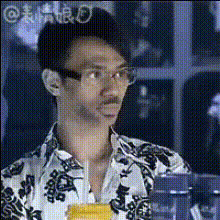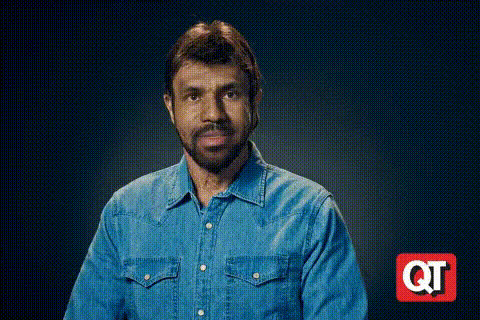
Man In Denim Shirt Portrait
Overview
The Man In Denim Shirt Portrait template offers an engaging way to experiment with video face-swapping technology. Perfect for creating amusing video portraits, this tool enables users to apply different faces onto a character wearing a denim shirt.
What It Does
This Video Face Swap template utilizes advanced AI models to replace the original face in a video frame with any chosen face. It ensures alignment and realistic mapping, maintaining the natural expressions and features of the face being swapped.
Who It's For
Ideal for content creators, social media enthusiasts, and marketing professionals, this template provides a fun and creative tool to enhance video content. Those in the entertainment industry can use this to spice up social media ads or produce unique promotional materials.
Summary
The Man In Denim Shirt Portrait template is your go-to solution for creating entertaining and dynamic video content. Combining ease of use with robust technology, it allows users to explore Face Swap GIF opportunities and extend their creativity across various platforms.
How To
Choose Your Template

Upload Your Face

Create and Share

Use Cases
Social Media Content
- TikTok videos
- Instagram reels
- YouTube shorts
Marketing Campaigns
- Personalized ads
- Promotional videos
- Announcements
Entertainment Applications
- Video memes
- Interactive stories
- Fan content
Best Practices
Use High-Quality Images
Ensure the face images are of high resolution to achieve the best face swap results.Consider Lighting and Angles
Match the lighting and angle of the face image with the video character for a more natural look.Experiment with Expressions
Try different facial expressions to enhance the comic effect or dramatic look of your video.