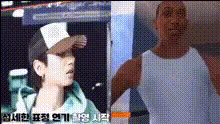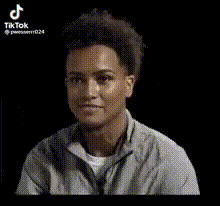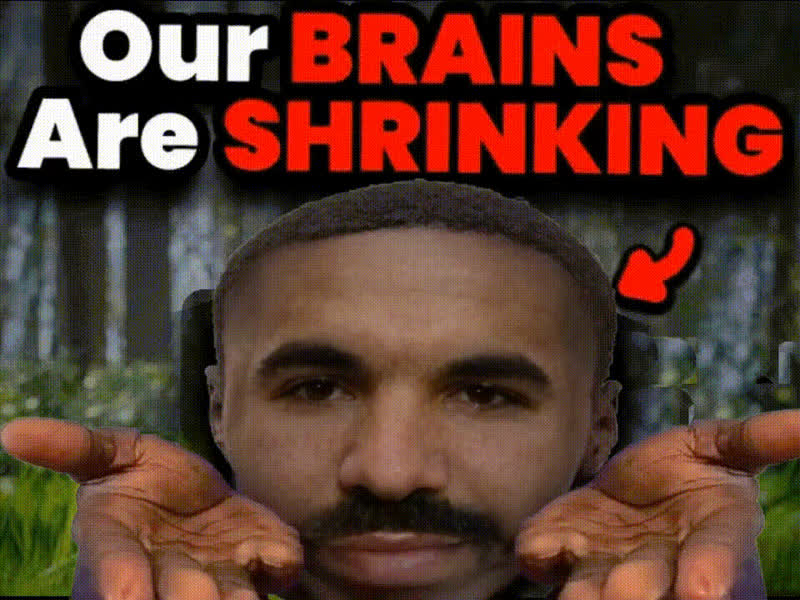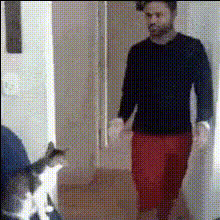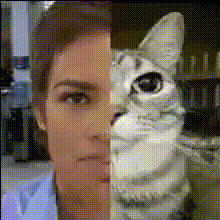
Man And Cat Face Swap
Overview
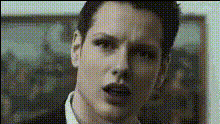
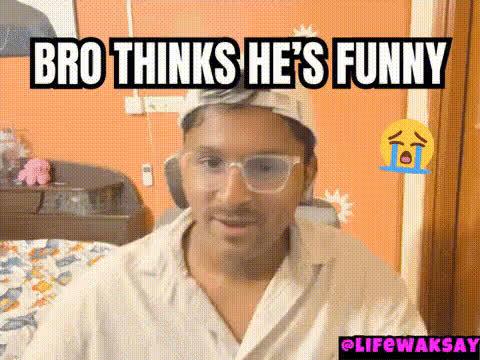
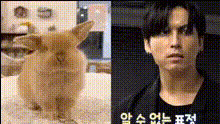
The Man And Cat Face Swap template offers a playful twist for your video content by allowing you to exchange faces between a human and a feline. Engaging and easy to use, this tool is perfect for producing light-hearted videos that captivate audiences on platforms like Instagram or TikTok.
What It Does
This Video Face Swap template allows creators to switch faces between a man and a cat in video clips. By leveraging advanced face mapping technology, it maintains realistic facial expressions and movements, ensuring the final video is both humorous and seamless. The template supports popular video formats, making it versatile for any project.
Who It's For
This template is ideal for content creators, social media enthusiasts, and digital marketers looking to create unique and entertaining video content. Whether you're making a viral meme or adding a quirky twist to your marketing video, this tool can make your content stand out. It's popular among users of AI GIF Generator and AI Talking Photo for its ease of use and engaging results.
Summary
With the Man And Cat Face Swap template, transform ordinary videos into delightful pieces of content that promote social media interaction and engagement. The advanced face swapping technology ensures fun and share-worthy videos perfect for enhancing your digital presence. Explore more creative possibilities with our Image to Video tools as well.
How To
Choose Your Template

Customize Your Inputs

Generate Your Video

Use Cases
Social Media Content
- Viral memes
- Interactive stories
- Entertaining reels
Marketing Campaigns
- Engaging advertisements
- Quirky product promotions
Personal Projects
- Family comedy skits
- Unique holiday greetings
Best Practices
Choose High-Quality Videos
Opt for videos with good lighting and clear shots of faces to improve swapping accuracy and video quality.Maintain Consistency
Ensure that the video frames are consistent in quality for a seamless face swap effect.Review and Edit
After generating, review the video for any anomalies. Use an AI Image Editor for fine-tuning if necessary.