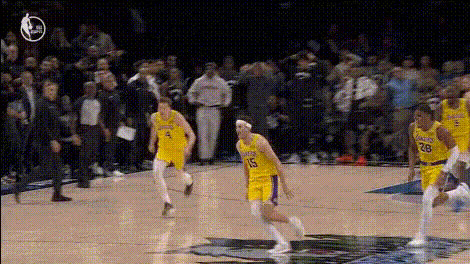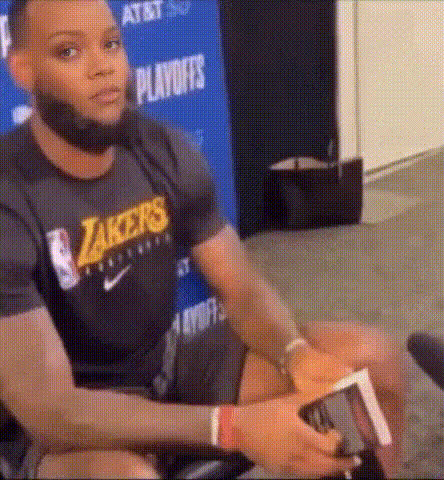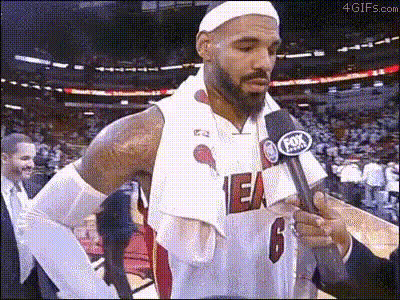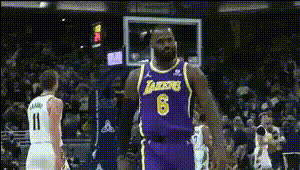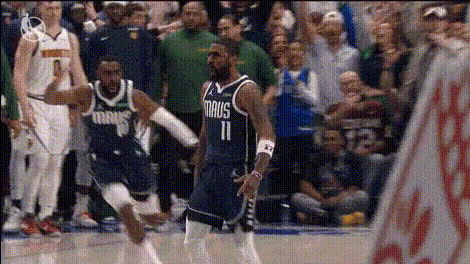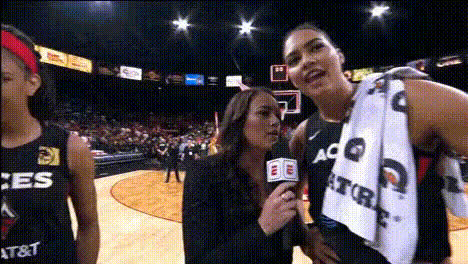
Lakers Commentator Talking
Overview
Transform your sports commentary videos with the Lakers Commentator Talking template. This specialized Video Face Swap tool allows you to blend realism with creativity, capturing your audience's attention immediately. By swapping faces with a Lakers commentator, you can create unique sports content that's perfect for engagement and entertainment.
What It Does
This video face swap template enables you to replace any human face in your content with that of a Lakers commentator. It leverages powerful AI to maintain natural expression and realistic movement, enhancing the overall visual appeal. Export your final video in common formats like MP4 and share seamlessly across platforms.
Who It's For
This template is perfect for sports bloggers, content creators, and social media managers looking to add a creative twist to their Lakers coverage. By using the template, you not only attract Lakers fans but also engage broader audiences with entertaining and inventive content. Whether you're creating content for Instagram, TikTok, or YouTube, this tool supports a variety of social media ad formats.
Summary
The Lakers Commentator Talking template simplifies the creation of captivating sports videos by integrating a face swap technology. It's a great way to foster interaction and boost your viewer metrics with professional-looking content. Use this template in tandem with other tools like the AI GIF Generator to enhance your creative projects.
How To
Choose Your Template

Customize Your Inputs

Generate Your Video

Use Cases
Sports Commentary Videos
- Interactive sports discussions
- Game highlights with a twist
Promotional Content
- Team events
- Merchandise highlights
Best Practices
Ensure High-Resolution Inputs
Use high-resolution images and videos for the best swap quality.Align Lighting and Angles
Ensure the lighting and angles of the original and replacement faces are similar for seamless integration.Review and Edit
Always preview the video and make any necessary tweaks using the AI Video Editor before publishing.