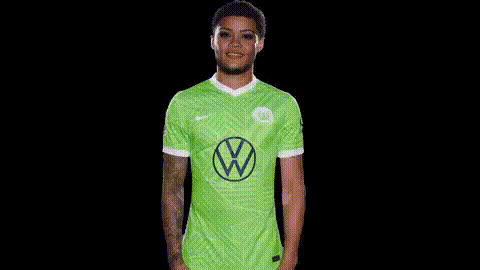
Man In Yellow Lakers Jersey
Overview
With the Man In Yellow Lakers Jersey template, you can create humorous and engaging video content by swapping faces with a person in a yellow Lakers jersey. This video face swap template opens up creative possibilities for personal videos, promotional content, or just light-hearted fun.
What It Does
This Video Face Swap template allows users to replace the face of a man in a yellow Lakers jersey with one of your choice. By simply uploading a photo, the advanced AI seamlessly integrates the new identity into the video, maintaining smooth transitions and expressions.
Utilizing technology from the Face Swap family, it ensures precision and realistic outcomes, perfect for social media engagements and creative projects.
Who It's For
This template is ideal for content creators, social media influencers, marketers, and anyone looking to generate fun and viral content. Whether you're an individual wanting to make personalized videos or a business aiming to capture audience interest, this tool offers the versatility needed to stand out.
For those interested in trying similar tools, explore the AI Clothes Changer and AI Video Extender for more extensive customization and creative enhancements.
Summary
The Man In Yellow Lakers Jersey Video Face Swap template offers a unique way to engage audiences through creative face-swapping technology. It's perfect for injecting humor and personalization into your video projects, making it a must-try for dynamic and entertaining content. Look deeper into our other offerings like the AI Image Editor for broader multimedia editing capabilities.
How To
Choose Your Template

Customize Your Video

Generate and Download

Use Cases
Social Media Engagement
- Foster engagement with humorous content
- Boost video views and shares
Marketing Campaigns
- Increase brand visibility
- Offer innovative promotional content
Personal Fun
- Entertain friends and family
- Create personalized, funny videos
Best Practices
Ensure High-Quality Photos
Use clear, high-resolution images for the face swap to achieve the best results.Align Faces Precisely
Carefully adjust the uploaded photo to align with the template's face for a seamless look.Experiment with Lighting
Match the lighting in the uploaded photo with the video for a more natural appearance.