Lady Gaga With Blue Hair
Overview
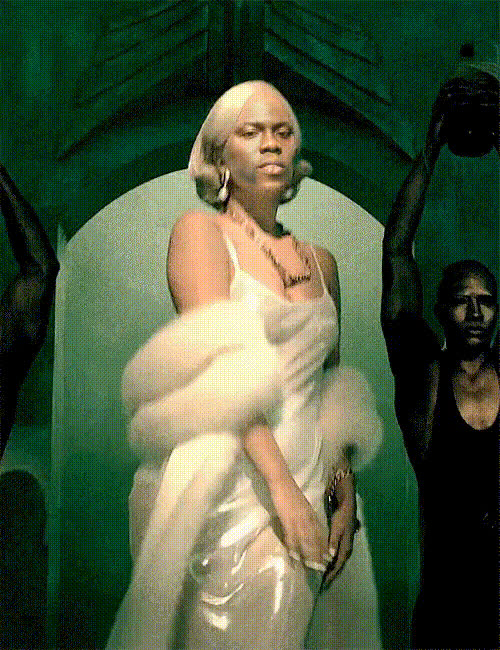
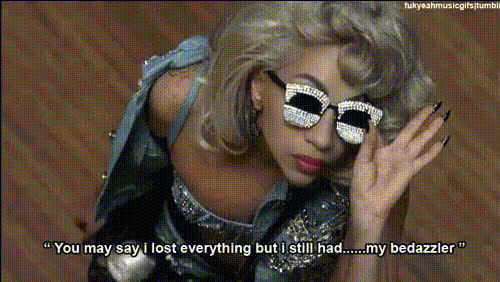
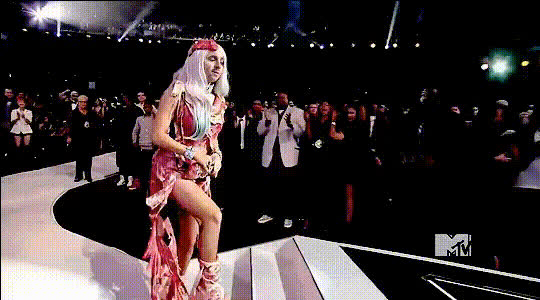
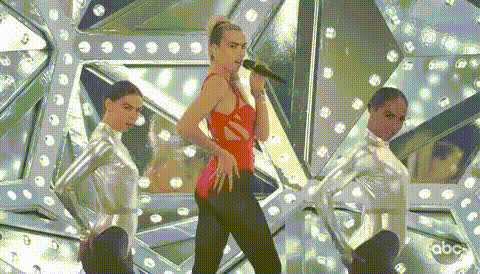
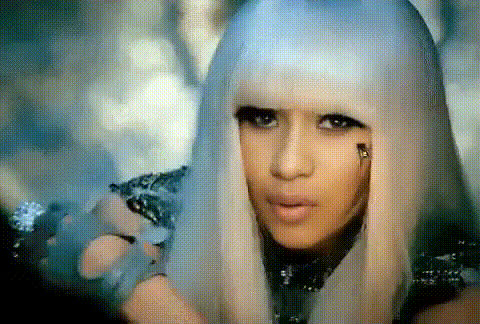
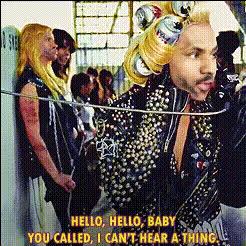
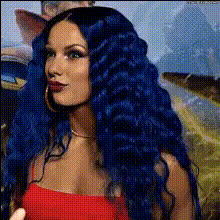
Transform yourself into a blue-haired Lady Gaga with our Video Face Swap template. This creative tool is tailored for video enthusiasts looking to add a splash of color and celebrity flair to their projects.
What It Does
The template allows you to replace your face in a video with that of Lady Gaga sporting her iconic blue hairstyle. It's perfect for music video edits, unique social media content, and any other creative video project where you want to stand out. The result is a professionally blended transformation.
Who It's For
This template is ideal for content creators, social media influencers, and video editors looking to experiment with celebrity face transformations. It's also a great fit for anyone producing meme videos or engaging social media ads.
Summary
Our Lady Gaga With Blue Hair template offers an accessible way to creatively enhance your video content. Utilize this tool for fun and engaging transformations that capture attention. Pair it with other tools like the AI Talking Photo for even more dynamic content.
How to Use
Choose the Template

Customize Your Inputs

Generate the Video

Use Cases
Music Video Edits
- Add a celebrity flair to your edits
- Create memorable video content
Creative Social Media Content
- Feature celebrity transformations
- Boost engagement with eye-catching visuals
Entertainment Projects
- Bring a fun element to entertainment projects
- Appeal to Lady Gaga fans
Best Practices
Ensure Quality Inputs
Use high-resolution video clips to achieve a seamless transformation.Adjust Lighting
Match lighting conditions between your video and Lady Gaga's image for a more realistic effect.Enhance with Audio
Complement the visual transformation by using audio-related tools like the AI Voice Changer.