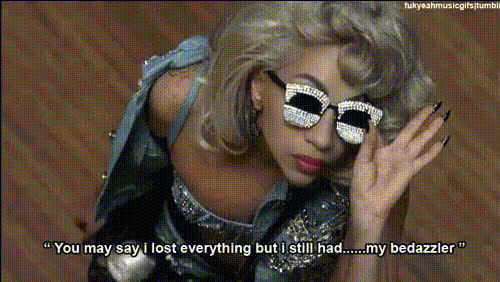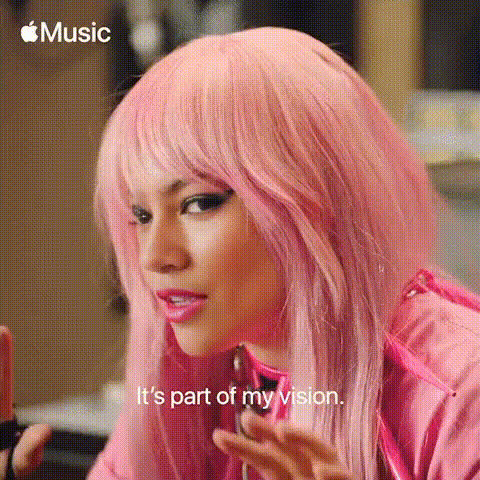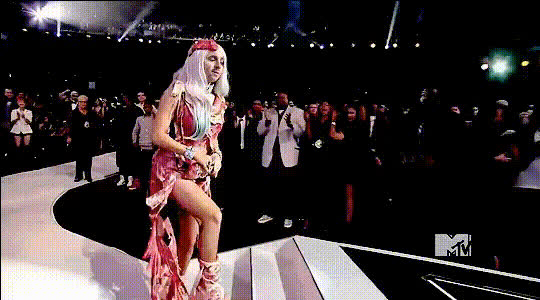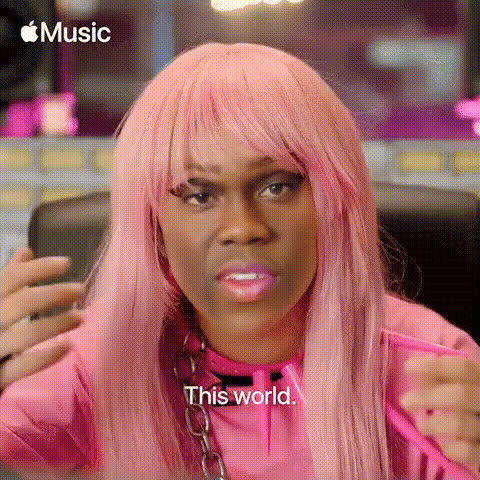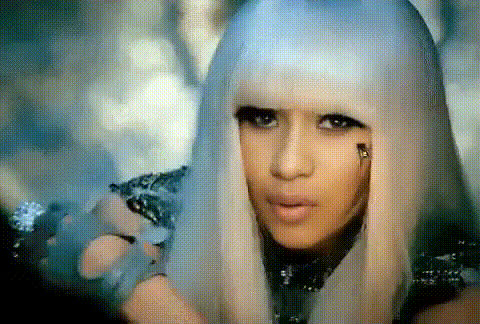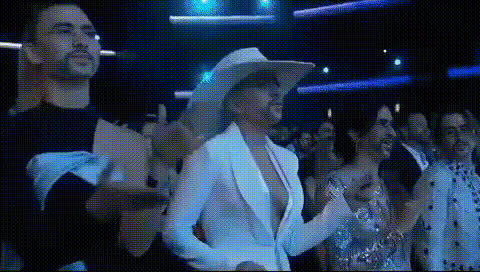
Template preview

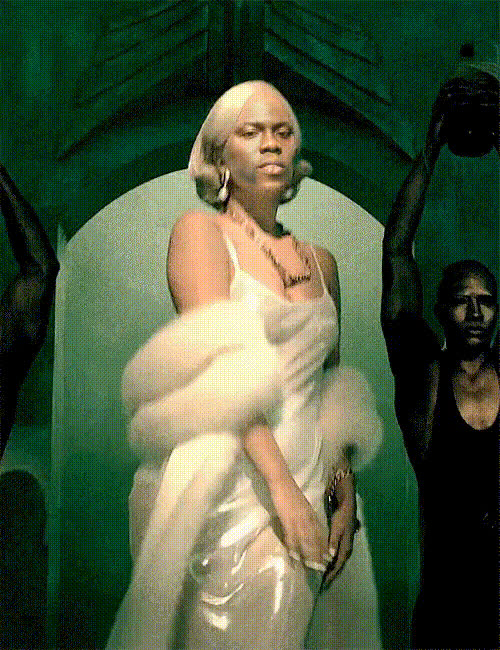
Lady Gaga In White Hat

Video Face Swap
1 clip
0 uses

Any aspect ratio

Tags

transformations

Overview

Step into the world of celebrity with the "Lady Gaga In White Hat" video face swap template. This tool allows you to bring the allure of Lady Gaga to your videos by swapping faces with hers, complete with a stylish white hat. It's perfect for creating memorable and entertaining content.

What It Does

The video face swap template seamlessly integrates Lady Gaga's face into your footage. Whether you're making a playful parody or a creative project, this template ensures realistic and eye-catching transformations. You can explore other options like the Face Swap and Image-to-Video products for more creative possibilities.

Who It's For

This template is designed for content creators, social media influencers, and fans of Lady Gaga looking to infuse their videos with a touch of celebrity glamor. It's also ideal for marketing professionals crafting engaging video ads. Other helpful tools include the AI Talking Photo and the AI Video Generator to enhance your video content further.

Summary

With the "Lady Gaga In White Hat" video face swap template, transform your videos by introducing a high-profile element with ease. Perfect for those seeking innovation in video content creation, this tool is both straightforward and powerful. Consider exploring the AI Video Extender to take your transformations to the next level.

How-To

Follow these steps to create a Lady Gaga-influenced video using the face swap template.
    01

    Choose Your Template

    Access the Magic Hour template library and select "Lady Gaga In White Hat" from the video face swap category.
    02

    Customize Your Input

    Upload the video where you want to apply the face swap. Optionally, fine-tune settings for optimal facial positioning.
    03

    Generate the Video

    Click the generate button to apply the face swap. Once processed, download your completed video and share it with your audience.

Use Cases

Explore various applications for this face swap template.
⭐

Social Media Content

Boost engagement by creating fun, celebrity-themed posts.
  • Instagram Reels
  • TikTok videos
📈

Marketing Campaigns

Integrate Lady Gaga's persona into promotional videos to capture attention.
  • Product launches
  • Brand storytelling
🎥

Creative Projects

Experiment with unique storytelling formats in your videos.
  • Short films
  • Music videos

Best Practices

Maximize the value of the Lady Gaga video face swap template with these tips.
  • Ensure Lighting Consistency

    Match lighting conditions in your source video with those in the template for more realistic results.
  • Select High-Quality Footage

    Using high-resolution video as input will help maintain clarity after the face swap process.
  • Experiment with Angles

    Try different video angles to see which provides the most convincing face swap effect.
Frequently asked questions

Currently, the template includes the classic white hat, but you can explore the AI Clothes Changer for more customization options.

Common video formats like MP4, MOV, and AVI are supported for upload in the face swap process.

While there is no fixed duration limit, shorter videos usually yield faster processing results.

Yes, Magic Hour offers various templates for different celebrities. Check out the main Face Swap page for more options.

More Like This

Lady Gaga Dancing
1
Lady Gaga Dancing
Lady Gaga Enthusiastic Expression
Lady Gaga Face Closeup 1
Lady Gaga In Pink Wig
Lady Gaga Makeup
2
Lady Gaga Makeup
Lady Gaga Performance
Lady Gaga Club Scene
Lady Gaga Face Closeup
Lady Gaga In Music Video
Lady Gaga Interview
Lady Gaga Interview
Lady Gaga On Phone 1
Lady Gaga Singing
1
Lady Gaga Singing

Face Swap Video