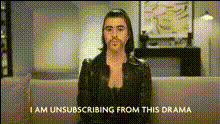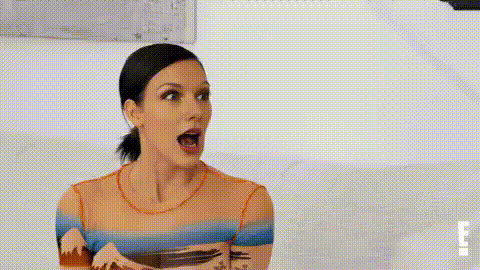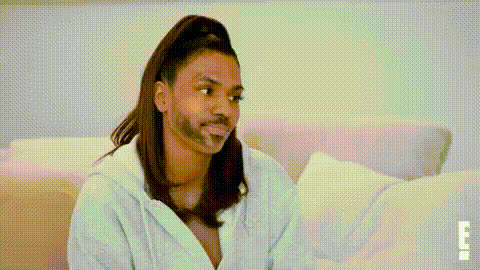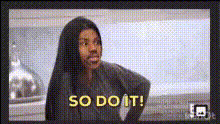
Kourtney Kardashian So Do It
Overview
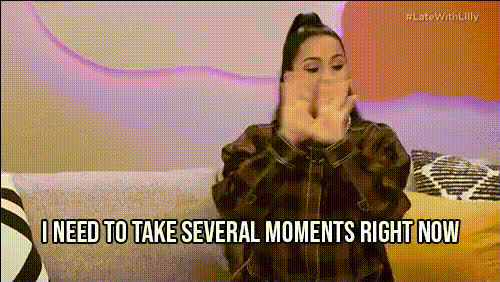
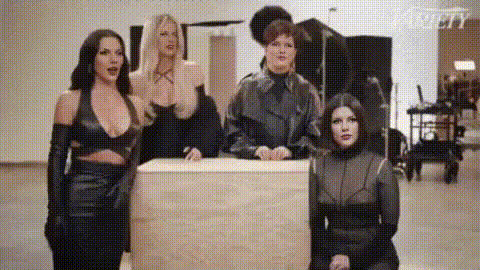
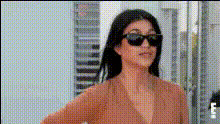
The "Kourtney Kardashian So Do It" video face swap template allows you to infuse a touch of celebrity glamor into your content. By swapping your face with Kourtney Kardashian's, you can create unique, engaging videos that stand out. This template is ideal for users looking to add a celebrity twist to their content or for just having fun in video editing. Compatible with various media forms, it's a versatile tool for video enthusiasts.
What It Does
This Video Face Swap template enables users to replace a face in a video with that of Kourtney Kardashian. Utilizing cutting-edge face recognition technology, it accurately maps facial features and expressions, ensuring a realistic transformation. Perfect for personal, entertainment, or promotional content, it provides high-quality results that can be used across platforms.
Who It's For
Ideal for content creators, influencers, and marketers. If you're looking to produce captivating Instagram Reels or engage your audience through entertaining content, this tool is your go-to. It’s also suitable for personal use by anyone interested in video transformations and those wishing to explore creative graphic capabilities.
Summary
Transform your videos with the Kourtney Kardashian face swap feature and create unique celebrity-focused content. Whether for professional use or personal projects, this tool facilitates a seamless video face swap process and broadens your creativity. Pair it with other products like the AI GIF Generator or the AI Image Editor to further enhance your multimedia projects.
How to Use
Choose the Template

Customize Your Project

Generate Your Video

Use Cases
Social Media Content
- Engaging Instagram Reels
- Interactive TikTok videos
- Entertaining Snapchat stories
Marketing and Promotions
- Product demo highlights
- Celebrity-themed promotional videos
Best Practices
Choose High-Quality Inputs
For the best results, ensure that your original video is of high quality and well-lit.Align Faces Precisely
Take the time to align the source and target faces accurately in the editor to avoid distortion.Experiment with Context
Try using different backgrounds and scenarios to make the swap feel natural in varied contexts.