Template preview

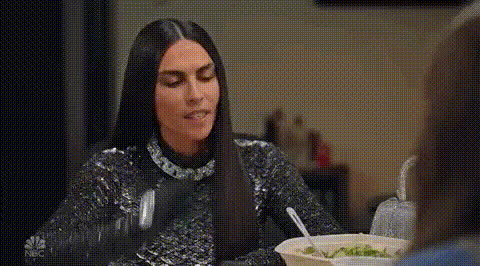
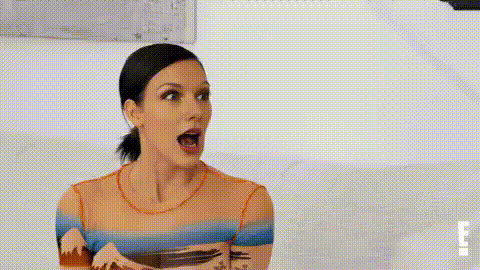
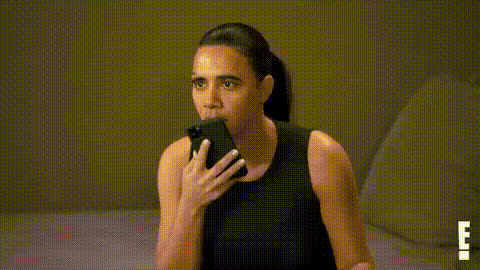
Kourtney Kardashian Reacting To Drama

Video Face Swap
1 clip
0 uses

Any aspect ratio

Tags

transformations

Overview

The "Kourtney Kardashian Reacting To Drama" template transforms ordinary videos into entertaining clips by swapping faces with Kourtney Kardashian as she delivers iconic reactions. Ideal for creating content that stands out on social media platforms.

What It Does

This Video Face Swap template allows users to superimpose Kourtney Kardashian's face onto your own video. You can easily adjust expressions and sync reactions, making it perfect for producing viral TikTok memes or funny reaction videos to share across platforms.

Who It's For

This template is designed for content creators, influencers, and anyone looking to add a humorous twist to their videos. Whether you're crafting a viral hit for TikTok or adding a unique flair to your vlog, this tool provides an engaging way to entertain audiences.

Summary

With the "Kourtney Kardashian Reacting To Drama" template, you can produce captivating, shareable videos that leverage the magnetic presence of celebrity culture. It's a perfect addition to your toolkit alongside other tools like the Lip Sync and AI GIF Generator templates, offering endless possibilities for creative expression.

How-To

Swap your face with Kourtney Kardashian's expressions for compelling drama reactions.
    01

    Choose Your Template

    Navigate to the Video Face Swap templates and select "Kourtney Kardashian Reacting To Drama."
    02

    Customize Settings

    Upload your video and select the scene where you want to swap faces. Adjust the reaction prompts as needed.
    03

    Generate and Download

    Click 'Generate' to process the face swap. Once completed, download your new video ready for sharing.

Use Cases

Explore the versatile applications of this engaging video creation tool.
😂

Social Media Memes

Perfect for crafting viral memes.
  • Add celebrity flair to your posts.
  • Engage followers with humor and creativity.
📱

Viral TikTok Content

Create catchy reaction videos.
  • Capitalize on trending sounds.
  • Boost engagement with relatable content.
🌟

Influencer Campaigns

Enhance your brand's digital storytelling.
  • Inject fun into sponsored ads.
  • Catch user attention swiftly.

Best Practices

Maximize the impact of your face-swapped videos with these tips.
  • Select High-Quality Footage

    Ensure your input video is of high resolution to produce clearer and more realistic face swaps.
  • Use Clear Lighting

    Good lighting enhances facial details, ensuring better face tracking and swap results.
  • Optimize For Platform

    Tailor your videos for the specific dimensions and norms of the platform on which you plan to share, like 9:16 for TikTok.


Frequently asked questions

You can upload video files in formats such as MP4, AVI, or MOV for processing.

The generation time depends on your video's length and file size but typically ranges from a few seconds to a couple of minutes.

Yes, you can modify the prompts to control how expressive or subtle Kourtney's reactions appear.

Yes, this template can be utilized for commercial projects, such as influencer campaigns or branded social media content.

More Like This

Kardashian On Talk Show
Kardashian Woman Reacting Surprised
Kim Kardashian Reacting Surprised
Kourtney Kardashian Annoyed Expression
Kourtney Kardashian Smiling
Kourtney Kardashian Surprised Expression
Kardashian Reacting To Something
4
Kardashian Reacting To Something
Kim Kardashian Reaction Face
Kim Kardashian Reveals Reaction
1
Kim Kardashian Reveals Reaction
Kourtney Kardashian Living Life
11
Kourtney Kardashian Living Life
Kourtney Kardashian So Do It
Kourtney Kardashian True Dat

Face Swap Video