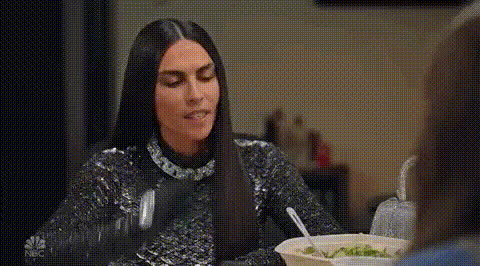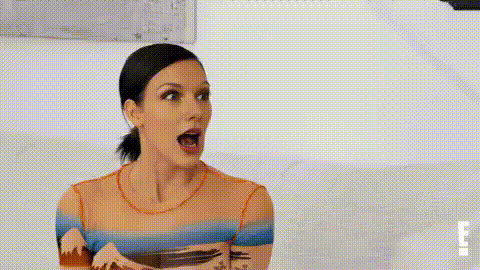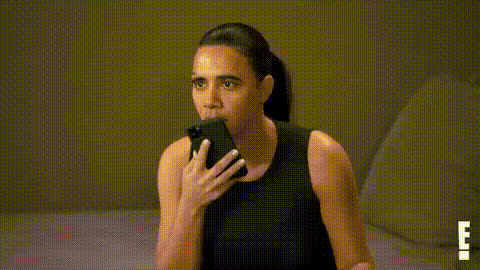
Kardashian Reacting To Something
Overview
The Kardashian Reacting To Something template is a dynamic Video Face Swap experience designed to inject humor and celebrity allure into your content. By placing your face on the Kardashians', you create engaging reactions perfect for social media and viral marketing.
What It Does
This template leverages advanced face-swapping techniques to allow users to superimpose their own faces onto clips of the Kardashians reacting to various scenarios. It's an effective way to produce comical and relatable content without the need for extensive video editing skills.
Utilizing our AI Video Generator, you can craft personalized videos that capture attention and encourage sharing. The process ensures smooth transitions and natural facial animations.
Who It's For
This tool is ideal for social media influencers, content creators, and marketers aiming to captivate audiences with trending and humorous content. It's also great for brands wanting to tap into pop culture to enhance their digital footprint.
Anyone engaged in meme creation or seeking to spice up their video library with a touch of glam and fun will find this tool invaluable.
Summary
By employing the Kardashian Reacting To Something template, users can effortlessly blend humor and celebrity pop culture into their video content. This tool streamlines the process of creating eye-catching and shareable videos, providing a valuable asset for both personal and professional digital marketing strategies.
Explore more transformation capabilities with our AI Face Editor and push your creative boundaries.
How-To
Choose Your Template

Customize Your Video

Generate and Download

Use Cases
Social Media Engagement
- Capture more likes and shares.
- Engage followers with trending formats.
Viral Marketing Campaigns
- Integrate humor with brand messaging.
- Enhance ad recall through celebrity faces.
Influencer Content Creation
- Boost your online persona.
- Capitalize on pop culture trends.
Best Practices
Select High-Quality Images
Ensure the images you upload are clear and well-lit for the best face-swap results.Experiment With Angles
Try different photo angles to see which aligns best with the template's video.Review Before Sharing
Always preview the final output to check for any alignment issues or unusual artifacts.