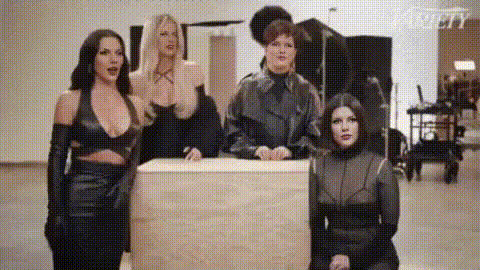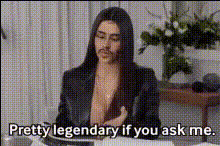
Kim Kardashian Talking 1
Overview
With the Kim Kardashian Talking 1 template, you can create engaging video content by transforming any photo into a talking video featuring Kim Kardashian. This Video Face Swap tool is ideal for producing attention-grabbing social media content or just having fun with your creativity.
What It Does
This template leverages advanced Video Face Swap technology to map facial features from an image of your choice onto a talking Kim Kardashian video. The result is a seamless blend of visual and auditory elements that brings static images to life, akin to the vibrant productions of AI Talking Photo tools and Video Face Swaps. Outputs are typically in MP4 format, ready to share across various multimedia platforms.
Who It's For
This template is perfect for social media enthusiasts looking to spice up their content with unique and entertaining videos, marketers aiming to capture audience attention with personalized media, and creatives exploring new ways to engage with their followers. It's also an excellent tool for educators and presenters who want to add a touch of celebrity flair to their video presentations.
Summary
The Kim Kardashian Talking 1 template is a versatile tool for anyone interested in video face swapping. By allowing users to produce fun, shareable content, it opens new possibilities for personalization and engagement, much like our AI GIF Generator and Image to Video tools. Whether you're a business building brand awareness or an influencer growing your channel, this template offers an exciting way to enhance your media strategy.
How To
Choose Your Template

Customize Your Inputs

Generate and Download

Use Cases
Social Media Content
- Engage followers
- Increase shares and likes
Marketing Campaigns
- Boost brand visibility
- Drive higher conversion rates
Entertainment
- Have a laugh
- Lighten up an event
Best Practices
Choose High-Quality Images
For the best results, use high-resolution photos with clear lighting and distinct facial features.Optimize Audio
Ensure the audio matches the video's vibe. Clear and interesting scripts can boost engagement.Test Different Scenarios
Experiment with various expressions and backgrounds to see which combinations attract more viewers.