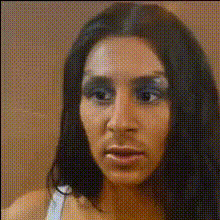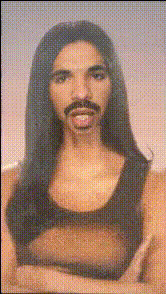
Kim Kardashian Closeup Face 1
Overview
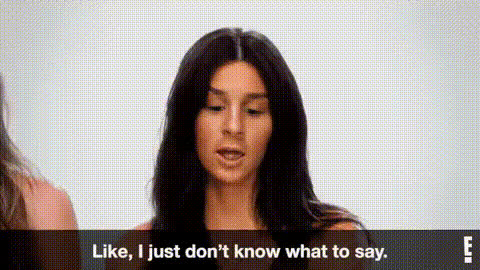
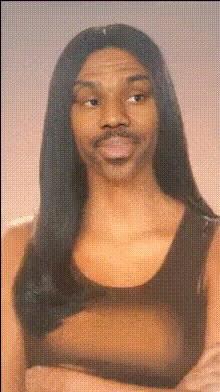
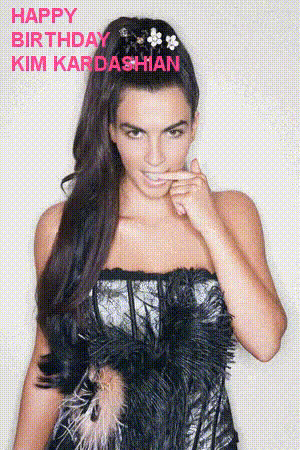
The Kim Kardashian Closeup Face 1 template allows you to integrate Kim Kardashian's iconic look into your videos with ease. This Video Face Swap template is designed for quick and simple transformations that are ideal for social media.
Explore a variety of creative possibilities by integrating this celebrity face into your content. This approach is perfect for anyone looking to add a fun, recognizable twist to their digital videos.
What It Does
The Video Face Swap technology seamlessly replaces faces in your video with Kim Kardashian's for a close-up celebrity appearance. It's built to handle complex facial dynamics, ensuring a natural and lifelike transformation.
Explore the ease of incorporating high-quality facial replacements in your projects. This tool not only enhances creativity but also boosts engagement by adding a familiar and famous face to your videos.
Who It's For
This template is ideal for content creators, digital marketers, and social media influencers who want to add a fun, eye-catching element to their videos. Whether you're crafting a humorous clip or a promotional video, this tool can help make your content stand out.
It's also beneficial for agencies looking to attract attention and create unique marketing content. The tool can be seamlessly integrated with other editing processes using tools like our AI Video Extender and Image-to-Video solutions.
Summary
The Kim Kardashian Closeup Face 1 template empowers users to add instant star power to their content. By leveraging advanced Video Face Swap technology, it ensures professional-quality face replacements that keep viewers engaged.
Combine this with other offerings such as the Face Swap and AI GIF Generator for a full suite of creative options.
How-To
Choose Your Template

Customize Your Inputs

Generate Your Video

Use Cases
Social Media Content
- Create instant viral hits with celebrity face swaps.
- Attract more followers with unique video content.
Marketing and Promotions
- Create relatable campaigns using familiar faces.
- Use face swaps to increase campaign reach and effectiveness.
Fun Personal Projects
- Surprise friends with creative birthday video messages.
- Add a humorous twist to family milestones.
Best Practices
Choose High-Quality Videos
Ensure your original video file is of good quality for the best results when using face swaps.Consider Lighting and Angles
Aim for consistent lighting and angles to ensure a seamless swap. A direct face view works best for clarity.Combine with Other Effects
Pair with tools like the AI Voice Changer to fully transform your video for an immersive experience.