Kevin Hart Surprised Reaction
Overview
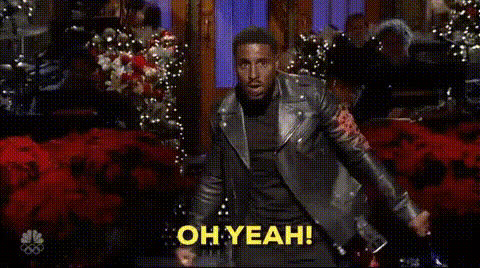
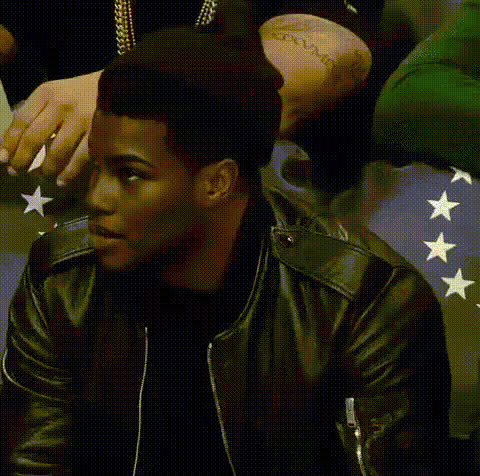
Elevate your video content by channeling the comedic expressiveness of Kevin Hart with our Video Face Swap template. This tool lets you overlay Kevin Hart's iconic surprise reactions onto your own footage, adding a unique and humorous touch. Whether you're making social media content or adding a playful twist to a corporate video, this template has you covered.
What It Does
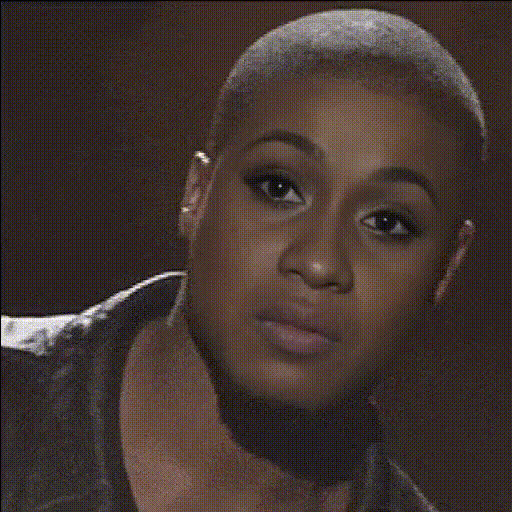
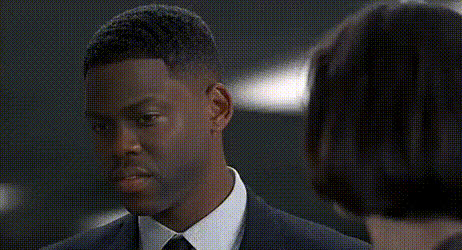
Our Video Face Swap template takes your original video and replaces a face with that of Kevin Hart, capturing his signature look of surprise. By using sophisticated algorithms, the tool ensures seamless integration of facial expressions and movements. Pair it with other tools like our AI GIF Generator for more creative outputs, or consider the AI Clothes Changer to add even more customization.
Who It's For
This template is perfect for content creators looking to add a humorous twist to their videos. It's also suitable for brands and advertisers who want to catch the viewer's eye with unexpected and entertaining content. Additionally, educators or trainers can use it to create engaging materials that keep their audience's attention.
Summary
With the Kevin Hart Surprised Reaction template, you can transform any video into a laughter-filled experience. Ideal for creators working on social media campaigns, meme videos, or educational content, this tool helps your videos stand out. For more video transformation options, explore our Face Swap collection and see how far you can push your creativity.
How To
Choose Your Template

Customize Your Input

Generate and Download

Use Cases
Social Media Content
- Boost engagement with comedic flair
- Ideal for Instagram stories and TikTok videos
Corporate Presentations
- Break the ice in presentations
- Foster a relaxed environment during meetings
Educational Videos
- Introduce humor into lessons
- Capture attention with surprise elements
Best Practices
Select Appropriate Scenes
Choose video clips where facial expressions are clear and prominent to ensure the face swap effect is optimal.Ensure Good Lighting
Good lighting helps the AI to more accurately apply the face swap, maintaining the quality of your video.Test Different Angles
Experiment with different angles and scenes to find the most effective combinations that highlight the template's possibilities.