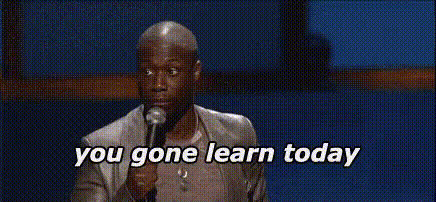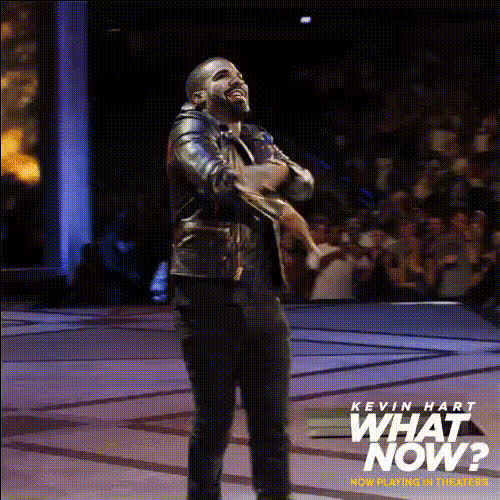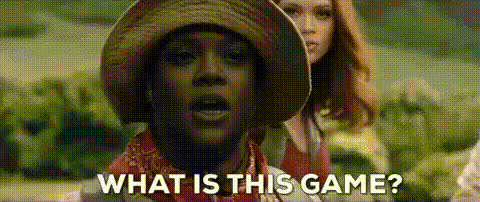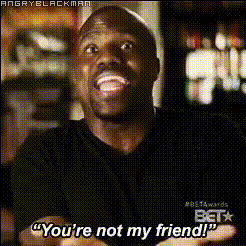
Kevin Hart Smiling
Overview
The Kevin Hart Smiling template offers a playful way to swap faces with Kevin Hart in a video, adding a fun twist to your social media content or personal videos. This template is a great tool for engaging your audience with humor and creativity.
What It Does
This Video Face Swap template superimposes your face onto Kevin Hart's in a video clip. Utilizing advanced AI technology, it seamlessly matches facial expressions and movements, ensuring a natural-looking result. For fans of visual humor, this option is both unique and entertaining.
Explore additional options like the Face Swap for diverse scenarios or the AI Video Generator to create complete videos.
Who It's For
Ideal for content creators and social media enthusiasts, the Kevin Hart Smiling template appeals to anyone looking to add a light-hearted touch to their videos. It's particularly useful for those in marketing or entertainment sectors aiming to boost engagement through humorous and shareable content.
Check out how social media ads can be made more entertaining with this template.
Summary
Get creative by using the Kevin Hart Smiling Video Face Swap template to put a smile on your audience's face. Whether you're making videos for fun or enhancing your marketing campaigns, this template provides an easy-to-use solution for creating captivating content.
For more professional edits, consider integrating tools like the AI Image Editor.
How to Use
Choose

Customize

Generate

Use Cases
Engaging Social Media Content
- Instagram Reels
- TikTok Videos
Humorous Marketing Campaigns
- Promotional videos
- User-generated content
Personal Entertainment
- Birthday greetings
- Party highlights
Best Practices
Choose High-Resolution Images
For the best outcome, use images with a high resolution and clarity to ensure the face swap looks realistic.Match Lighting and Angles
Select images where the lighting and angle closely match the target video to enhance the natural appearance of the swap.Experiment with Short Clips
Start with shorter video clips to test the effect before applying it to longer content.