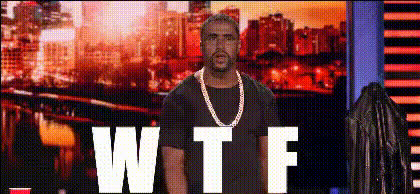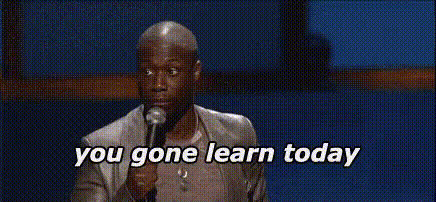
Kevin Hart Surprised Expression 4
Overview
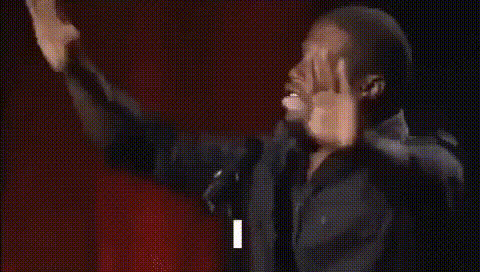
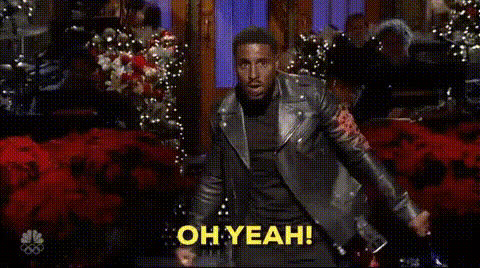
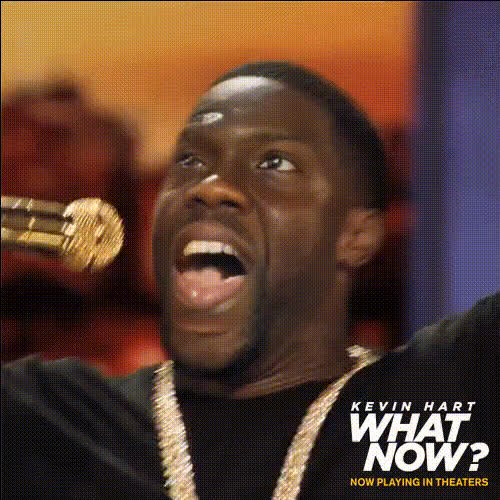
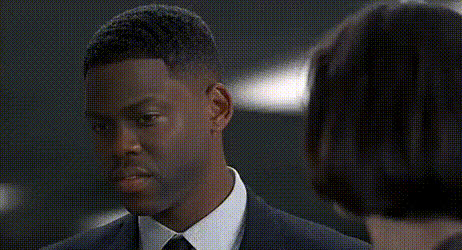
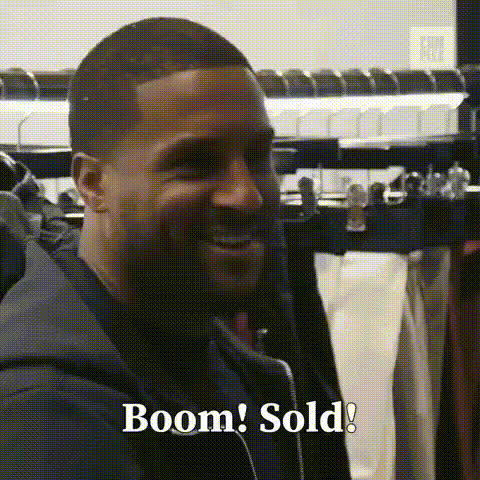
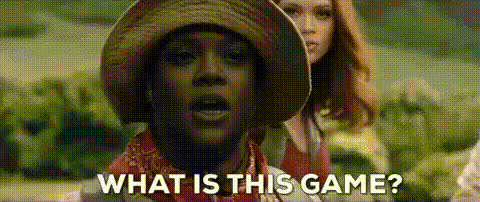
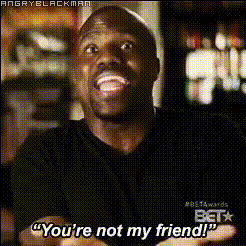
The "Kevin Hart Surprised Expression 4" template is a Video Face Swap tool that allows you to overlay Kevin Hart's signature surprised expression onto any video. It's designed for humor and reaction-based content, giving creators the ability to infuse a comedic twist into their projects.
What It Does
This template takes a video input and merges it with Kevin Hart's surprised face, using advanced face swap technology. The result is a seamless integration that looks natural while delivering hilarity. Compatible with various video formats, it's perfect for integrating quick comedic edits into social media content.
Who It's For
This tool is ideal for content creators aiming to enhance their meme videos or reaction clips. It's a great fit for YouTubers, TikTokers, and anyone making AI-generated memes or engaging social media posts. The simplicity of the tool makes it accessible even for those with minimal editing experience.
Summary
With "Kevin Hart Surprised Expression 4," you can instantly add a comedic element to your videos. Whether you're creating content for social media or personal projects, this face swap template provides a unique and entertaining twist to engage your audience.
How-To
Choose Your Template

Customize Your Inputs

Generate and Download

Use Cases
Meme Videos
Reaction Videos
Comedy Skits
Best Practices
Choose High-Quality Videos
Ensure your original video has good lighting and clarity for the best face swap effect.Experiment with Angles
Try different angles of the original face to see which best suits Kevin Hart's face swap.Mind the Duration
Shorter clips often yield better results with less noticeable artifacts, making them ideal for social platforms.