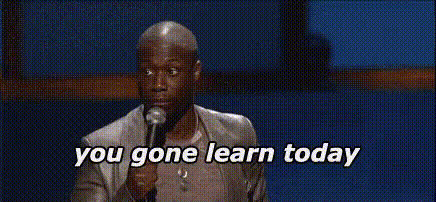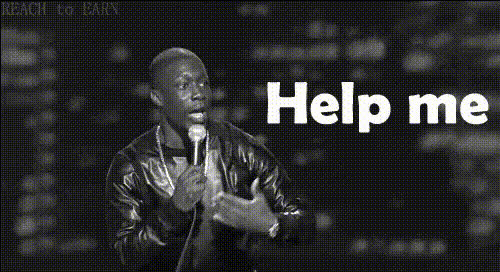
Kevin Hart Sitting In Booth
Overview
The "Kevin Hart Sitting In Booth" template offers an entertaining twist on video creation through a Video Face Swap format. Swap your face with the comedic icon, making your clips both hilarious and engaging. Ideal for producing viral content, this template ensures a fun and immersive video experience.
What It Does
This template allows users to place their own face onto Kevin Hart's in a specified video clip. Using sophisticated face-mapping technology, the template ensures high-quality and realistic results, adding a comedic and personalized touch to your videos. The template supports standard video formats for easy sharing on social media platforms.
Who It's For
If you're a content creator aiming to add a comedic flair to your social media posts, or someone interested in experimenting with AI video generation, this template is perfect for you. Great for comedians, social media influencers, and anyone eager to engage their audience with fun, personalized clips.
Summary
The "Kevin Hart Sitting In Booth" template facilitates the creation of amusing video content by allowing you to swap faces in a distinct and humorous setting. It's a top choice for those looking to enhance their social media presence with dynamic and personalized video content. Explore other creative opportunities with our Image to Video and AI Voice Changer products for further customization.
How To
Choose the Template

Customize Your Video

Generate Your Video

Use Cases
Social Media Content
- Create shareable comedy clips
- Increase follower engagement with funny videos
Comedic Projects
- Add humor to personal projects
- Use in team-building events for a good laugh
Promotional Material
- Grab attention in marketing campaigns
- Showcase a playful brand personality
Best Practices
Choose High-Quality Photos
Ensure the photo you upload is high resolution and well-lit for the best results in your face swap video.Align Your Features
Carefully align the eyes, nose, and mouth on the template for the most realistic swap effect.Experiment with Formats
Try different angles and formats provided by the AI Profile Picture Generator for unique results.