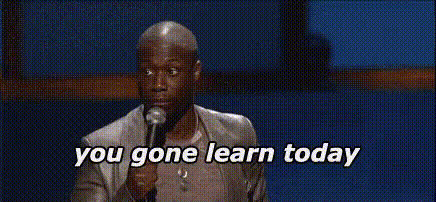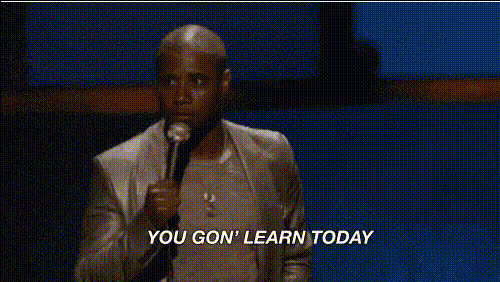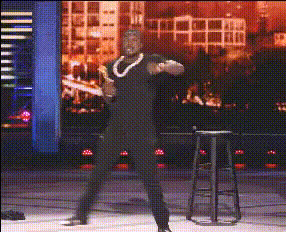
Kevin Hart On Stage
Overview
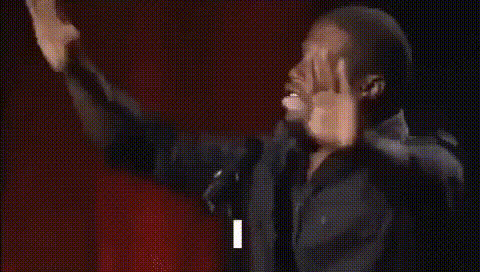
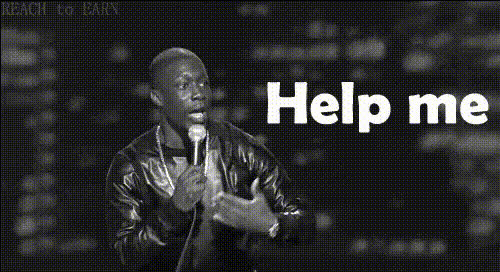
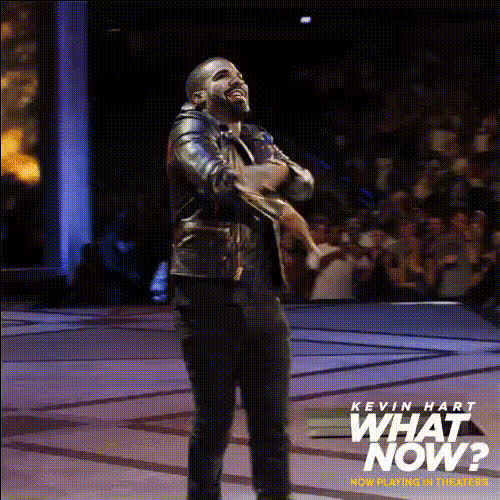
Unleash your creativity with the Kevin Hart On Stage Video Face Swap template. This tool allows you to place Kevin Hart's expressive face onto any video, bringing humor and charm to your content. Perfect for generating engaging social media posts or just adding a touch of comedy to your videos.
What It Does
This template utilizes advanced Video Face Swap technology to accurately overlay Kevin Hart's facial features onto your selected video subject. With realistic facial mapping and expressive detail, your video will capture the comedic essence of Kevin Hart, enhancing the entertainment value.
Who It's For
Whether you're a content creator, marketer, or just someone who loves a good laugh, the Kevin Hart On Stage template is for you. It's ideal for generating social media content that stands out, or for adding a humorous touch to corporate videos, making them more relatable and enjoyable.
Summary
The Kevin Hart On Stage template is your ticket to adding humor and personality to your videos. By leveraging the capabilities of Video Face Swap, this template not only transforms faces but also elevates the energy of your content. Explore our AI Video Generator to amplify this transformation with further edits.
How To
Choose Your Template

Customize Your Content

Generate Your Video

Use Cases
Comedy Videos
Marketing Campaigns
Social Media Posts
Best Practices
Use High-Quality Video
The better the quality of your source video, the more believable and crisp the face swap will appear.Clear Visibility
Ensure the subject's face is clearly visible in the video for accurate mapping and expression detail.Experiment with Context
Try different scenes and contexts to get the most comedic effect out of the face swap.