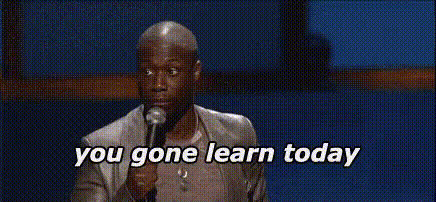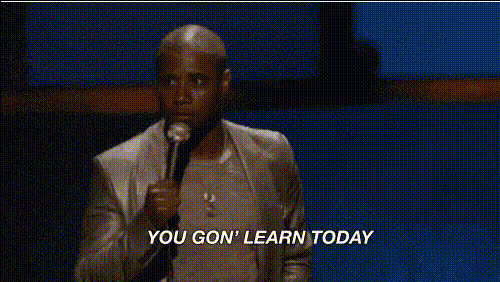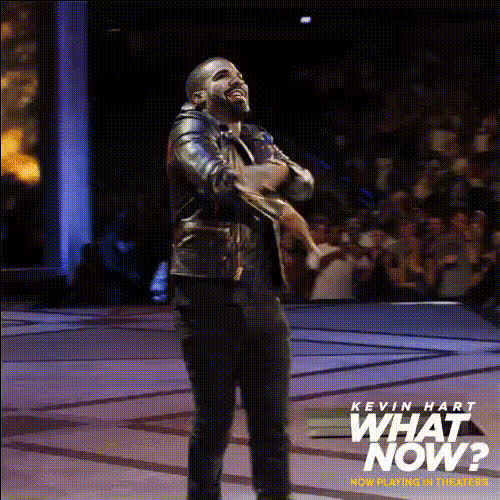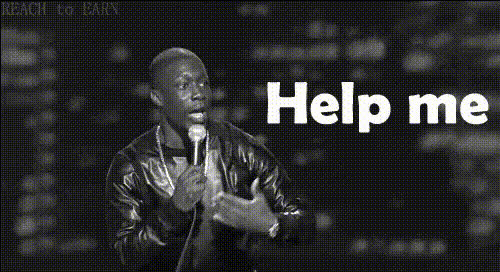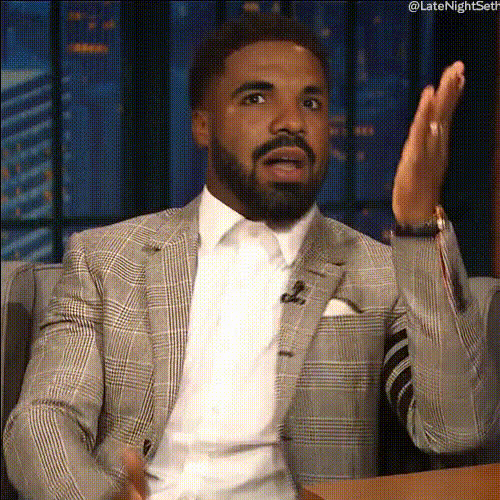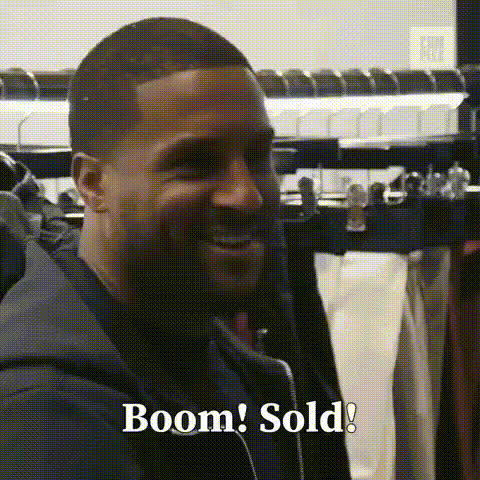
Kevin Hart On Stage 1
Overview
Step into the spotlight with the Kevin Hart On Stage 1 template, designed to bring laughter to your content through a Video Face Swap. Whether you're enhancing personal videos or crafting unique projects, this template ensures your audience is entertained with comedic flair.
What It Does
The Kevin Hart On Stage 1 template utilizes advanced Video Face Swap technology to replace faces in your videos with that of Kevin Hart. This template supports standard video formats, allowing you to edit clips while retaining high quality. Perfect for viral content, it gives your creations a comedic edge that resonates with audiences.
Who It's For
This template is ideal for content creators, social media managers, and anyone looking to add humor to their posts. Whether you're crafting social media snippets or engaging in meme videos, the Kevin Hart On Stage 1 template offers a simple yet effective way to stand out. It's also great for users interested in Image to Video transformations and interactive content.
Summary
The Kevin Hart On Stage 1 Video Face Swap template empowers creators to transform videos with ease, making them memorable and shareable. If you're looking to delight your audience with humorous content, this tool is your go-to choice—navigate through the process with user-friendly controls and produce professional-quality edits.AI Video Generator tools can further enhance your creative experience.
How To
Choose Your Template

Customize Your Video

Generate and Export

Use Cases
Social Media Content
- Instagram reels featuring Kevin Hart
- Funny TikTok videos with a star twist
Corporate Humor
- Video segments for team building
- Humorous intros for presentations
Entertainment Industry
- Sketch comedies
- Promotional materials
Best Practices
Select Appropriate Clips
Choose video clips where lighting and angles complement the face swap for the most realistic results.Consider Audience Engagement
Tailor the humor in your videos to suit your audience's preferences for greater impact.Experiment with Effects
Use additional video effects available in the AI Image Editor to add depth to your creations.