Jim Halpert Face Closeup
Overview
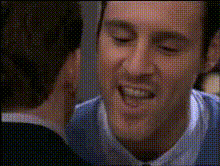
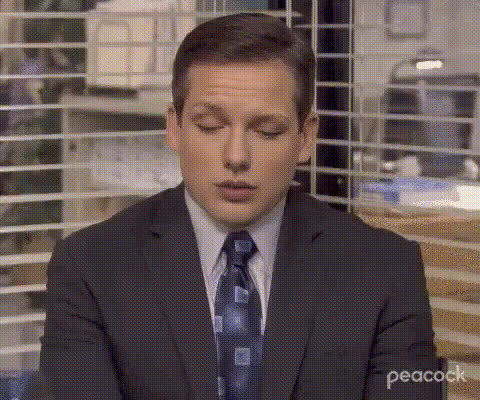
The Jim Halpert Face Closeup template allows you to swap Jim's iconic expressions onto your videos. Whether you're a fan of "The Office" or just looking to add a humorous twist to your clips, this Video Face Swap template is a perfect choice.
What It Does
This template takes any video and replaces a selected face with the image of Jim Halpert. Using advanced algorithms, the facial expressions and movements are seamlessly integrated into the video, achieving a natural look. It's great for creating fan edits, comedy sketches, or unexpected moments in videos. Pair it with our AI Image Editor to tweak images before swapping.
Who It's For
This template is designed for video creators, meme enthusiasts, and fans of "The Office." Whether you're working on a project for social media, looking to enhance your GIF creations, or just want to amuse your followers, this tool brings creativity and humor to your content.
Summary
The Jim Halpert Face Closeup template is an innovative way to bring a touch of comedy and nostalgia to your projects. Easily integrate Jim's recognizable facial features into your video edits, captivating your audience with humor and high-quality face swapping.
How-To

Customize Inputs

Generate Video

Use Cases
Comedy Sketches
- Add comedic effect to serious scenes
- Develop fun parodies
Fan Edits
- Celebrate classic Jim reactions
- Integrate into fan-made music videos
Social Media Content
- Create viral memes
- Share amusing video snippets
Best Practices
Select Clear Videos
For best results, make sure your source video has clear and distinct faces for a seamless face swap.Adjust Lighting
Use our AI Image Editor to adjust lighting on Jim’s face image to match the source video before processing.Test Different Angles
Experiment with various angles and expressions of Jim's face to find the most natural fit for your video.